
How to Install Apps on Windows
Creation date: 2026-01-19 8:37 a.m.
Updated: 2026-01-19 8:38 a.m.
Applications on Windows can be self installed through the Company Portal. Please see the steps below for a guide.
Install Apps on Windows using the Company Portal
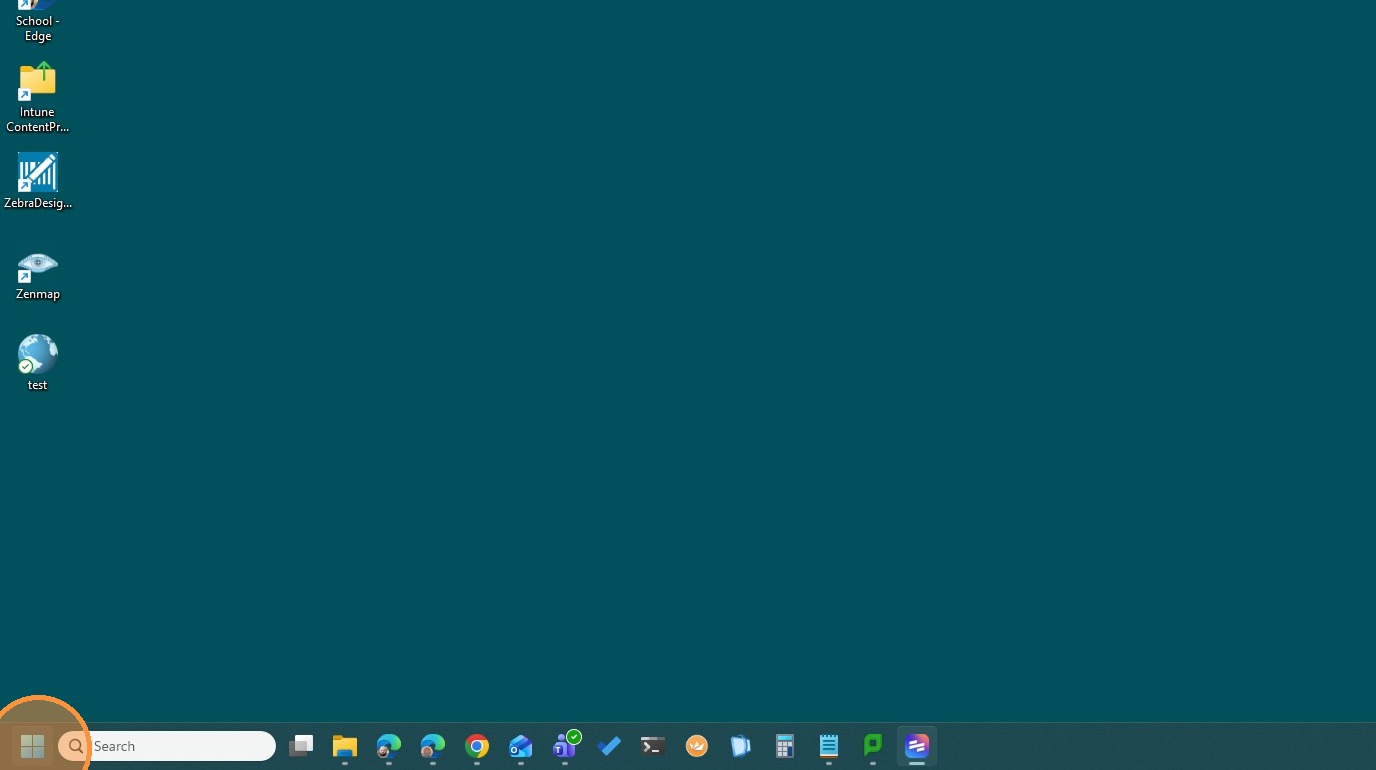
1. Click here on Start
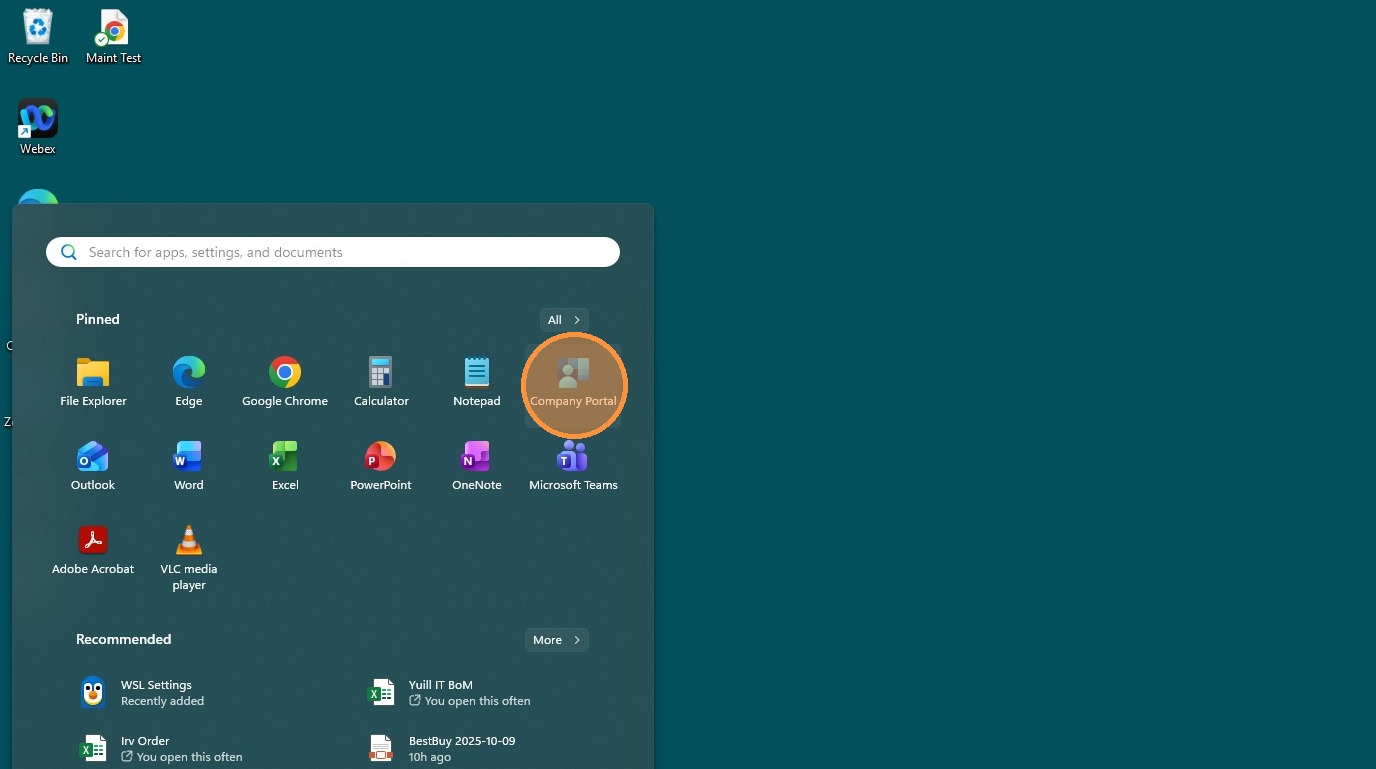
2. Click "Company Portal"
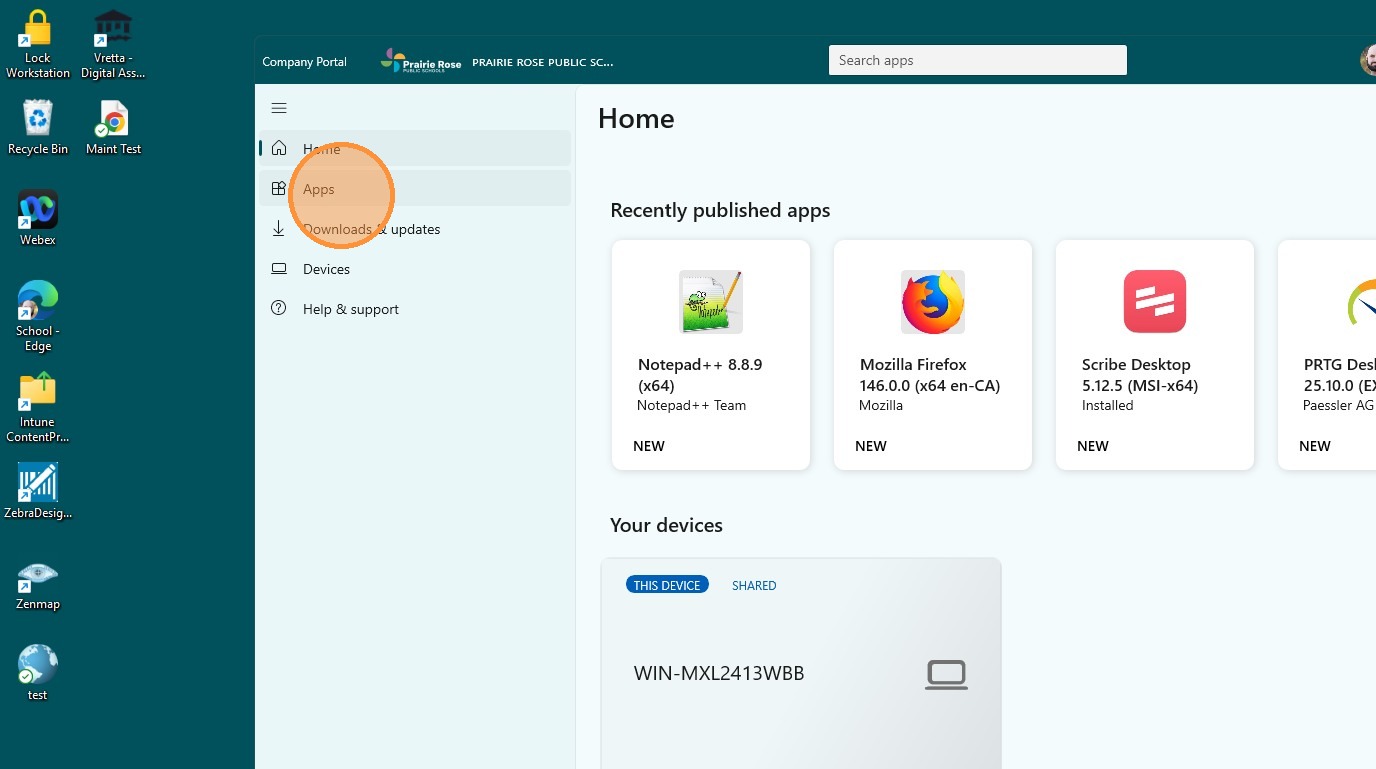
3. Click "Apps"
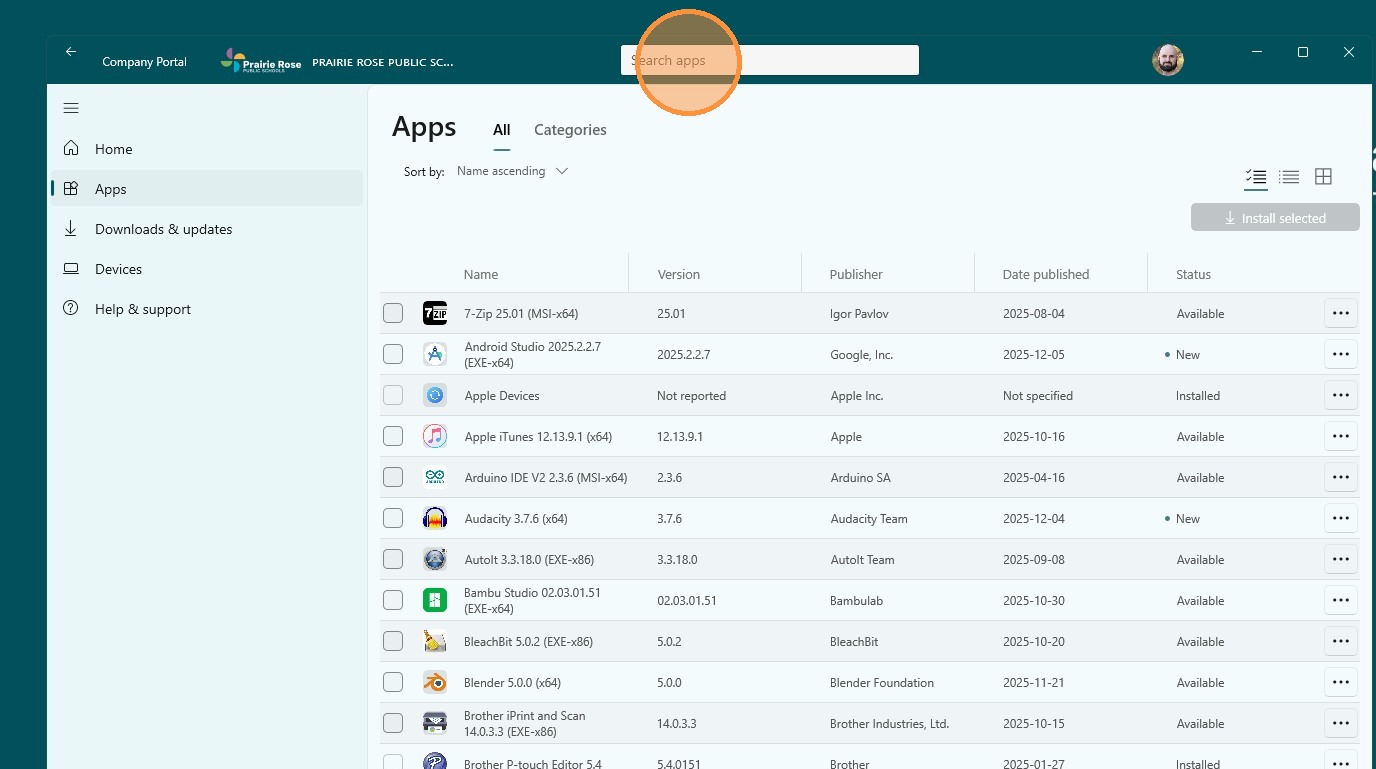
4. Click "Search apps" and search for the App you need
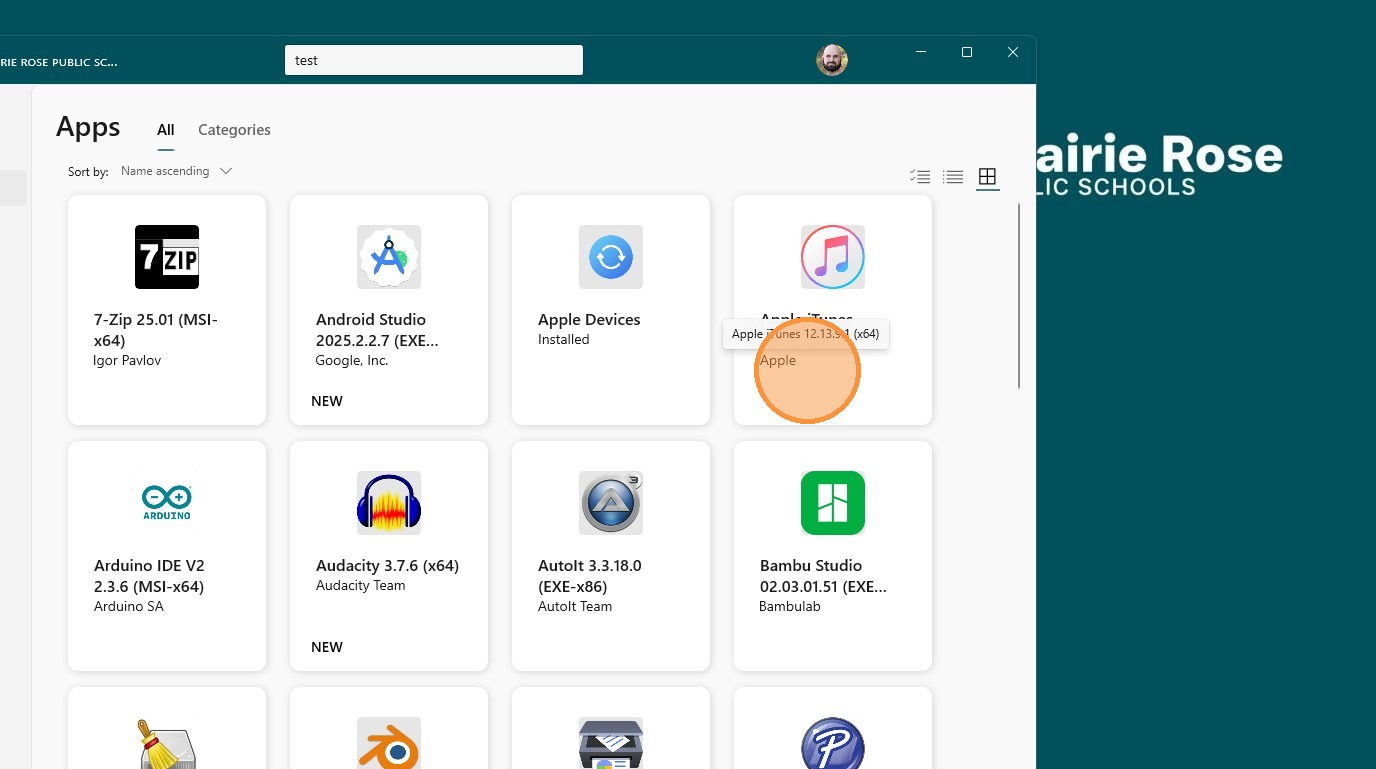
5. Click The App
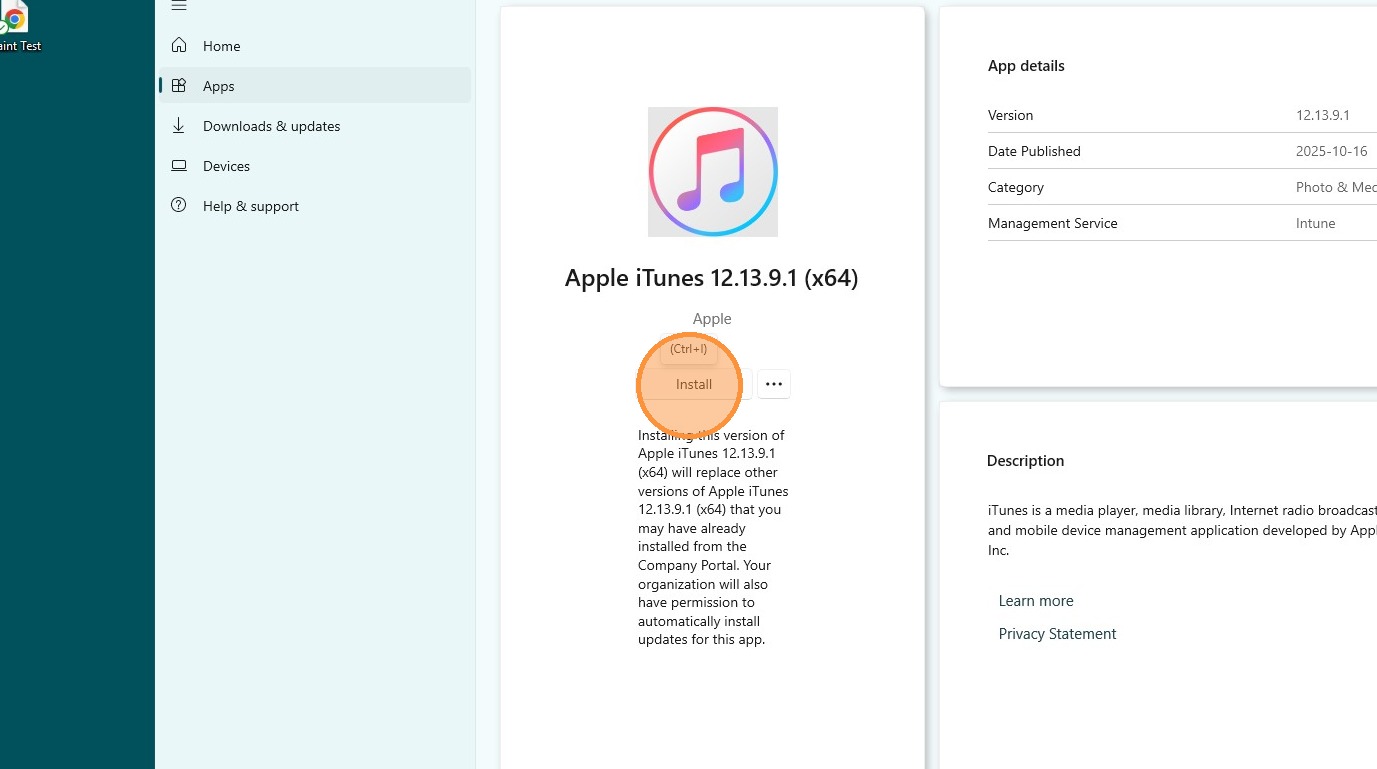
6. Click "Install"
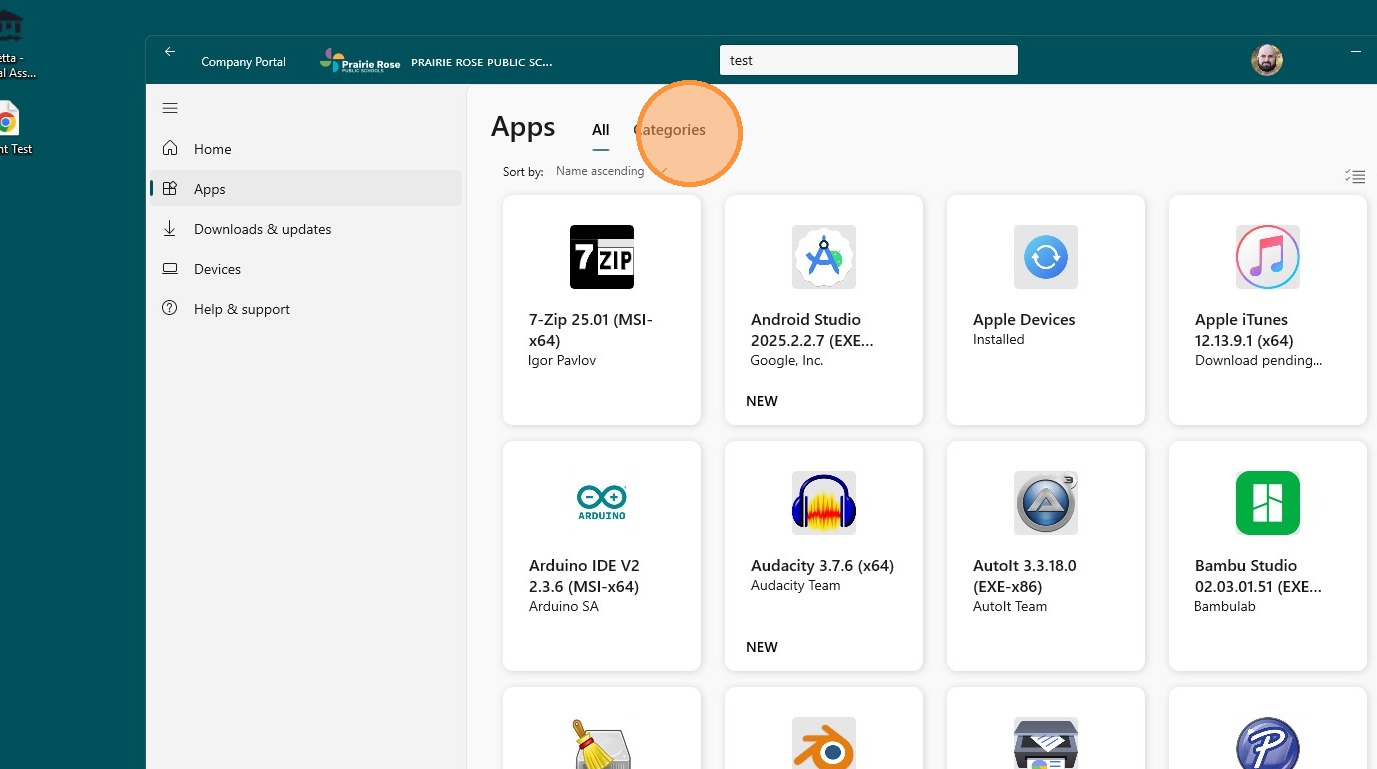
Tip: Tip! You can browse the avaible apps if you don't know the name
7. To browse your Available apps Click "Categories"
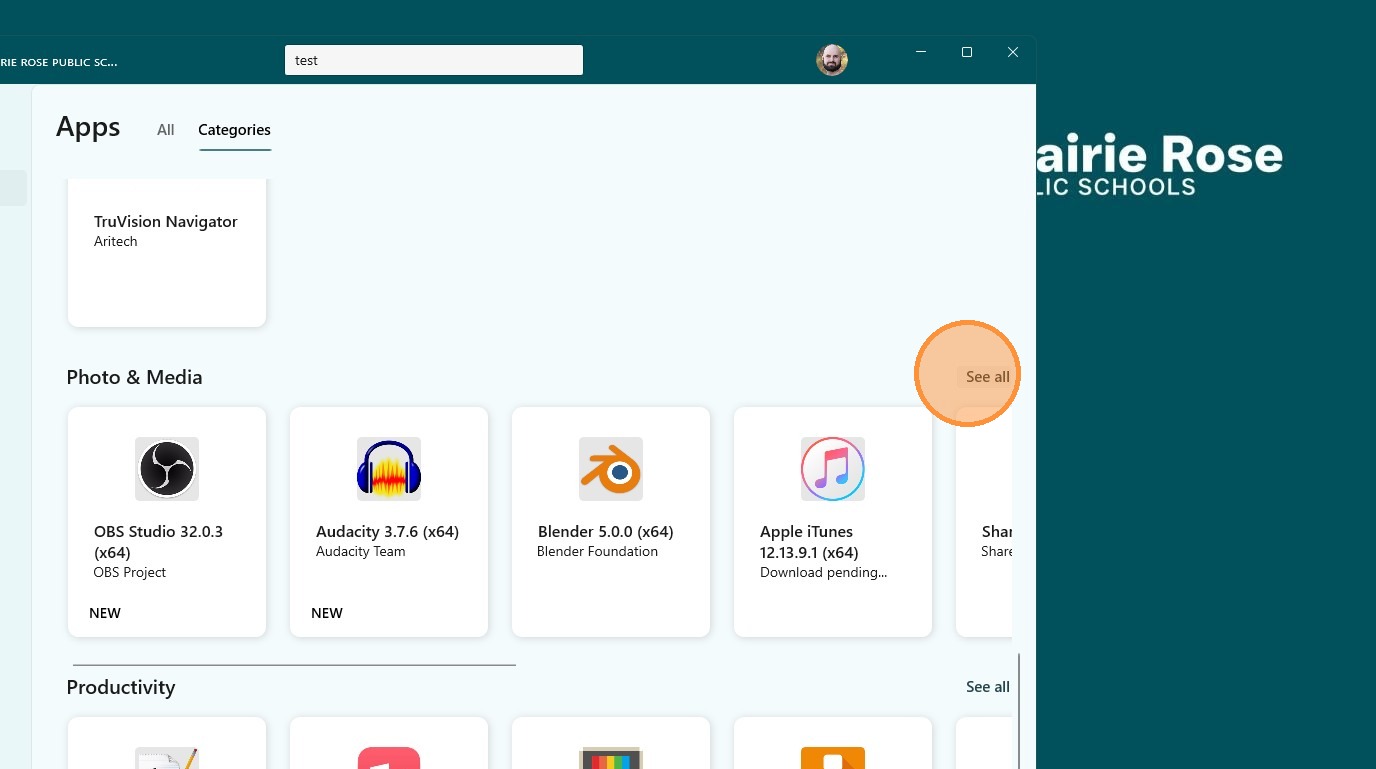
8. Scroll down through the Categories

9. Click "See all" on the Category you wish to browse
Alert: Can't find the app you need? Submit a ticket and we see if we can get it added.