How to Set/Check the Password for the Substitute Portal in PowerSchool SIS
How to Set/Check the password for the Substitute Portal (PowerSchool SIS)
1. Navigate to https://prsd8.ca/admin/home.html
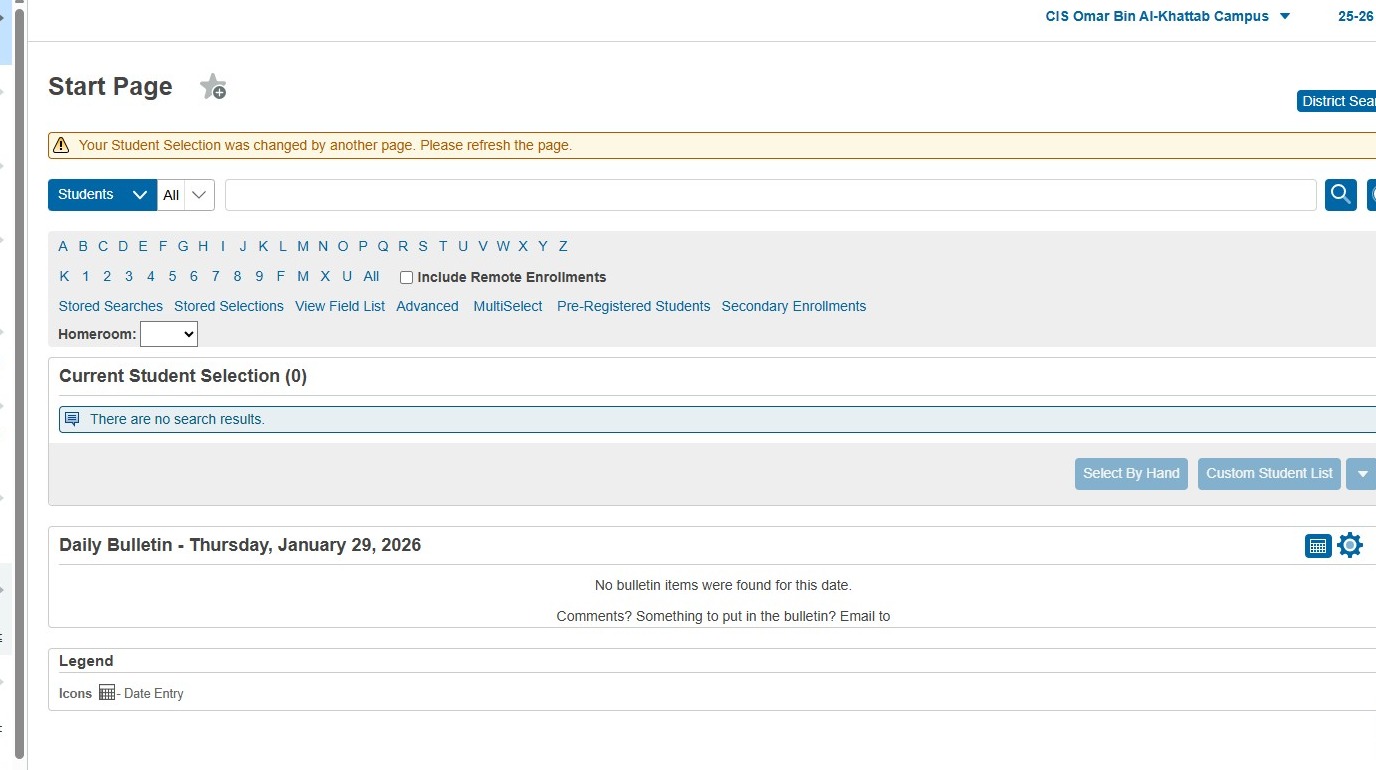
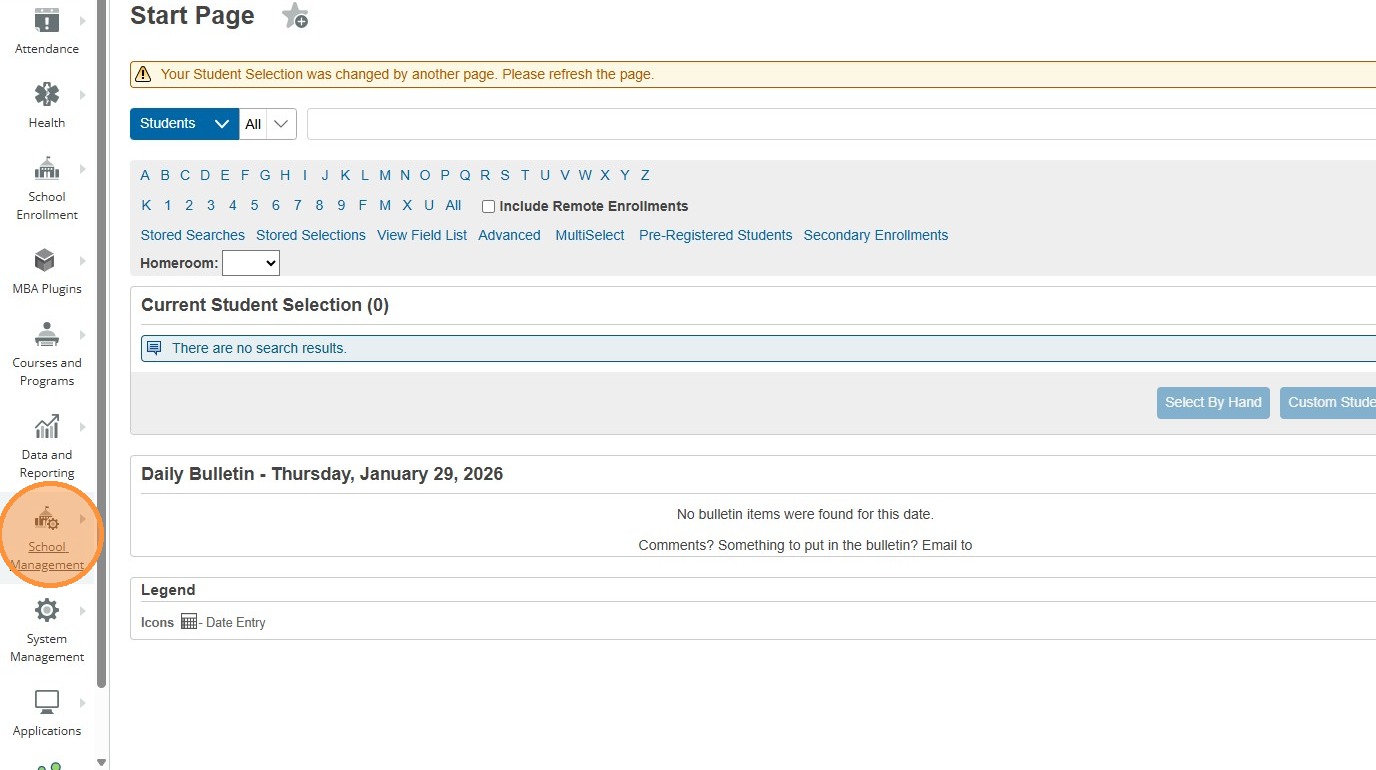
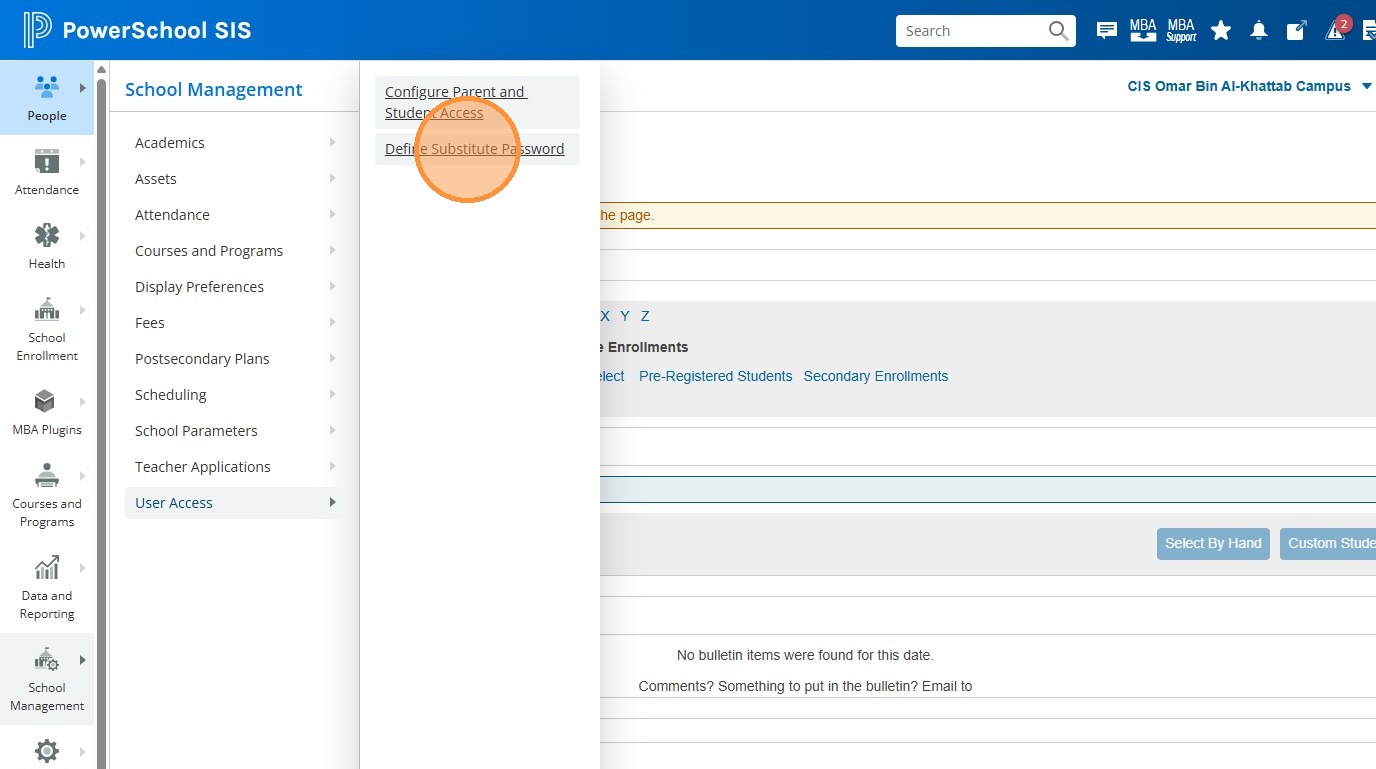
2. Click "School Management".
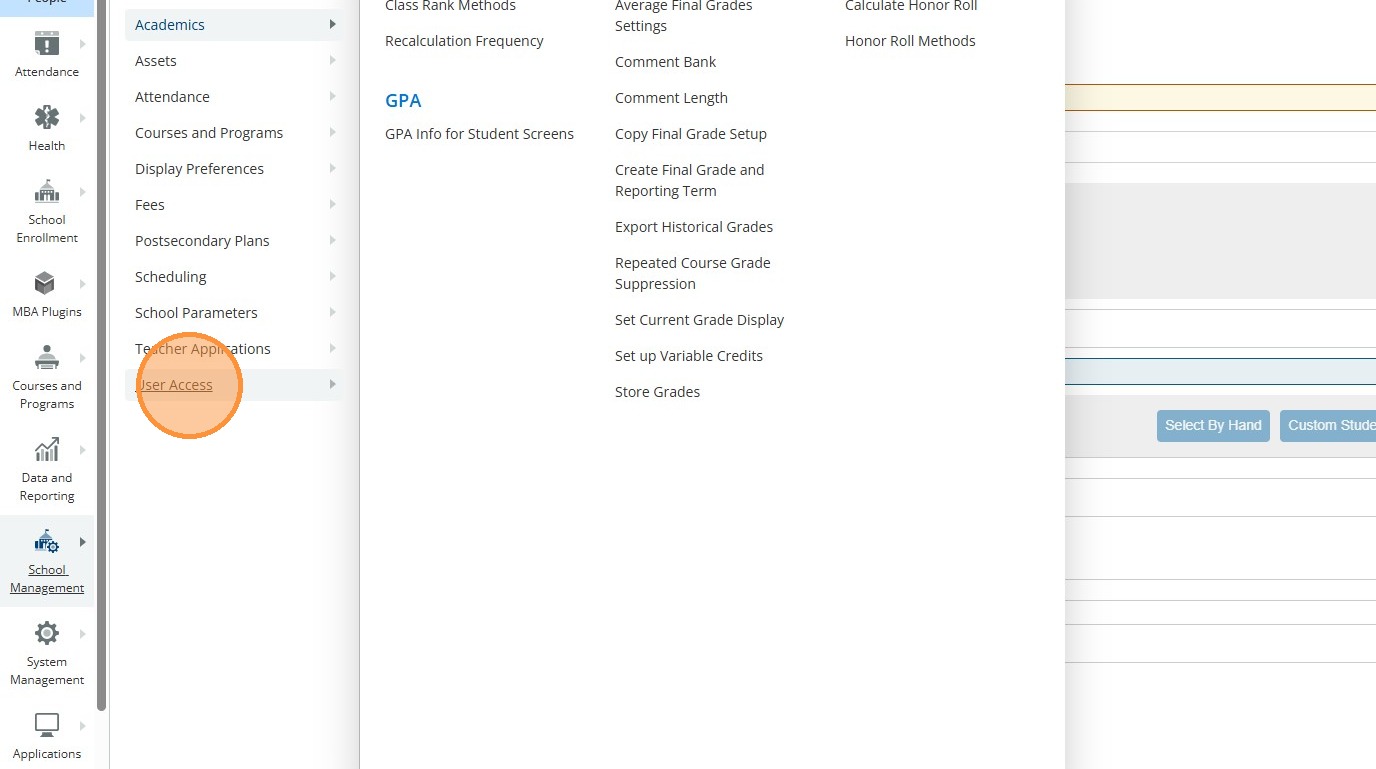
3. Click "User Access"
4. Click "Define Substitute Password"
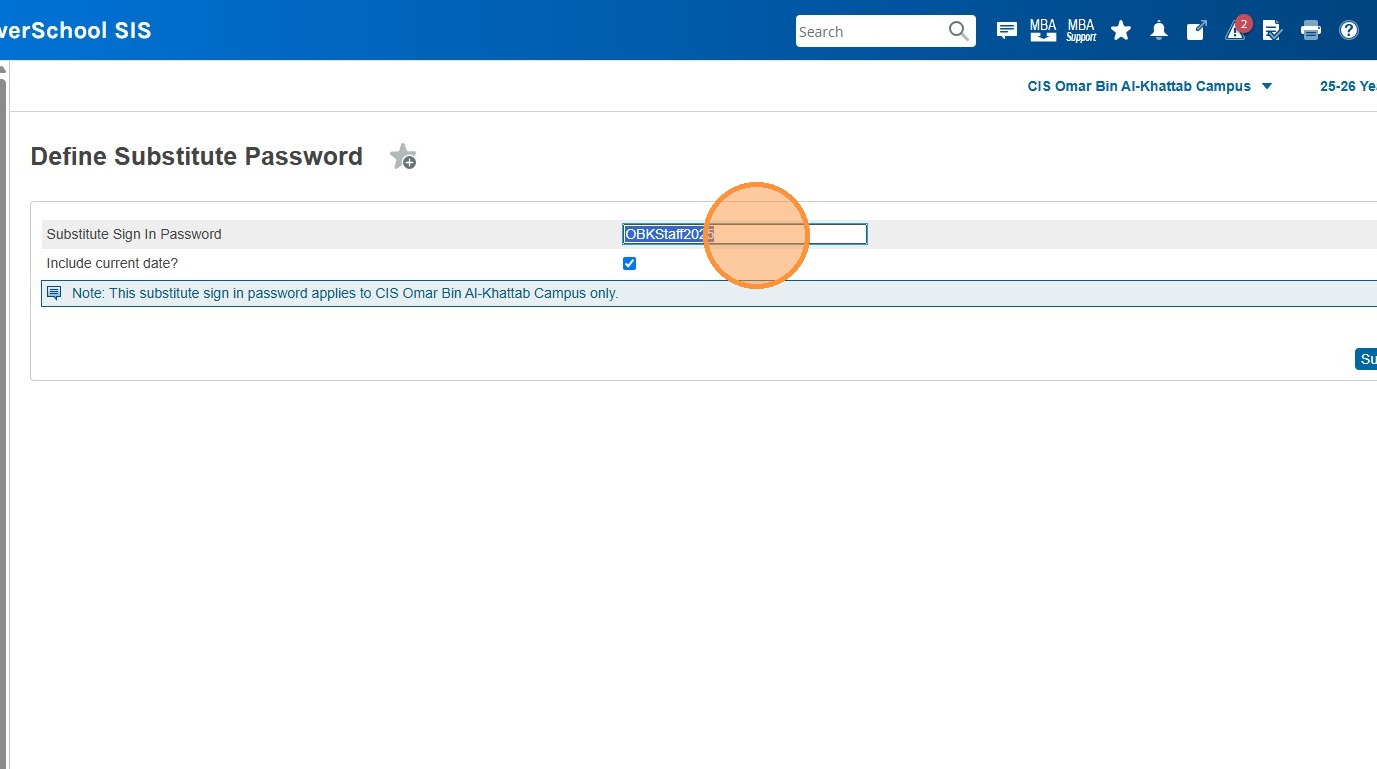
5. This field will show the current Sub Portal password. To change/set it, simply click in this field and enter a new password. You can choose whether the sub logging in will need to enter the current date as well or not by toggling the checkbox below. This is the password you'd provide to the subs to sign in to the PowerSchool Sub Portal.
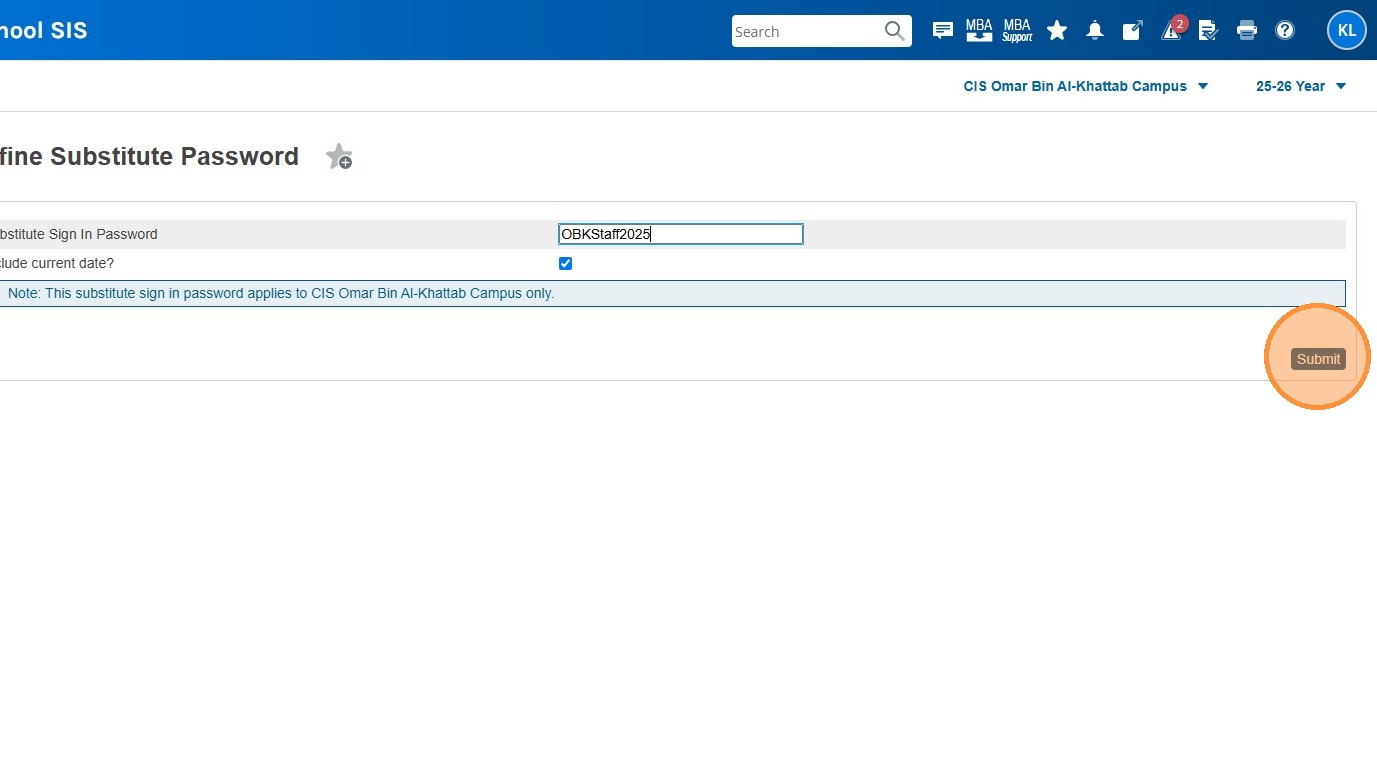
6. Click "Submit"
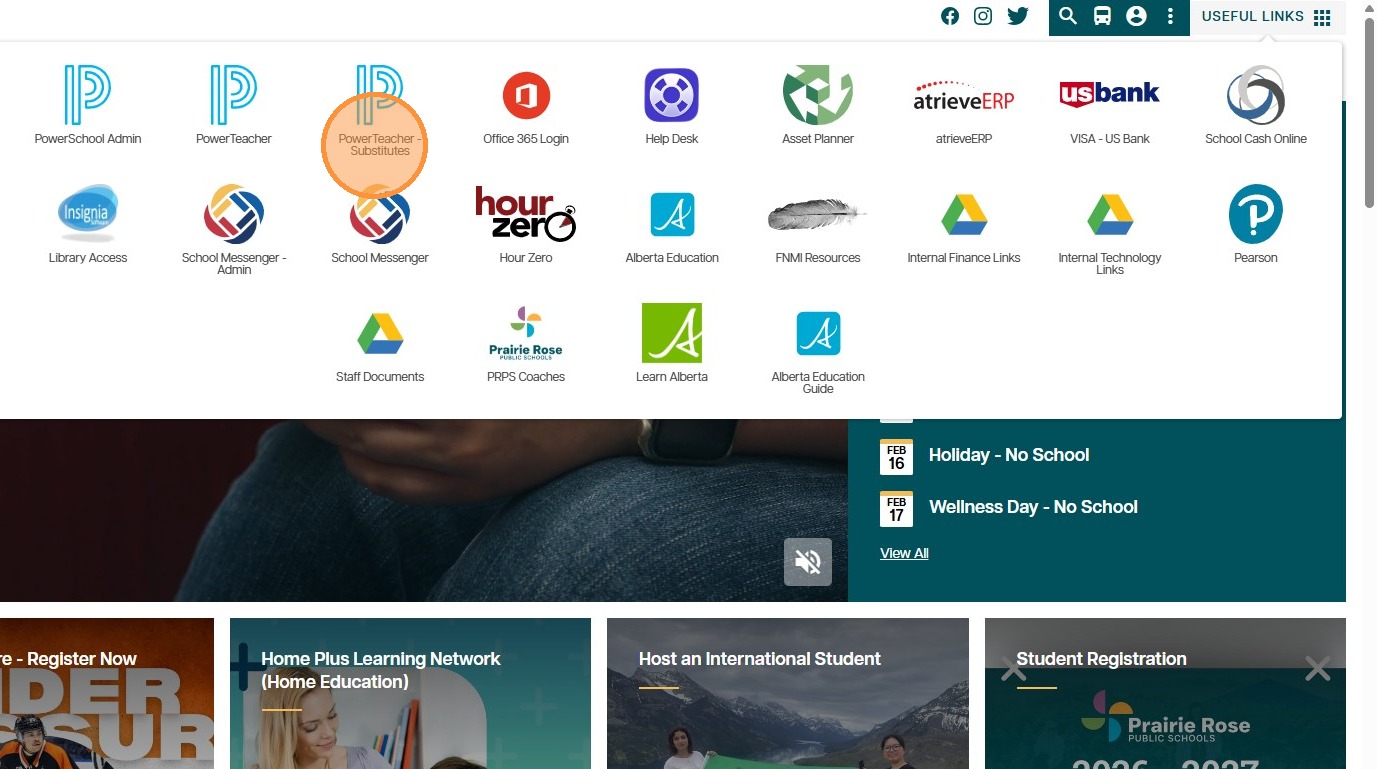
7. Subs can login by going to the Prairie Rose Home Page (myprps.com) and clicking Useful Links in the upper right corner (they will need to be signed in to the website using their Prairie Rose email address), Then clicking "PowerTeacher - Substitutes".
8. If this does not work for them, or they are having trouble signing in to the website, the direct link for the sub portal is https://prsd8.ca/subs
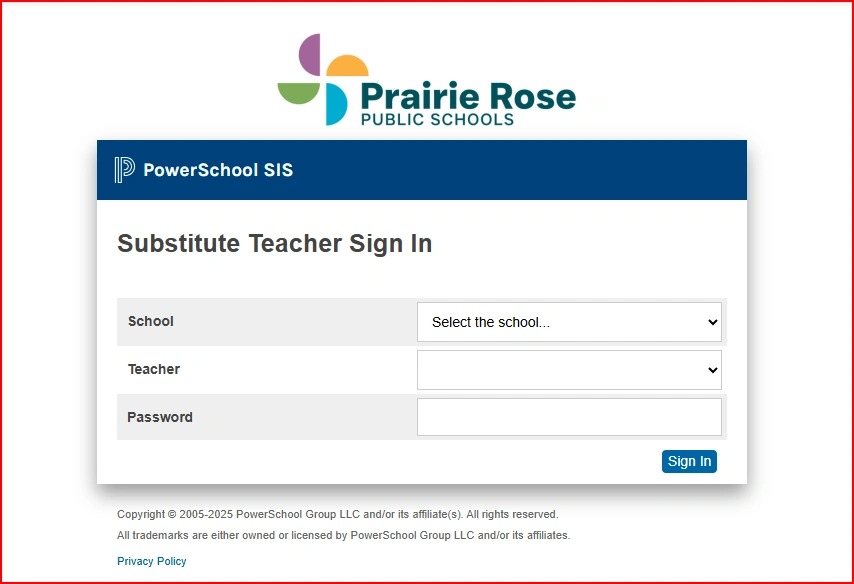
The Sub Portal Login is as displayed below. The Sub simply needs to choose the school, the teacher, and enter the password for your school.