How To View your Secondary/Concurrent Enrollments
Creation date: 2026-02-25 11:35 a.m.
Updated: 2026-03-11 11:58 a.m.
How To View your Secondary/Concurrent Enrollments
How to view students who have a primary/home school at another PRPS school, but are also enrolled with you (regular year enrollments)
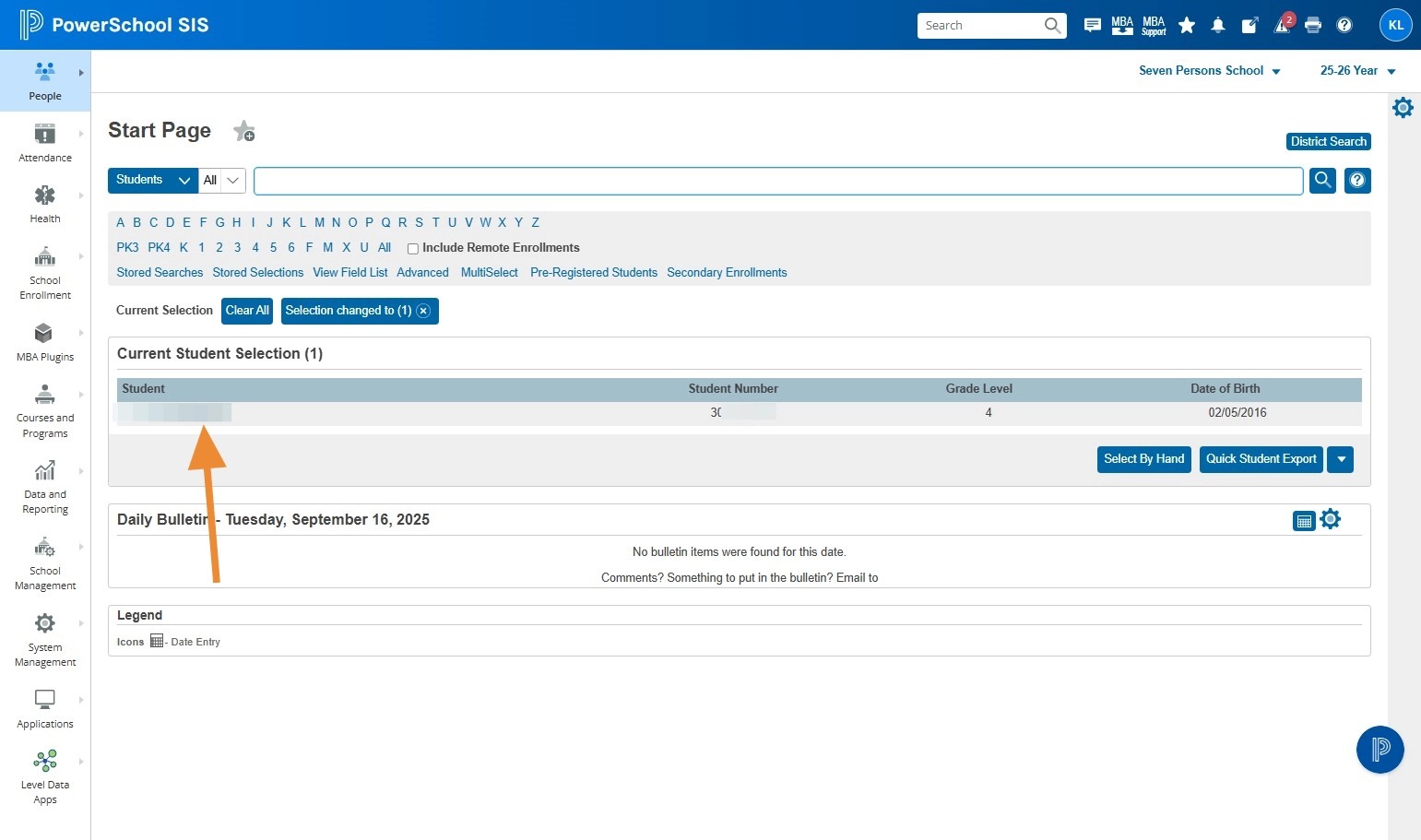
1. Navigate to the Start Page
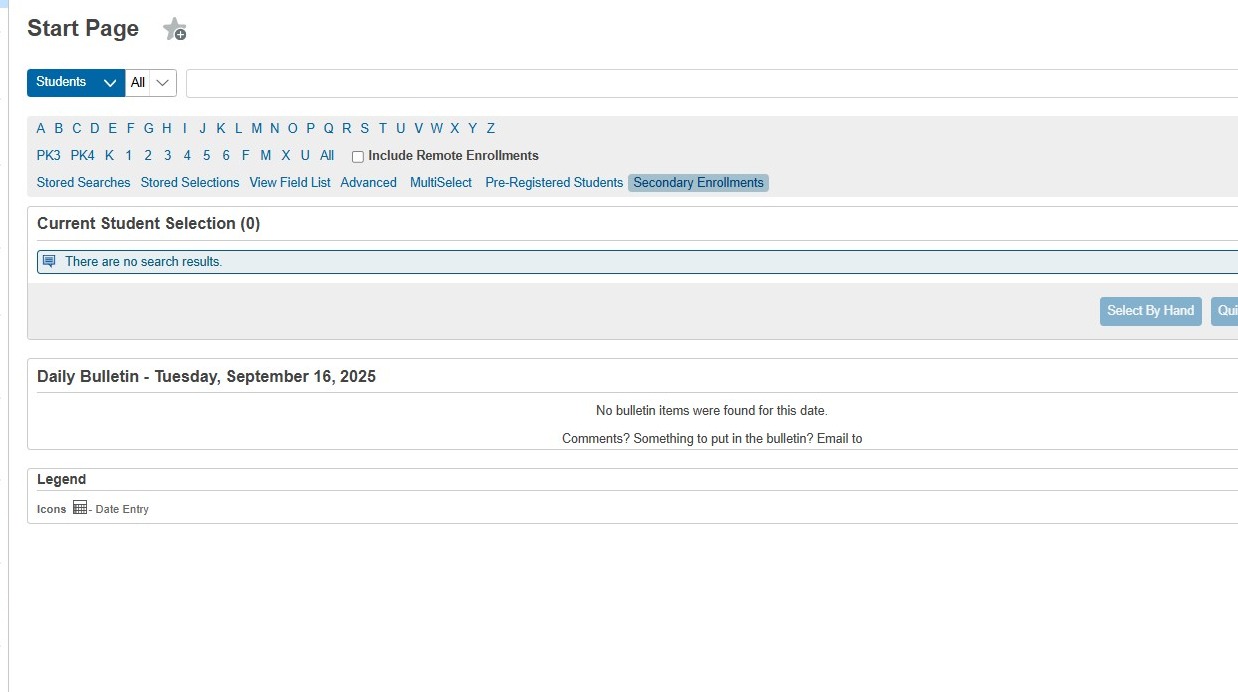
2. Click "Secondary Enrollments"
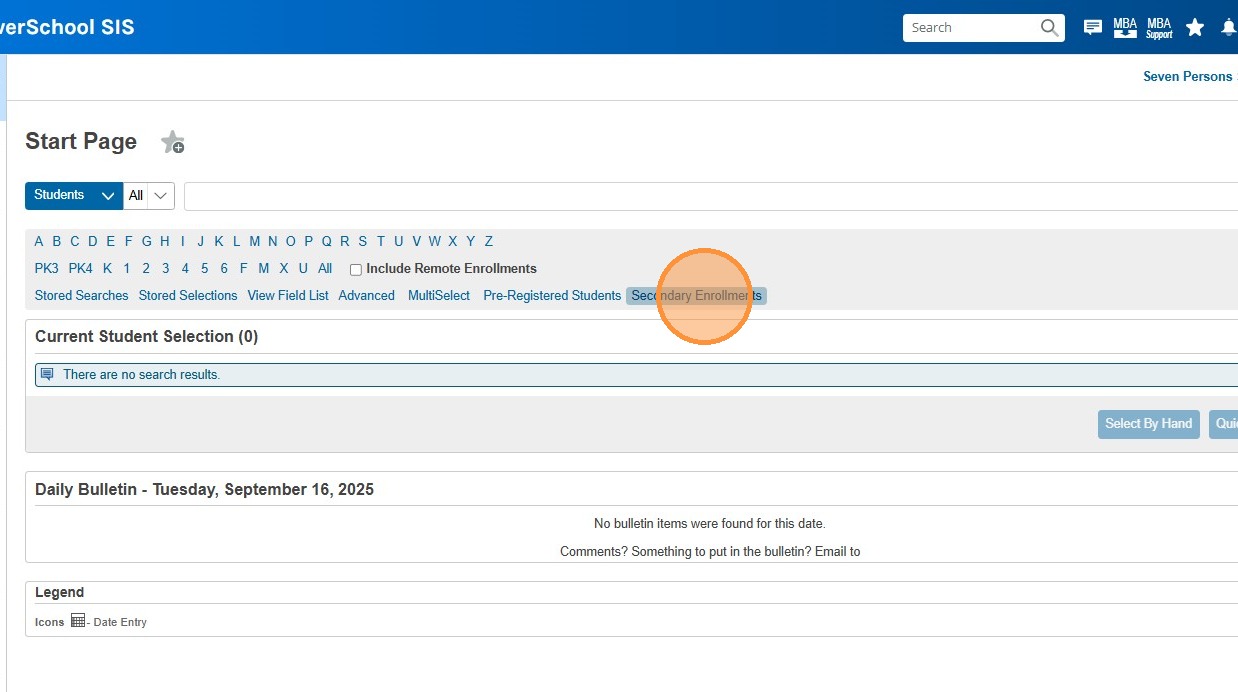
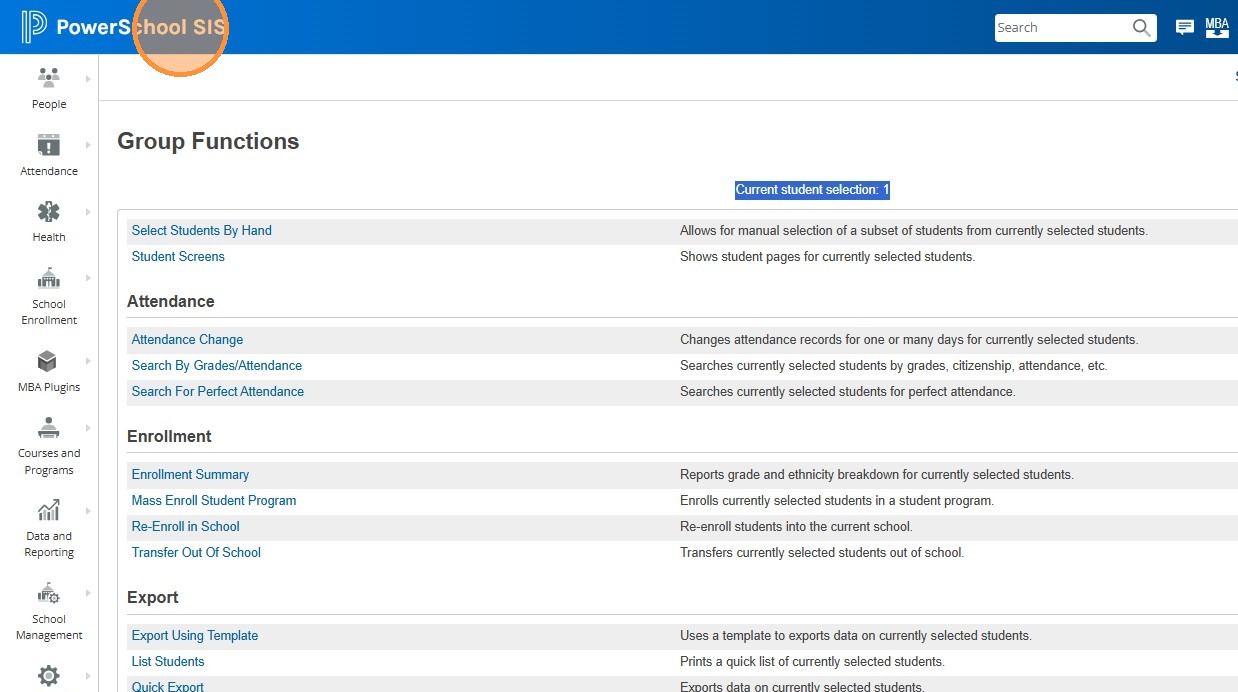
3. Note that the "Current student selection" at the top does not say 0, it will show the number of concurrently enrolled students you have
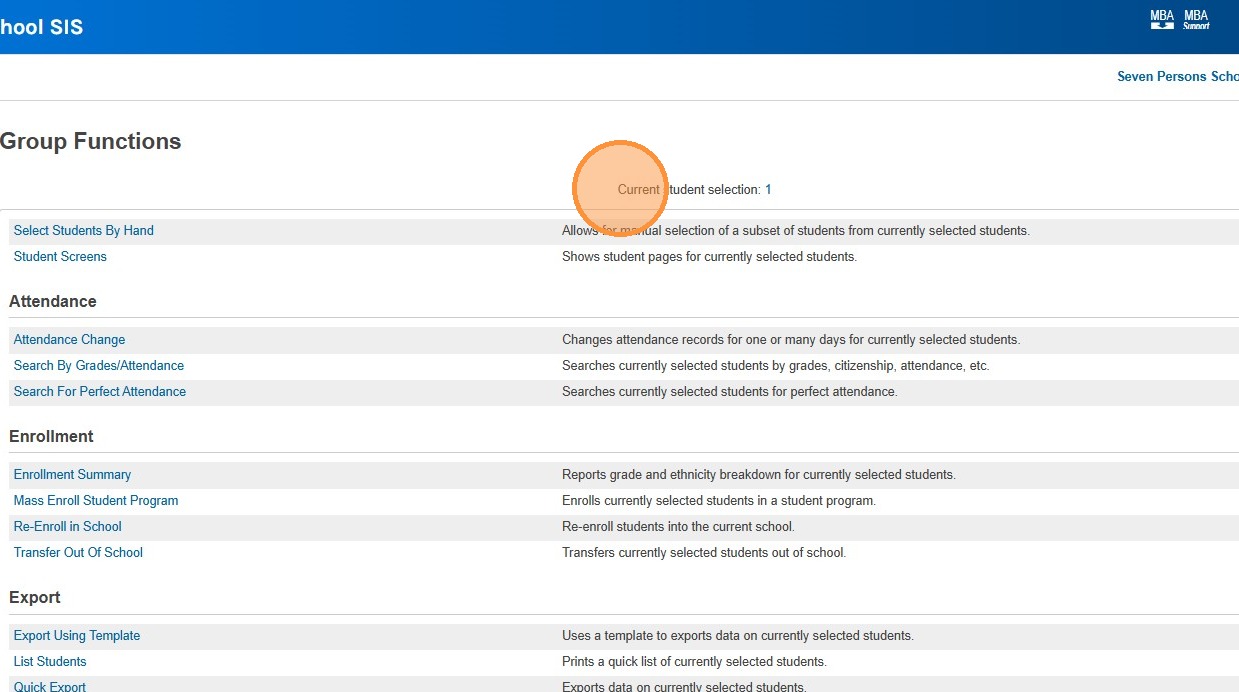
4. Click "PowerSchool SIS" to return to the Start Page
5. Your concurrent/secondary students will now be displayed