
Run Report Cards (MBA Report Cards)
Generate Student Report Cards
This guide demonstrates how to generate MBA Report Cards for students from within PowerSchool SIS
1. Navigate to https://prsd8.ca/admin/home.html
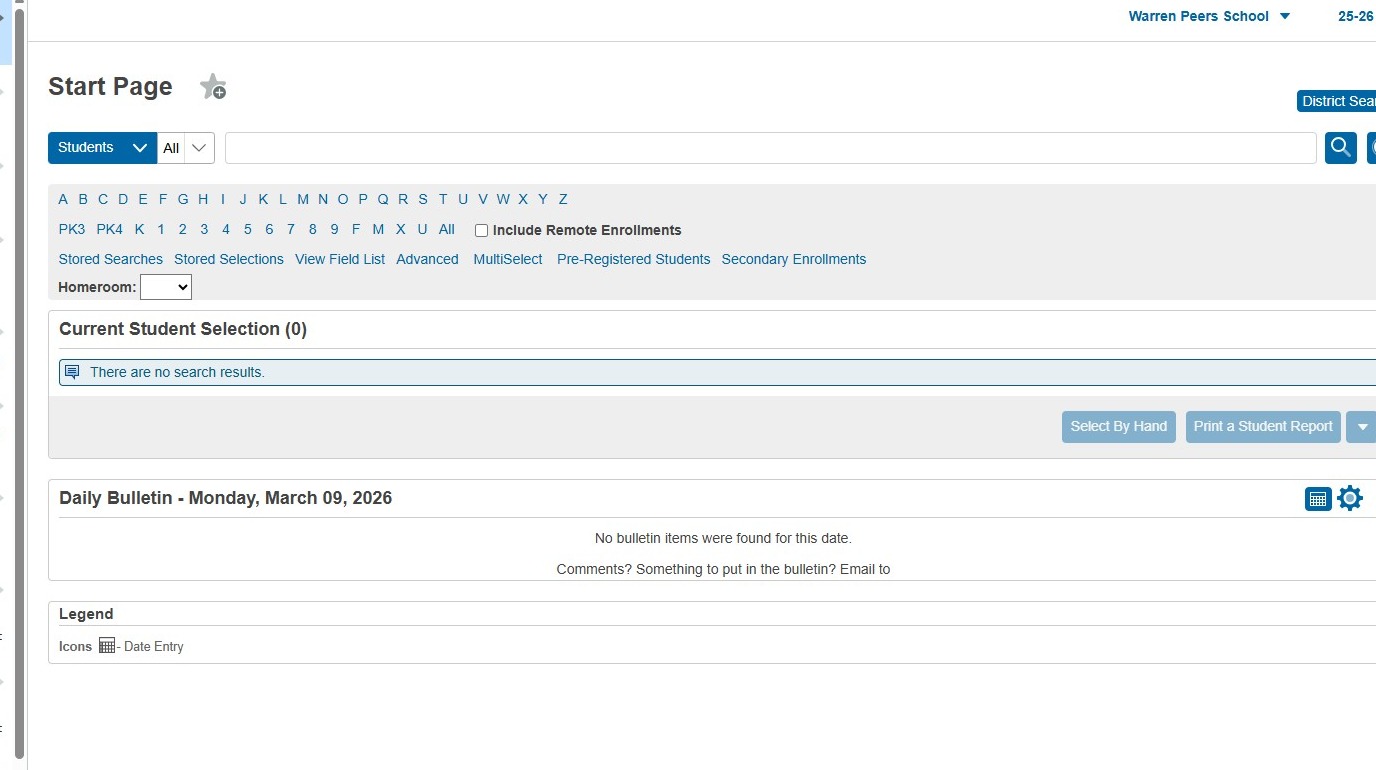
2. If you are only running report cards for certain grades, click in the Student Search field to select only the grades you need.
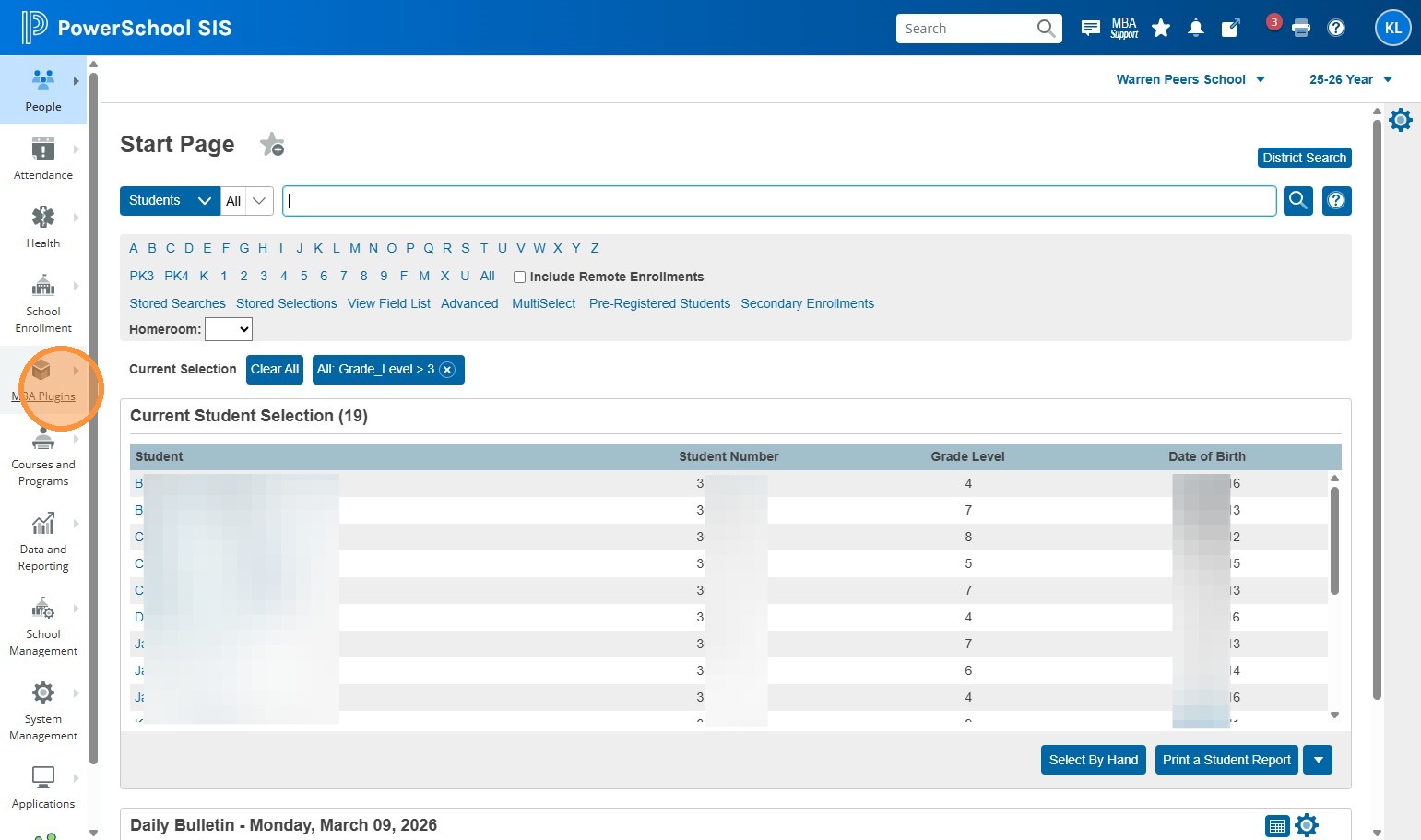
For example: "Grade_Level > 3" will yield all students in Grade 4 and up. "Grade_Level in 9, 10, 11" will give you students in Grades 9, 10, and 11. If you're running Report Cards for all students in your school, you can skip this step.
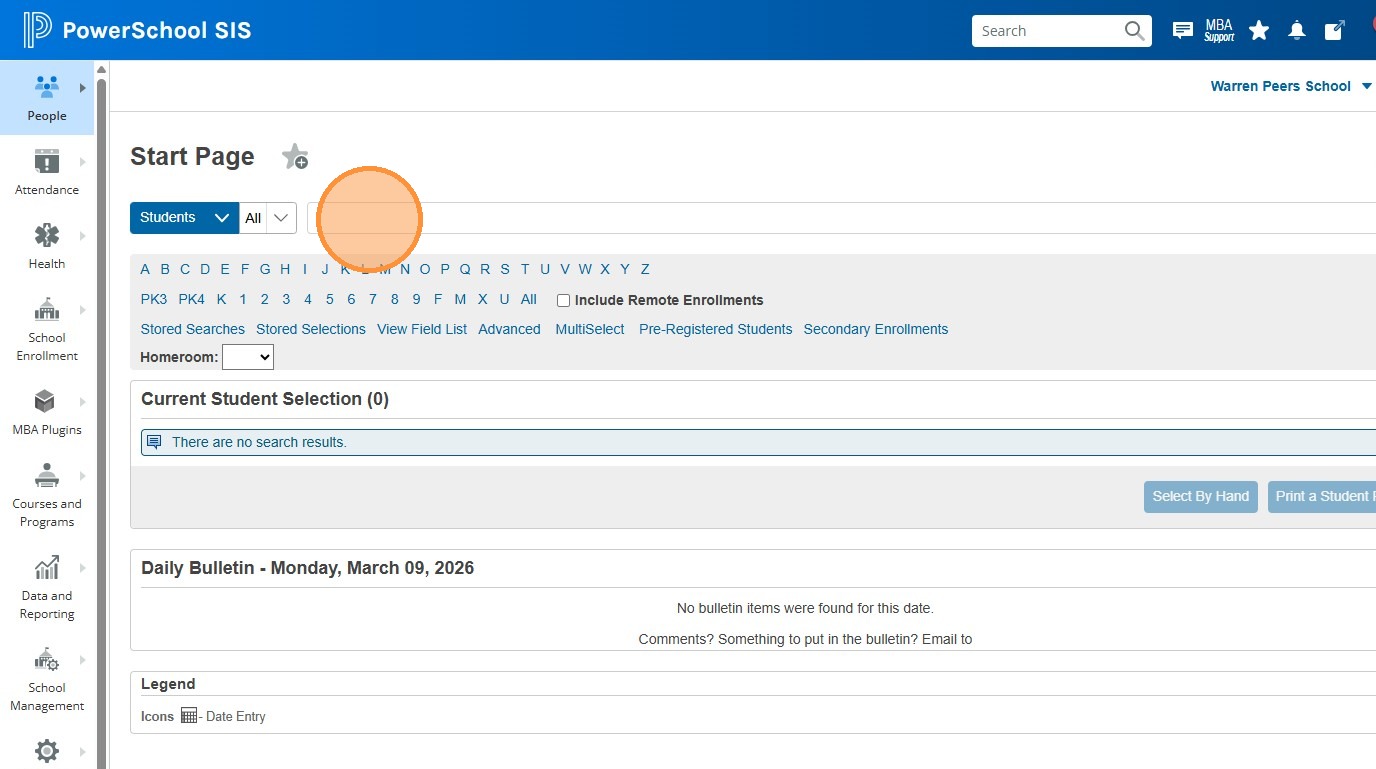
3. Click "MBA Plugins"
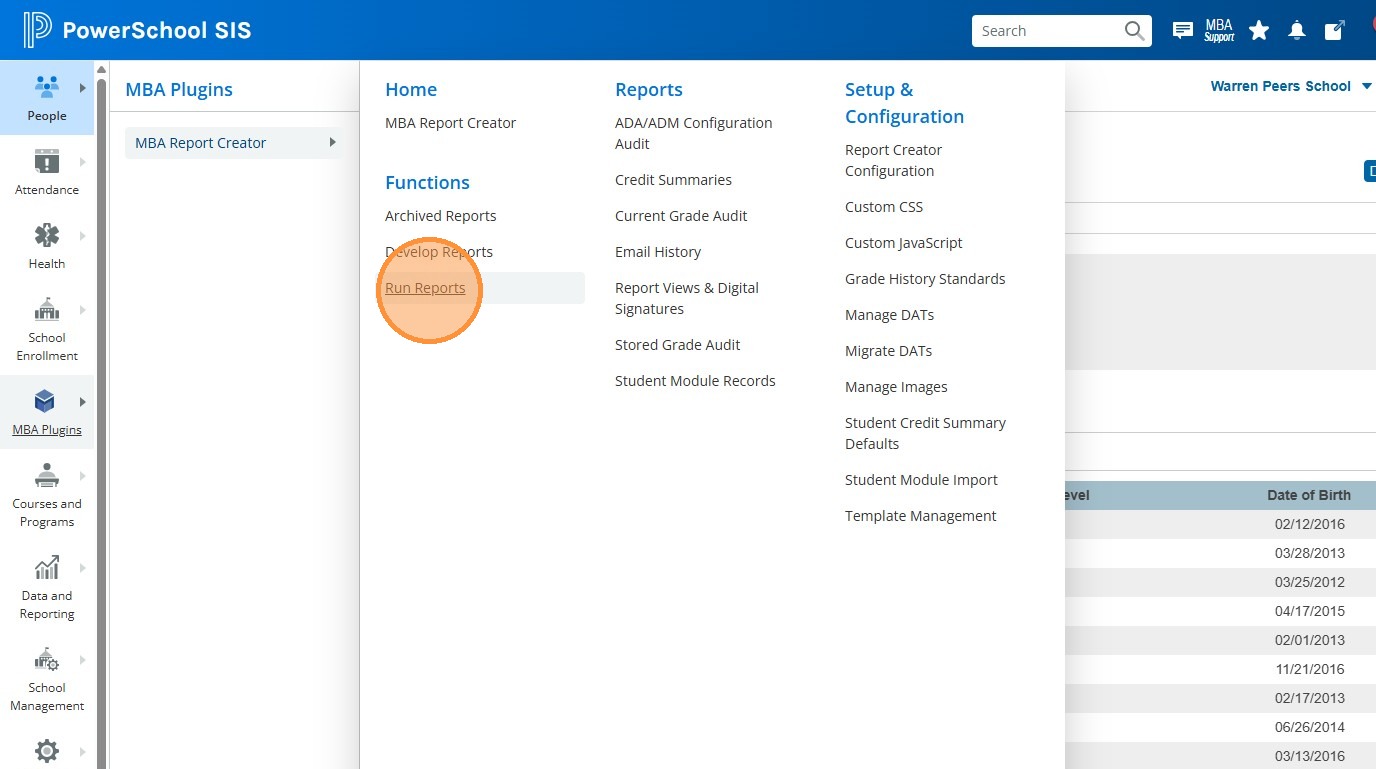
4. Click "Run Reports"
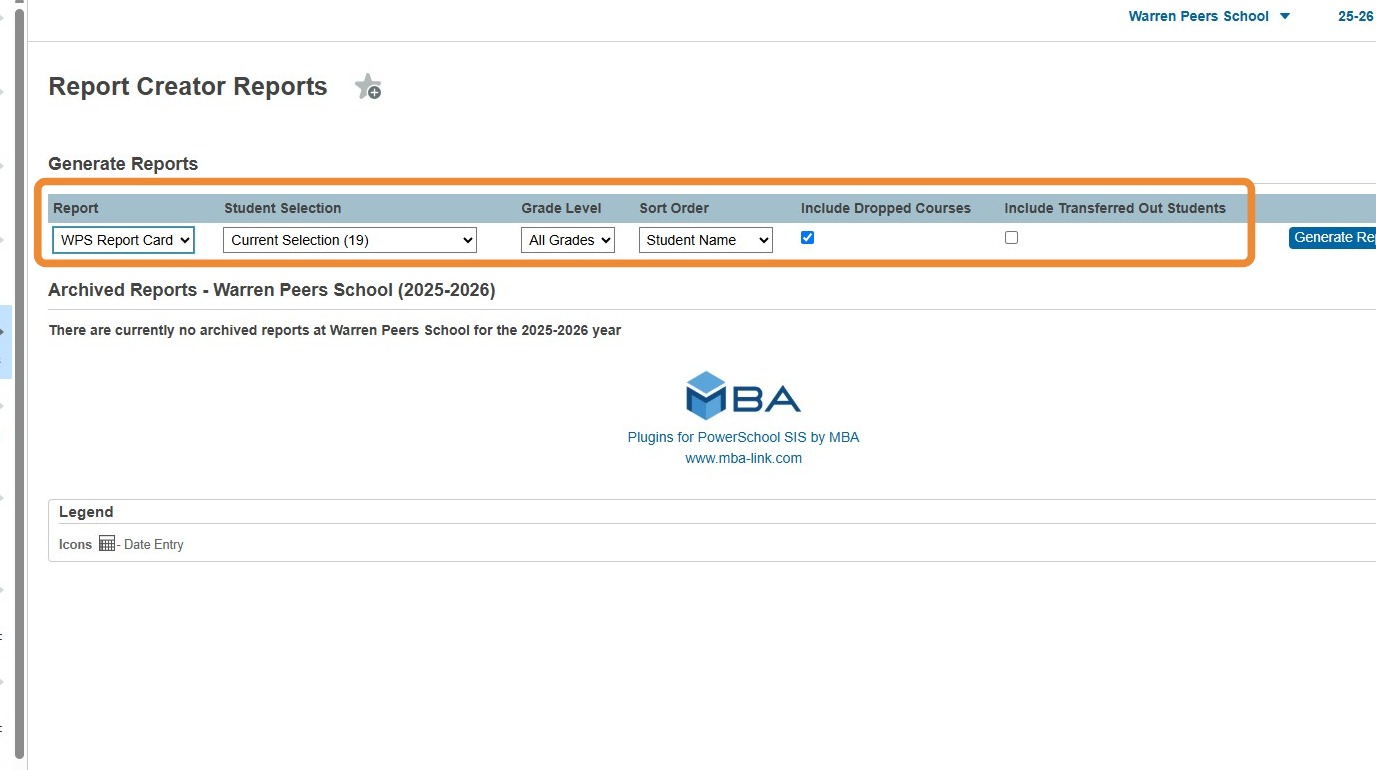
5. Verify that you're using the right report card for your school. You'll likely want "Student Selection" to be "Current Selection", but if you didn't need to choose certain grades at the beginning, it might say "All Students". For "Grade Level" you want all the grades in your selection, so leave at All Grades. "Sort Order" is up to you, most people choose by Grade or Home Room. I recommend unchecking the "Include Dropped Courses" and "Include Transferred Out Students", but again, this is up to you.
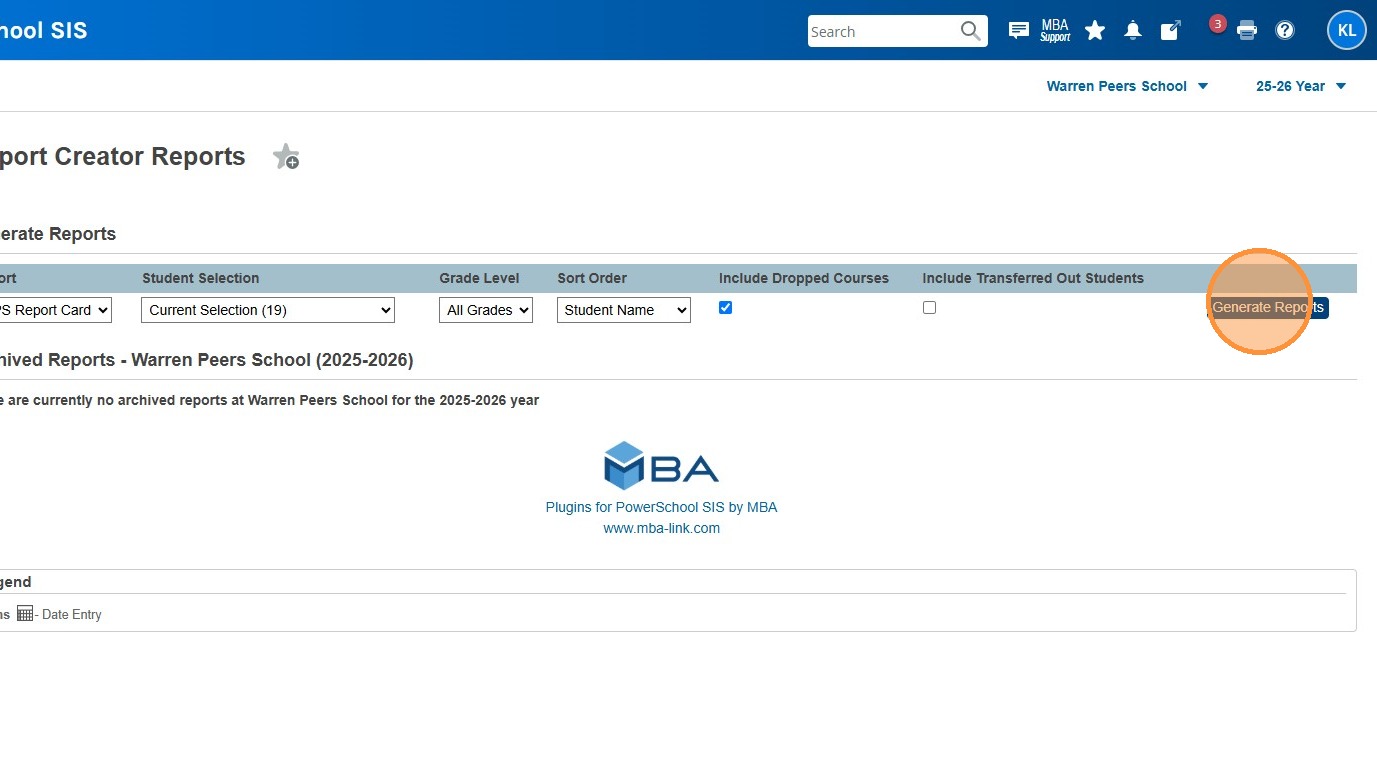
6. Click "Generate Reports"
7. You're done! Your Report cards will open in a new tab :)