
International access for Students
Creation date: 2026-03-10 11:33 a.m.
Updated: 2026-03-10 12:08 p.m.
Students travelling out of Canada will be unable to login in their email, classroom or Google drive. They can however be temporarily allowed access while they travel. This can be done either by submitting at ticket or by a School's admin team.
If you are part of a school's admin team see the steps below or a guide on how to set this.
Allow international access for Students
Enable student's to access to their email, classroom and drive while travelling outside of Canada.
1. Navigate to PowerSchool's Admin Portal
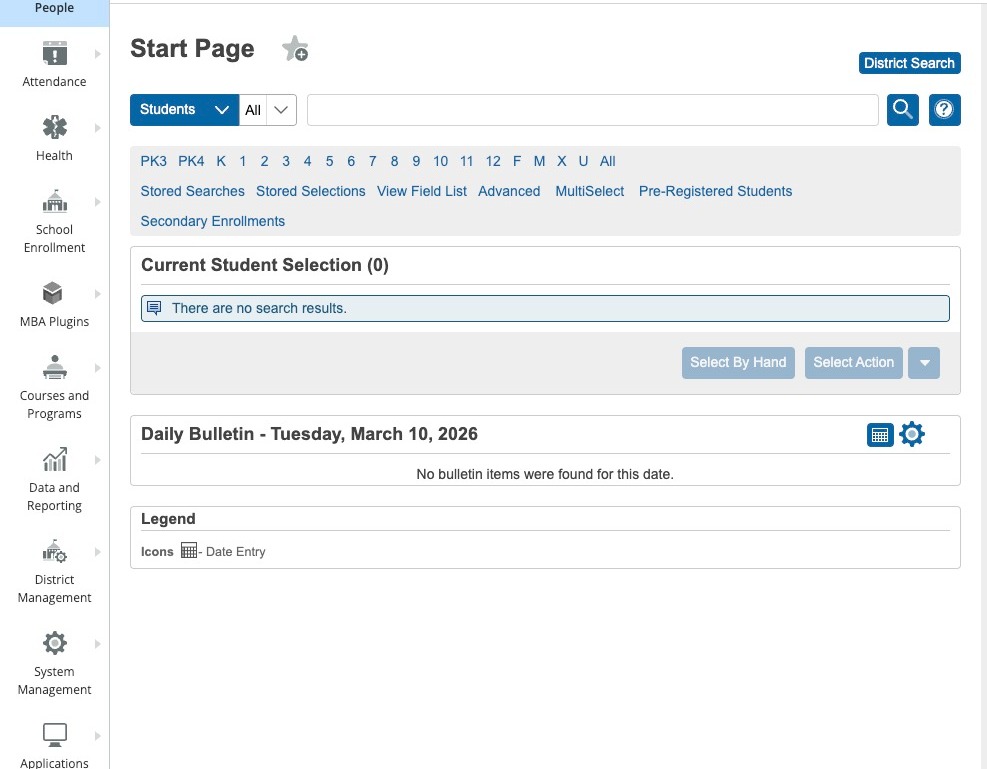
2. Search for the student
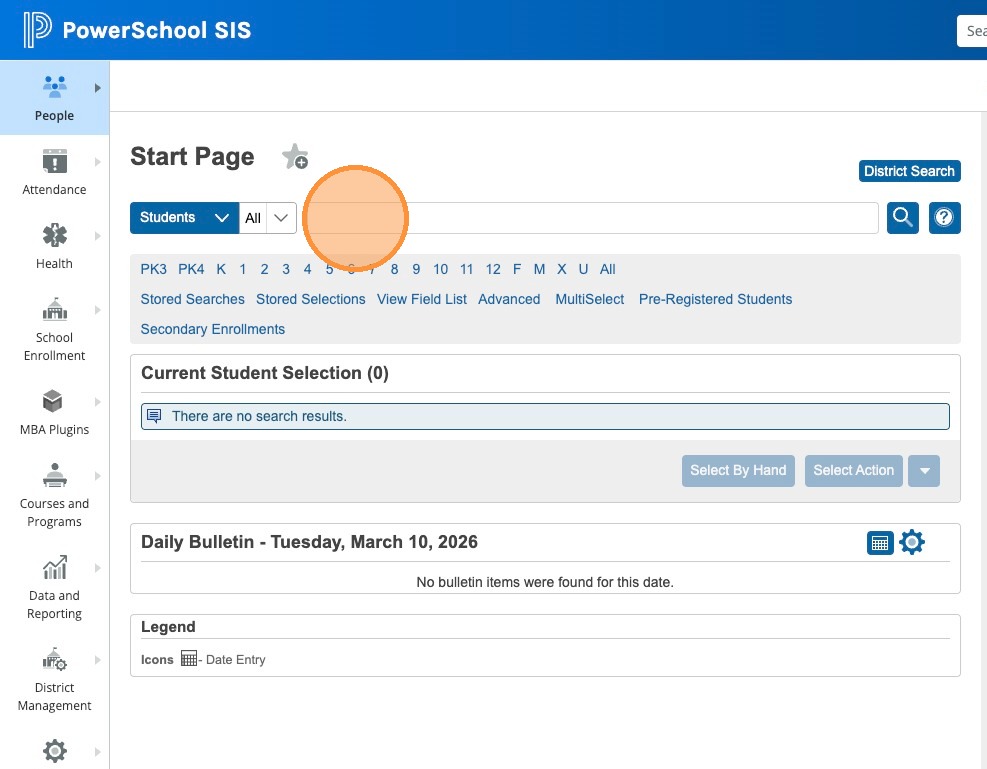
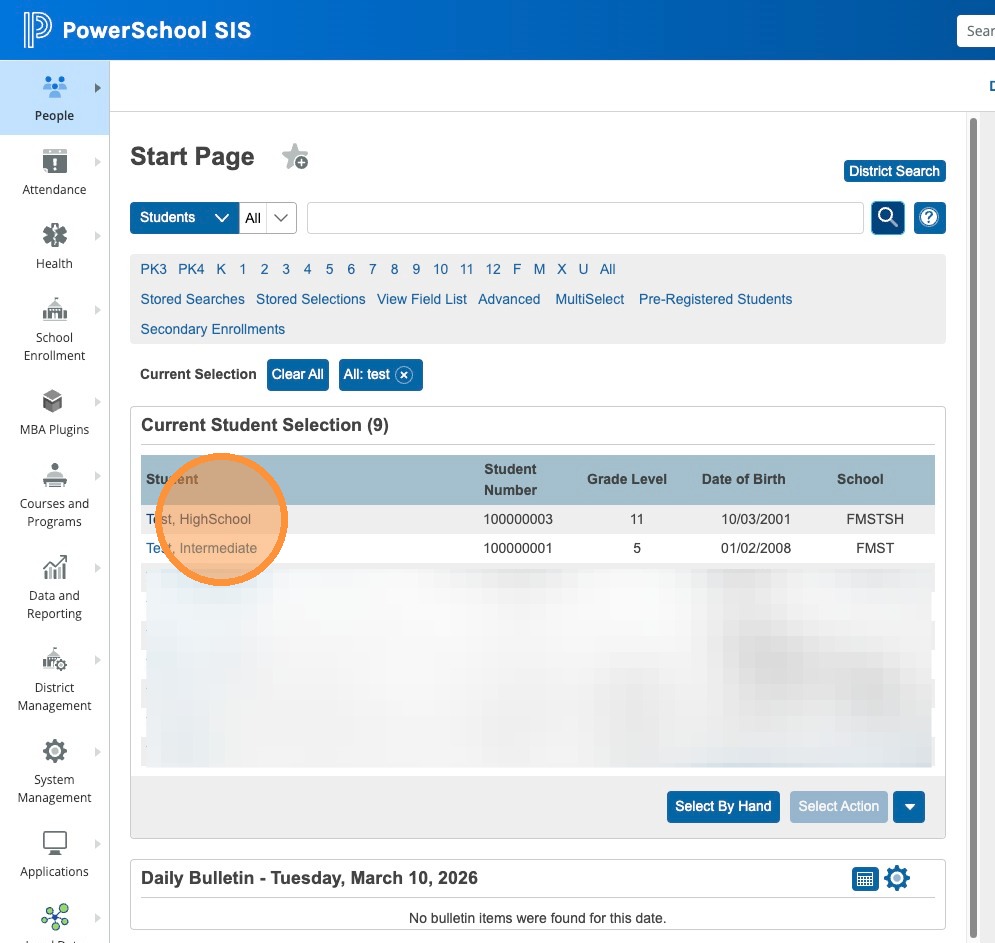
3. Click the student's name and open their Profile
4. Click Student Profile on the side Menu
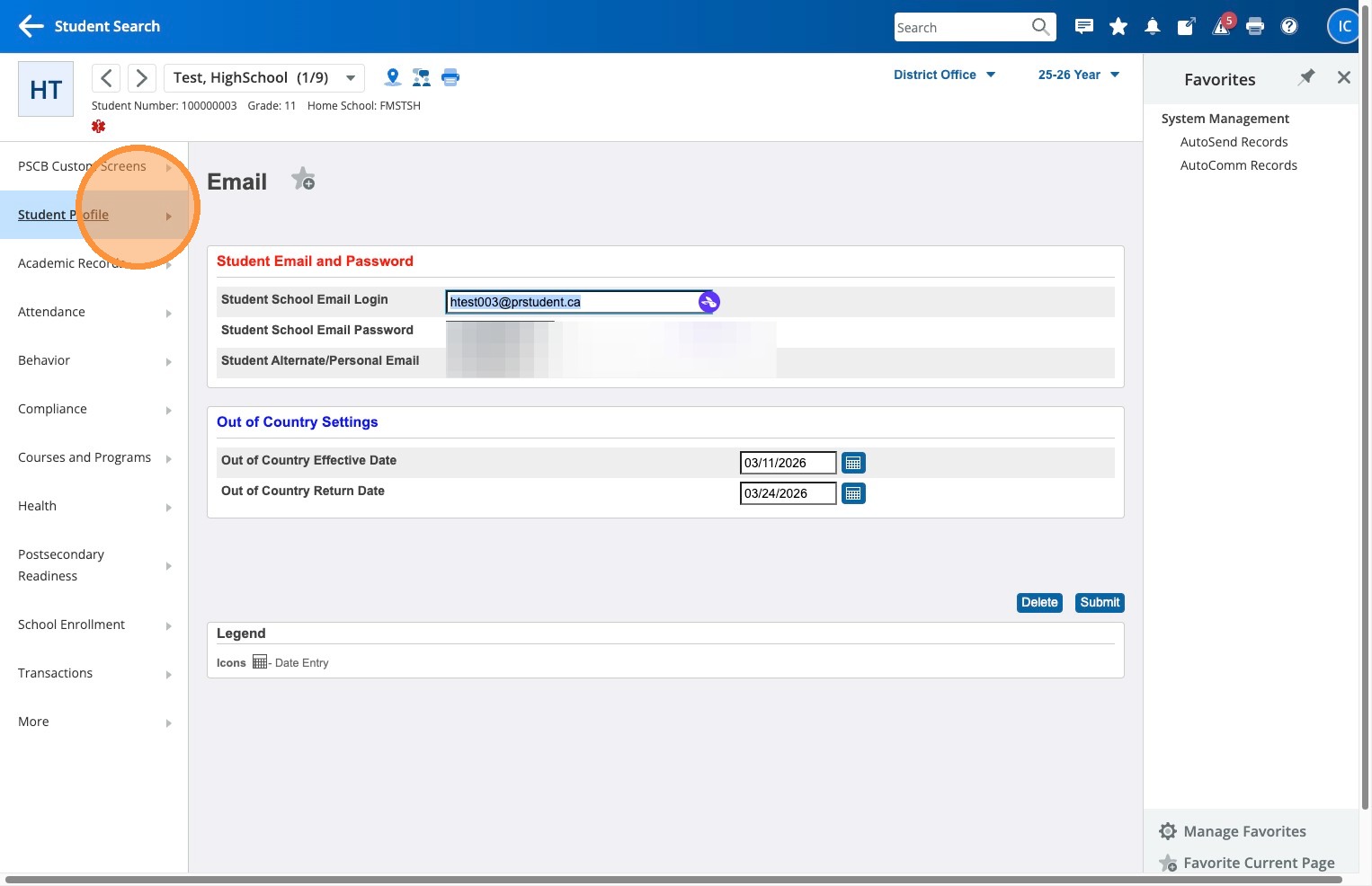
5. Click Email under Student Details
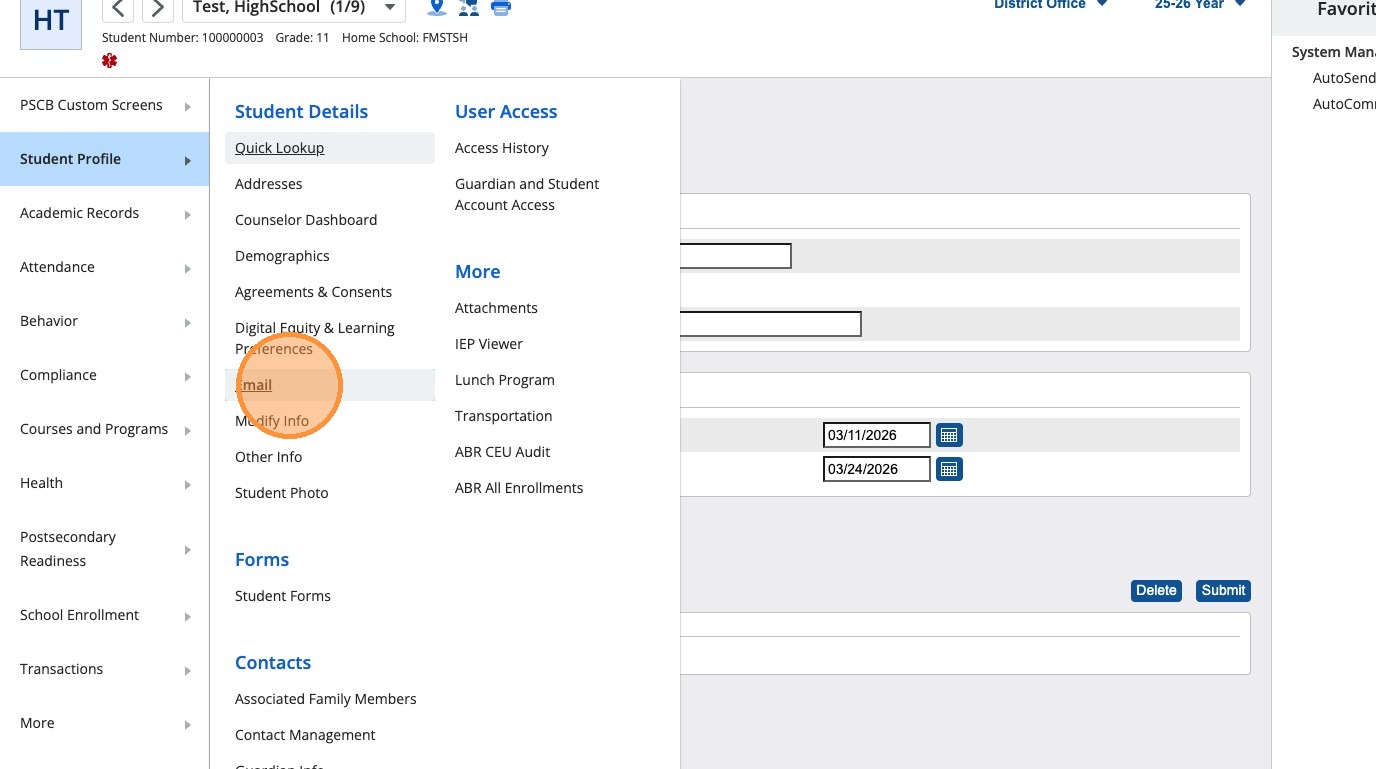
6. Under Out of Country Settings use the date picker beside Out of Country Effective Date to select the date the student will be leaving Canada.
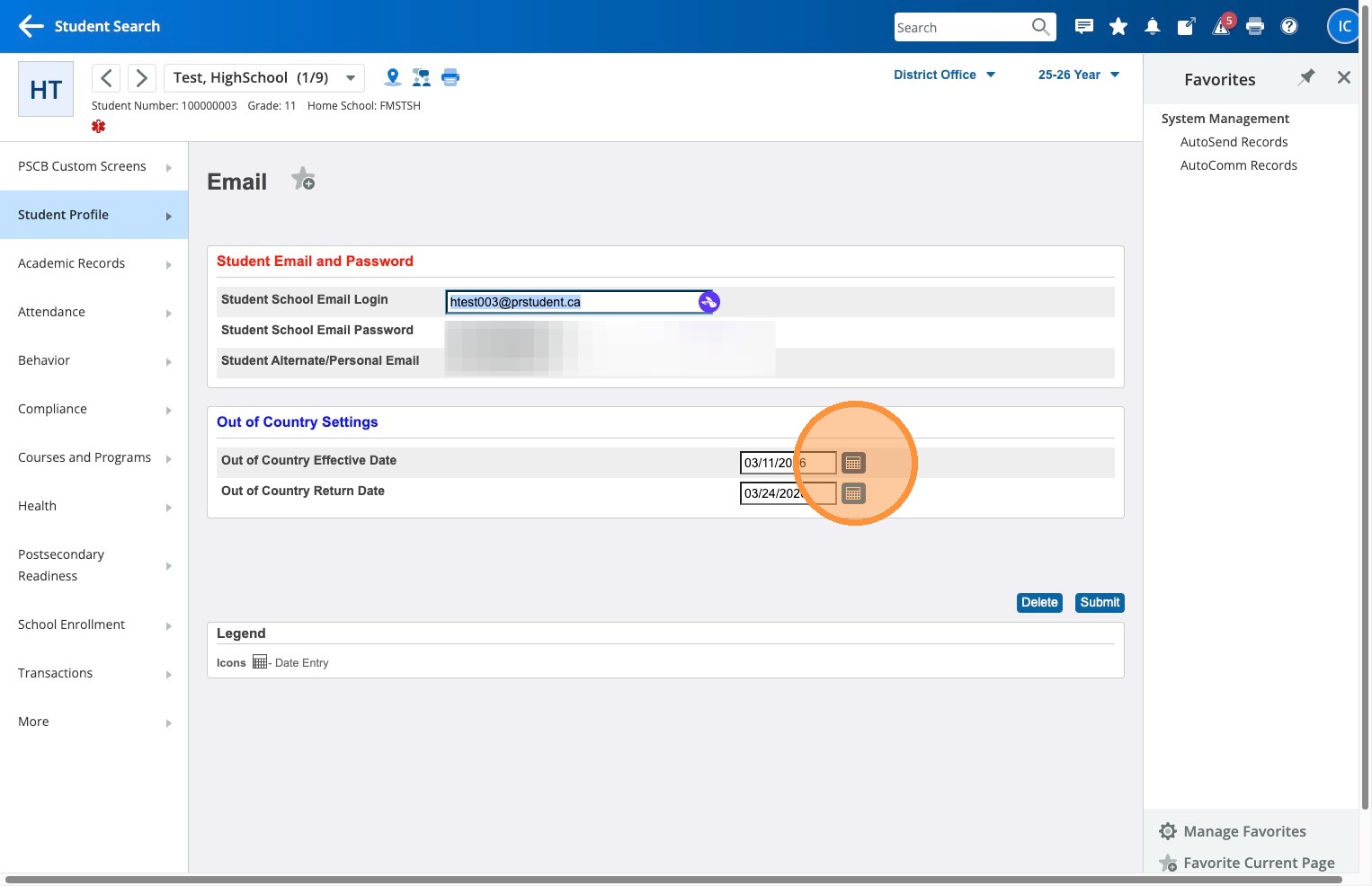
7. Under Out of Country Settings use the date picker beside Out of Country Return Date to select the date the student will be returning to Canada.
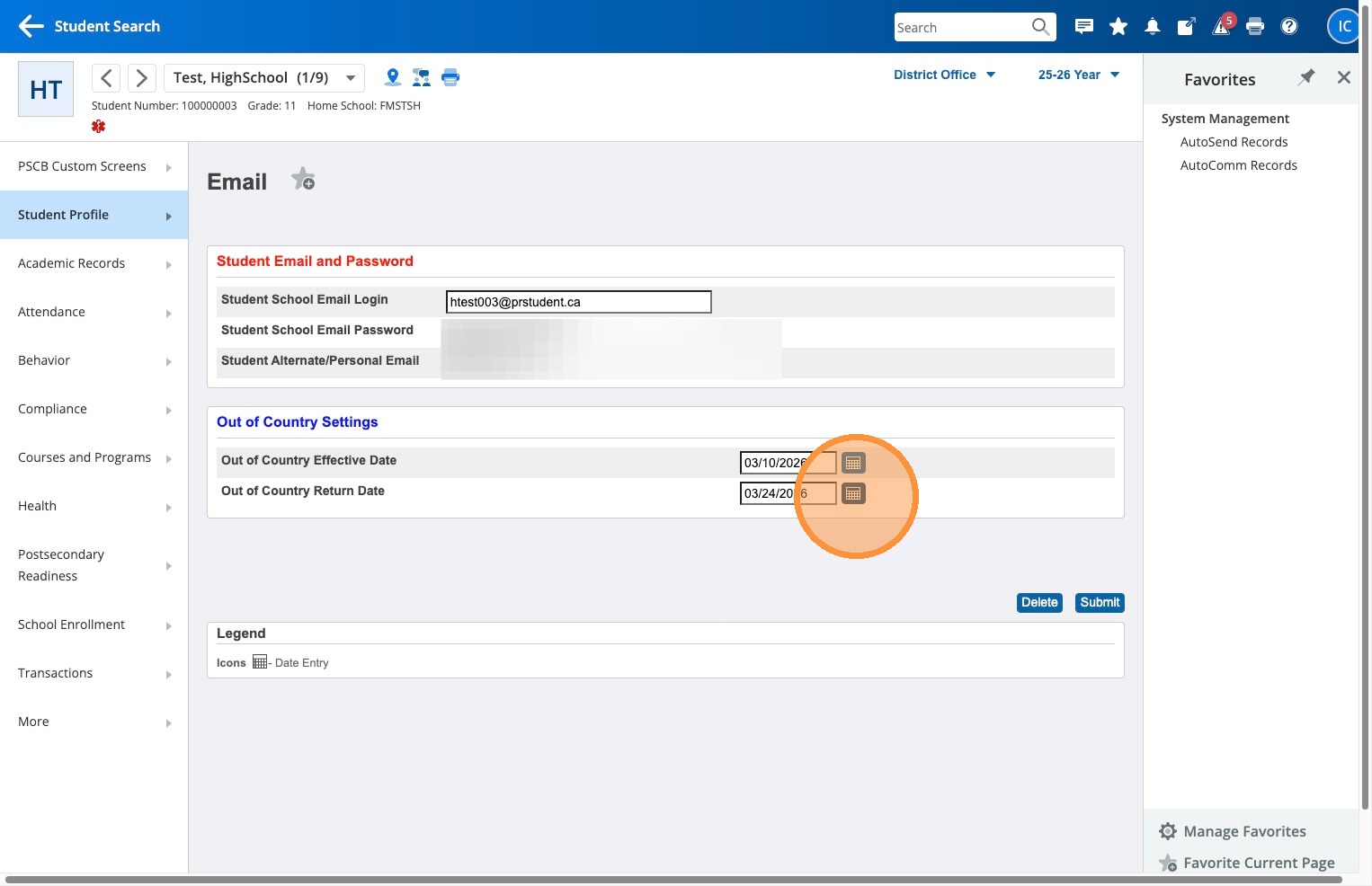
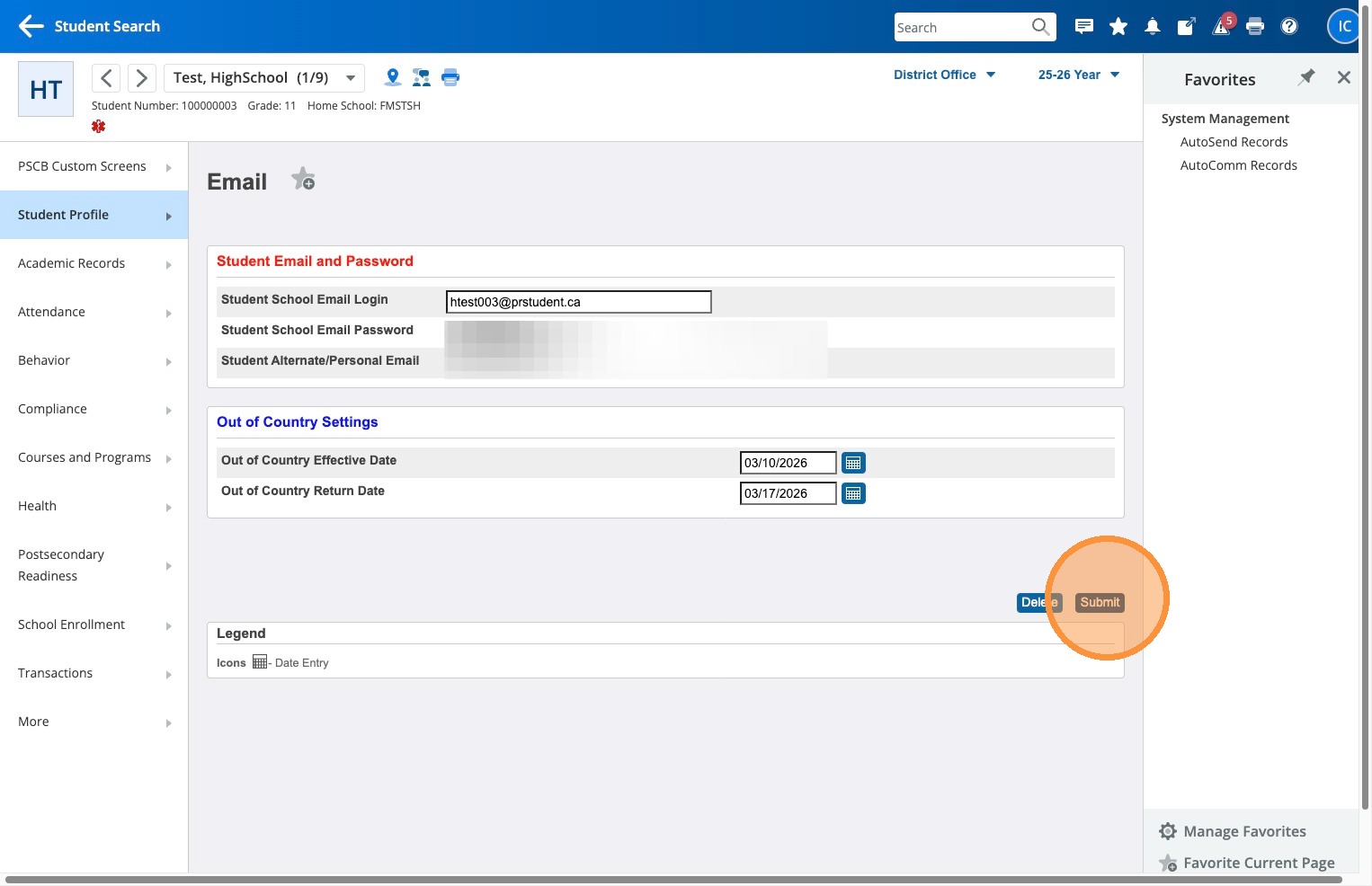
8. Click Submit
Tips
- Buffer Dates: Select an effective date one day before they leave and a return date one day after they get back.
- Sync Cycles: This change will not take effect immediately; it will process during the next sync cycle. Syncs happen every day at 5:00 AM, 12:00 PM, and 5:00 PM.
- Troubleshooting: If a student still experiences access issues, please submit a ticket and note which country they are visiting. For students, we have to allowlist each specific country (it's a Google setting). We've added the most common destinations, but we may have missed a few.