Windows 11: Adjusting Keyboard Language Layouts
Creation date: 2026-04-21 2:47 p.m.
Updated: 2026-04-22 11:32 a.m.
How to adjust the keyboard language layout across devices
Windows 11: Changing Keyboard Language

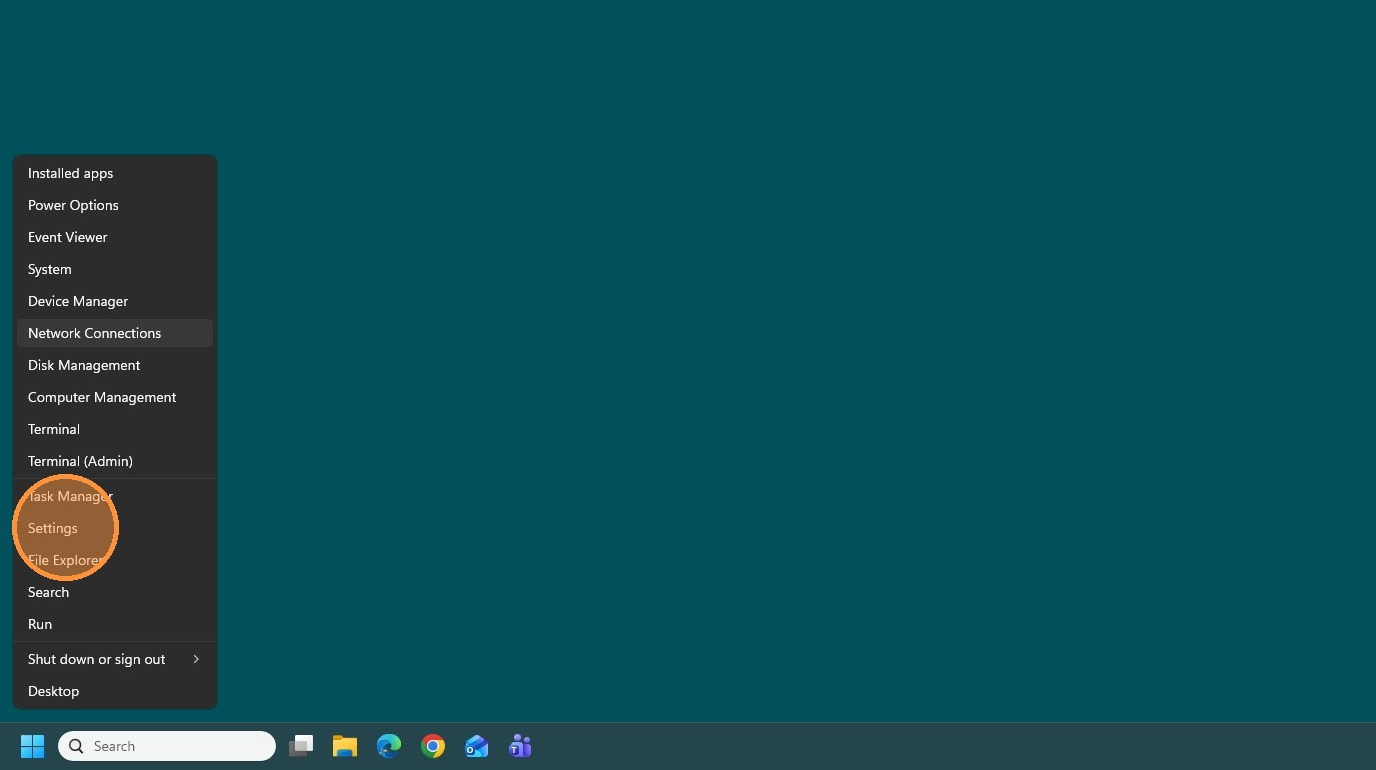
2. Click "Settings"
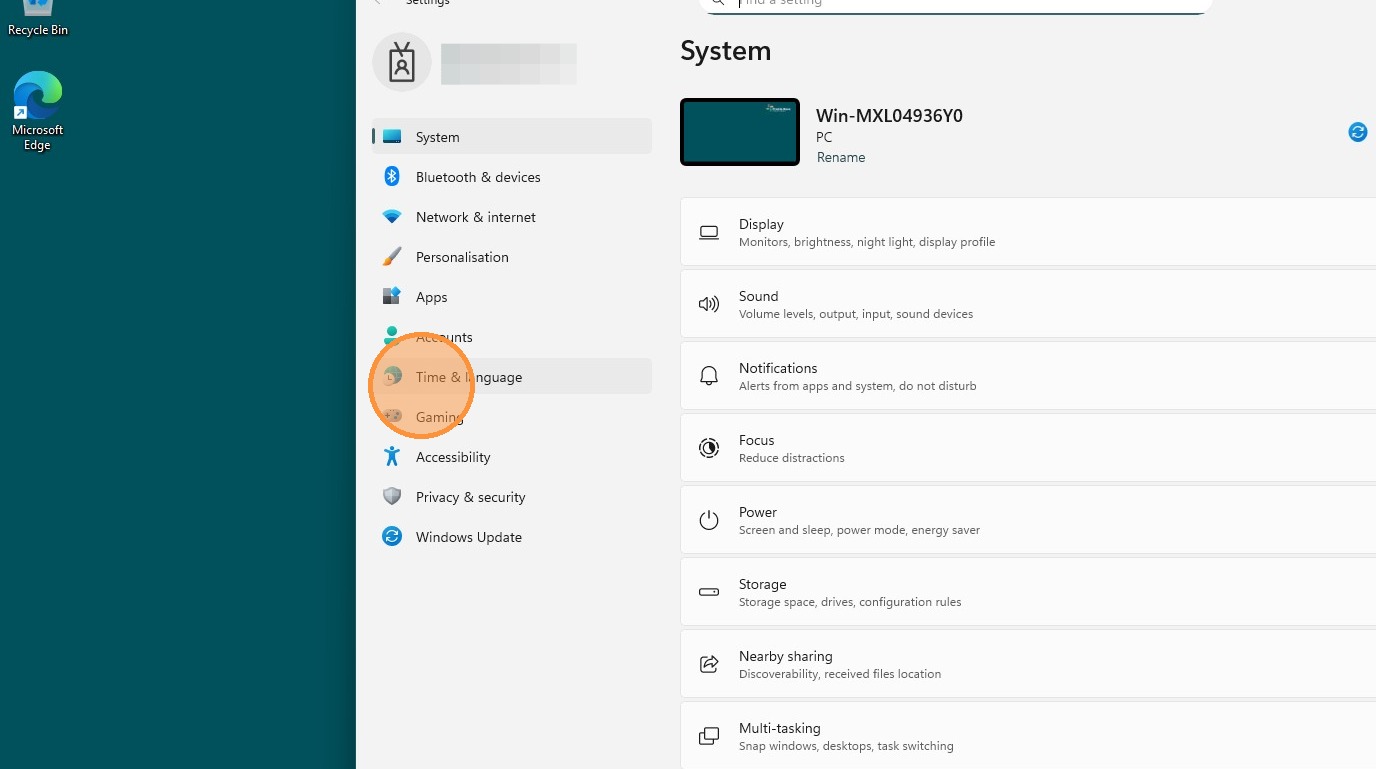
3. Click "Time & Language"
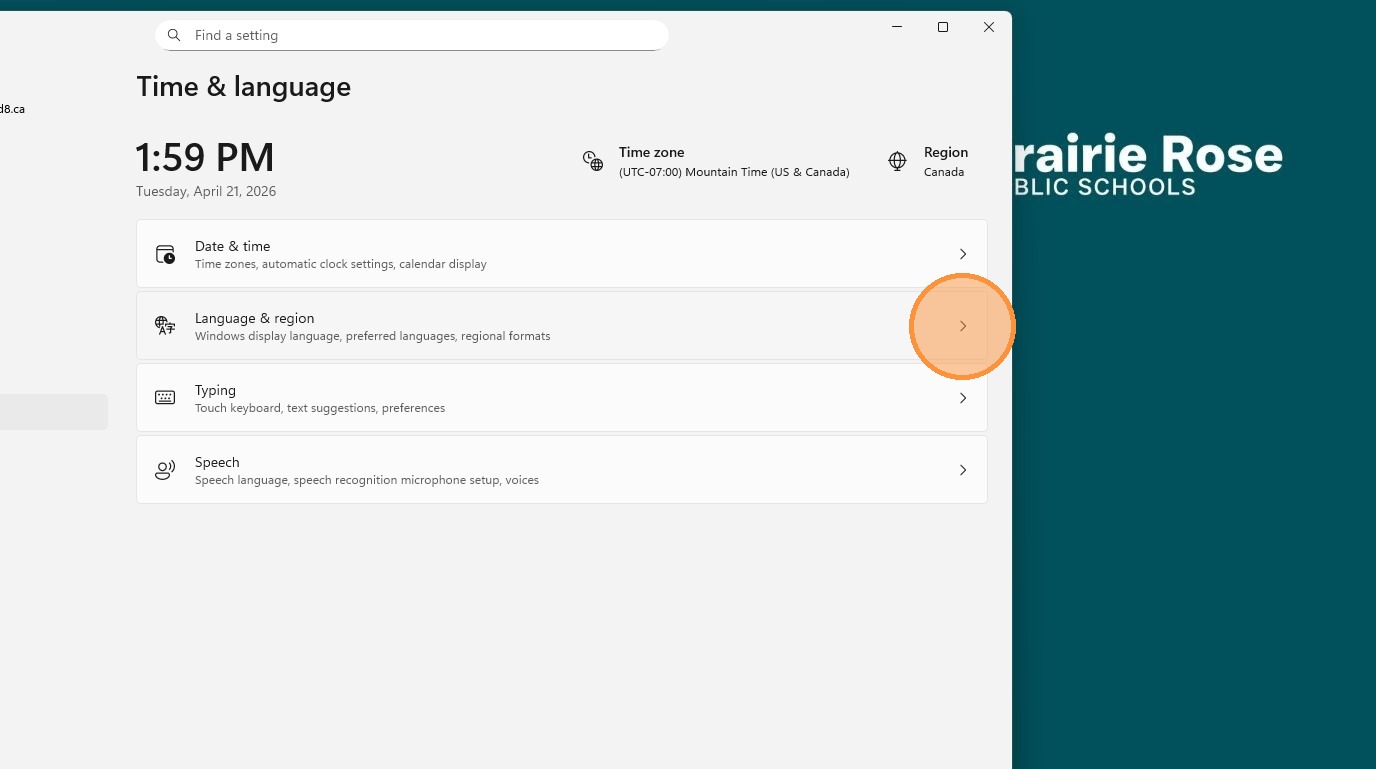
4. Click "Language & Region"
5. Click "More options"
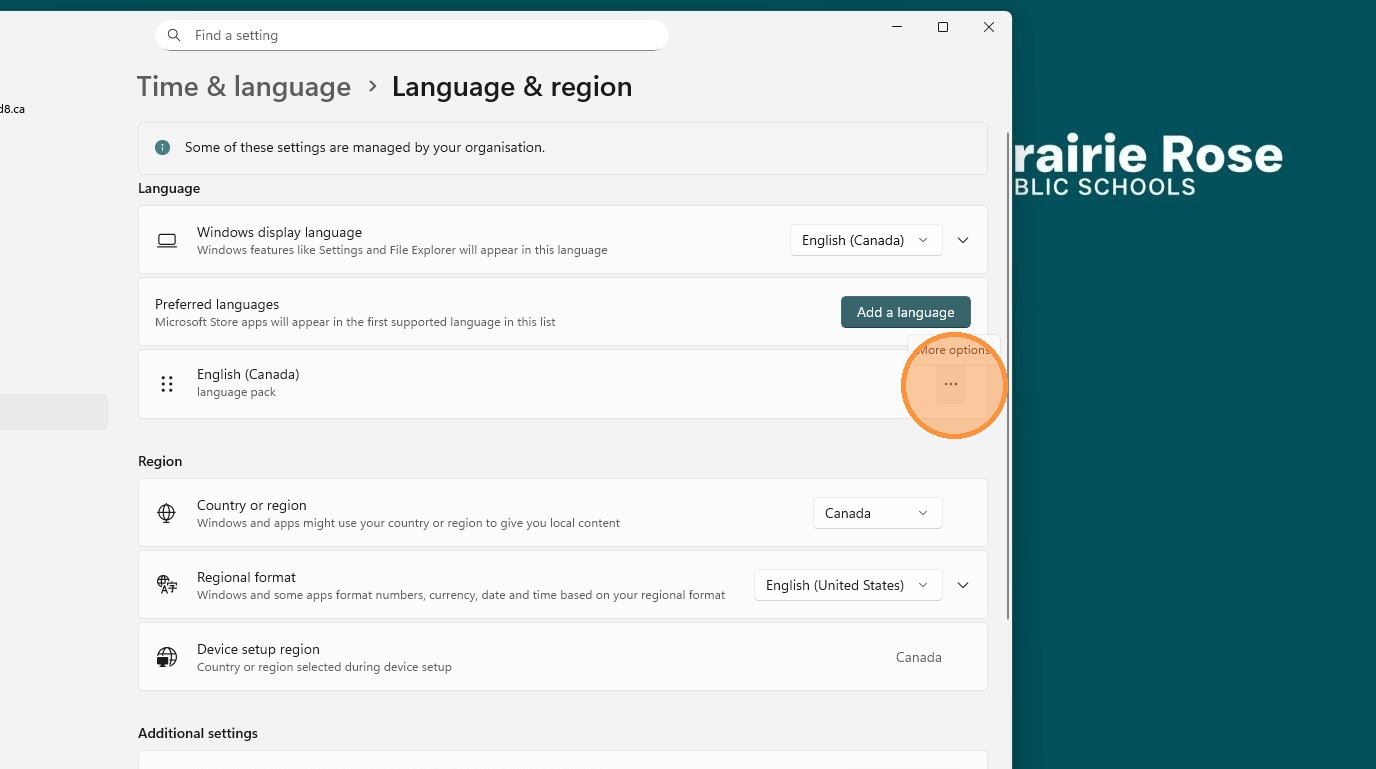
6. Click "Language Options"
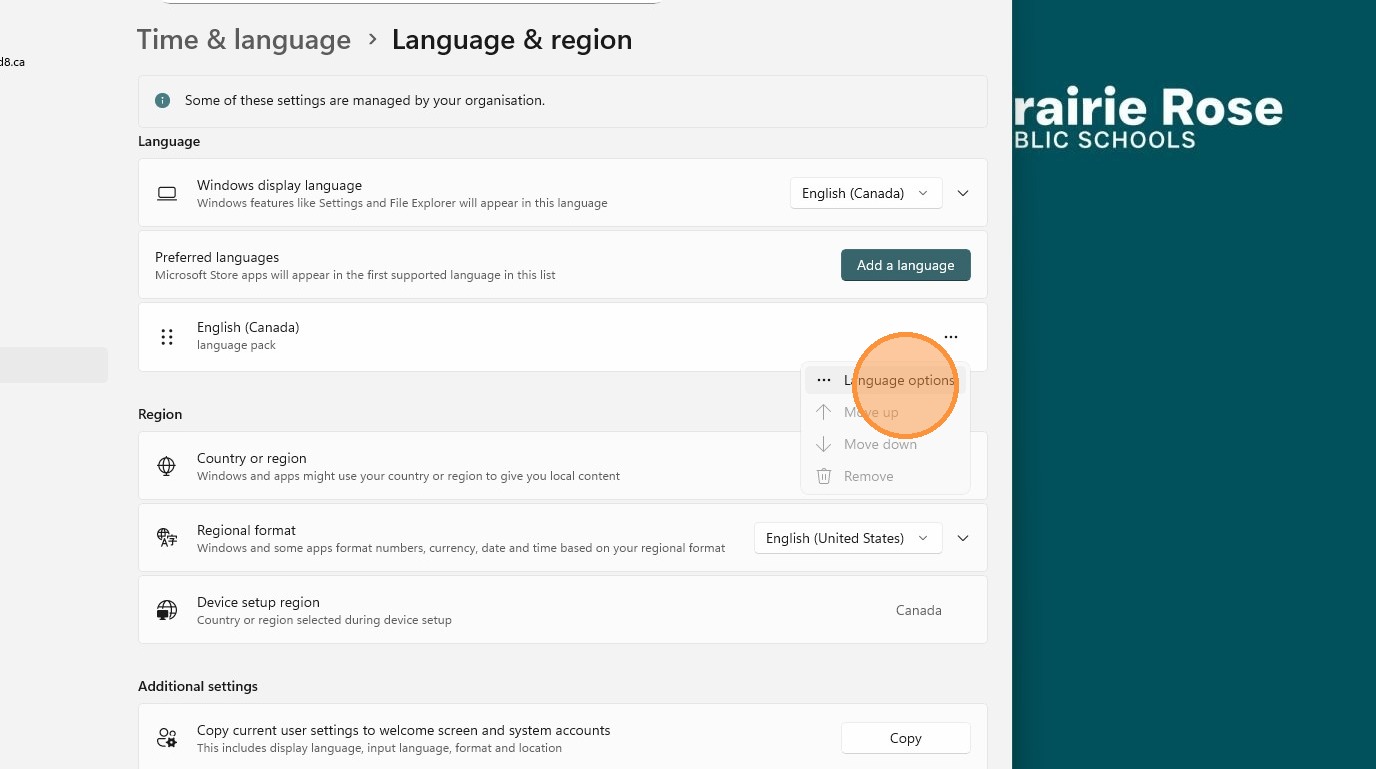
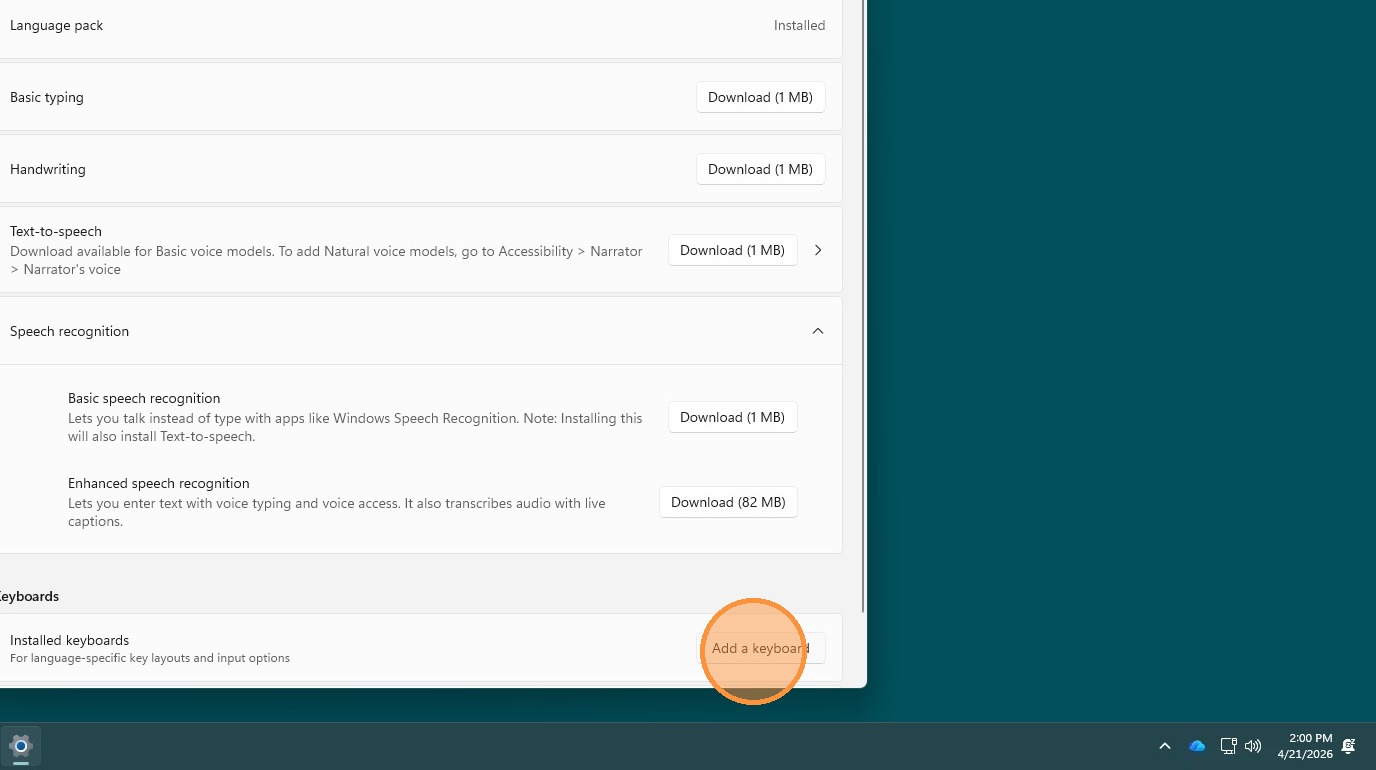
7. Click "Add a keyboard"