
Enroll Students for Courses at another PRPS School Concurrently - SUMMER SCHOOL
Enroll Students for Courses at another PRPS School Concurrently - SUMMER SCHOOL
Learn how to enroll students concurrently for Summer courses in a Summer School. This is for students belonging to your school that are taking courses in a summer program, either at another PRPS school, or your own. The receiving school (usually Coulee Collegiate or South Alberta High School) will send you a request to have a specific student (or students) concurrently enrolled in their school for certain courses.
1. Navigate to https://prsd8.ca/admin/home.html
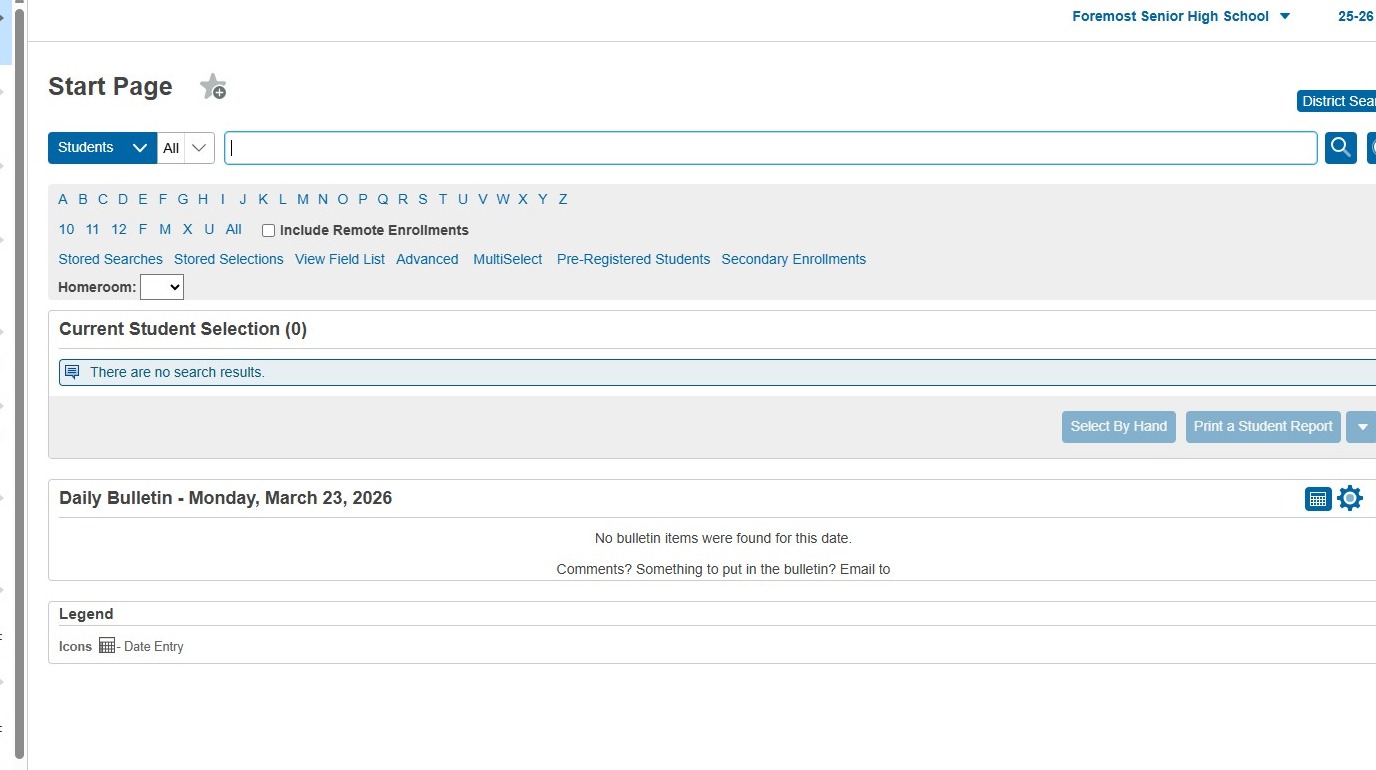
2. Search for and select the student who needs to be enrolled in the course(s)
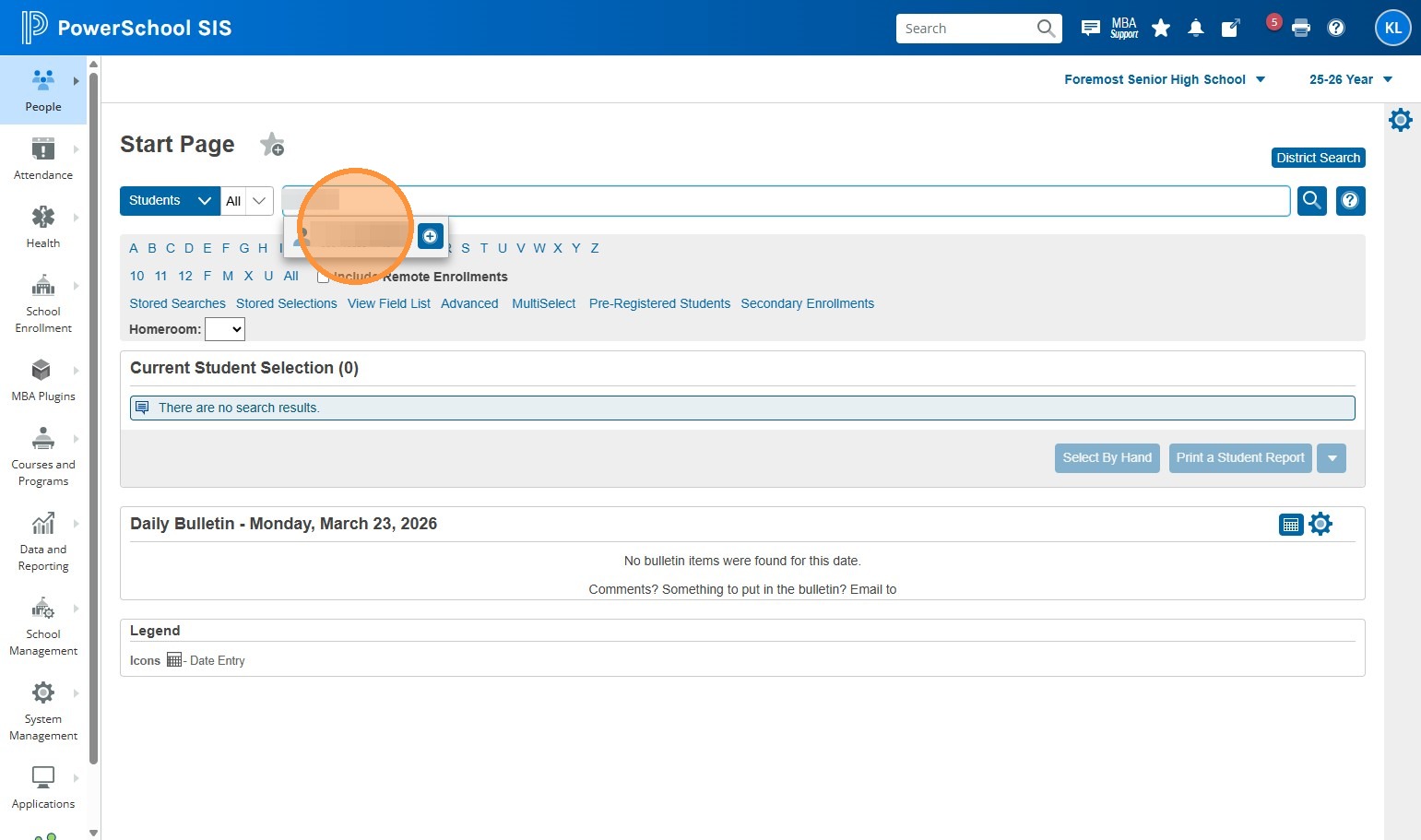
3. Click "Courses and Programs"
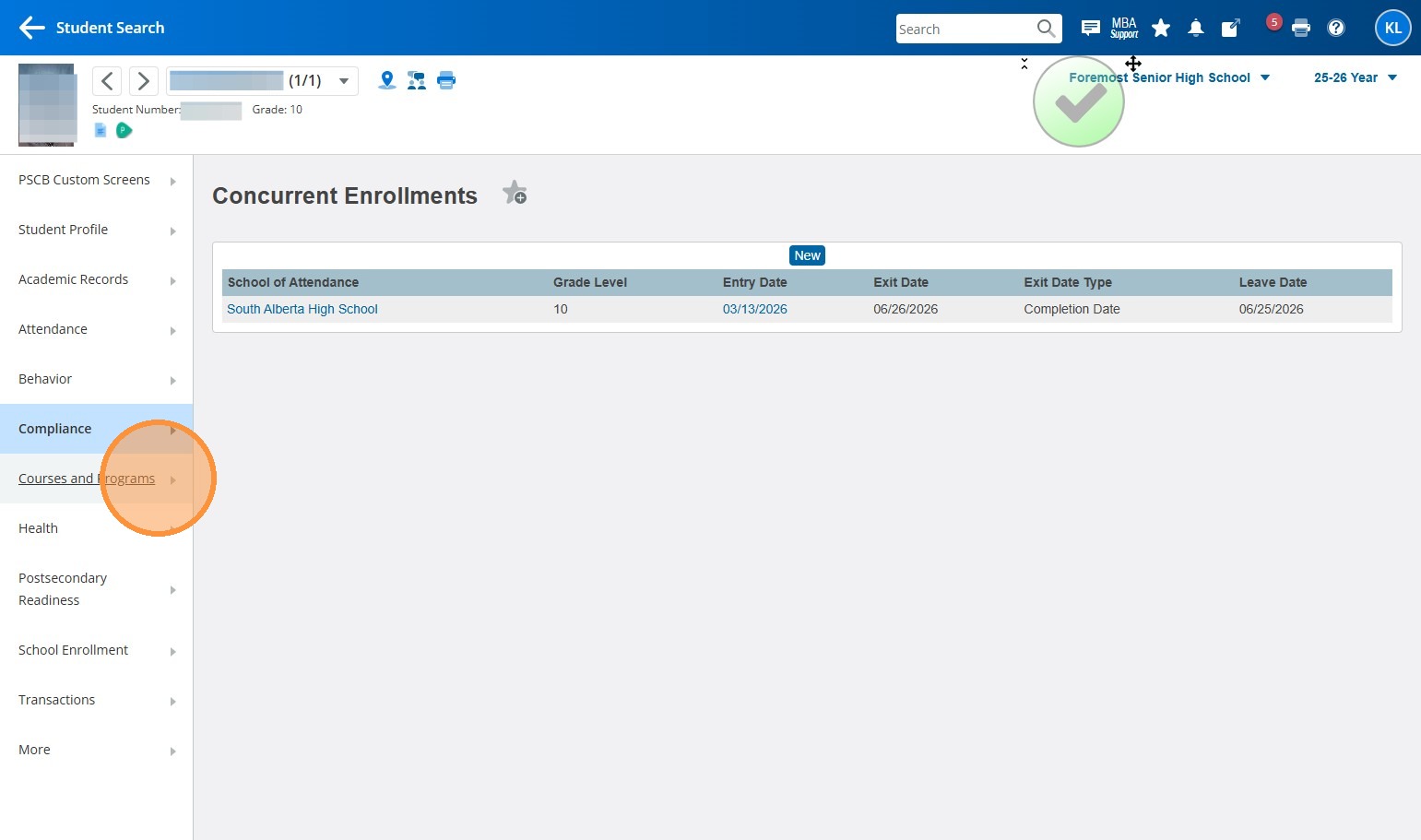
4. Click "Remote and Summer School Registration"
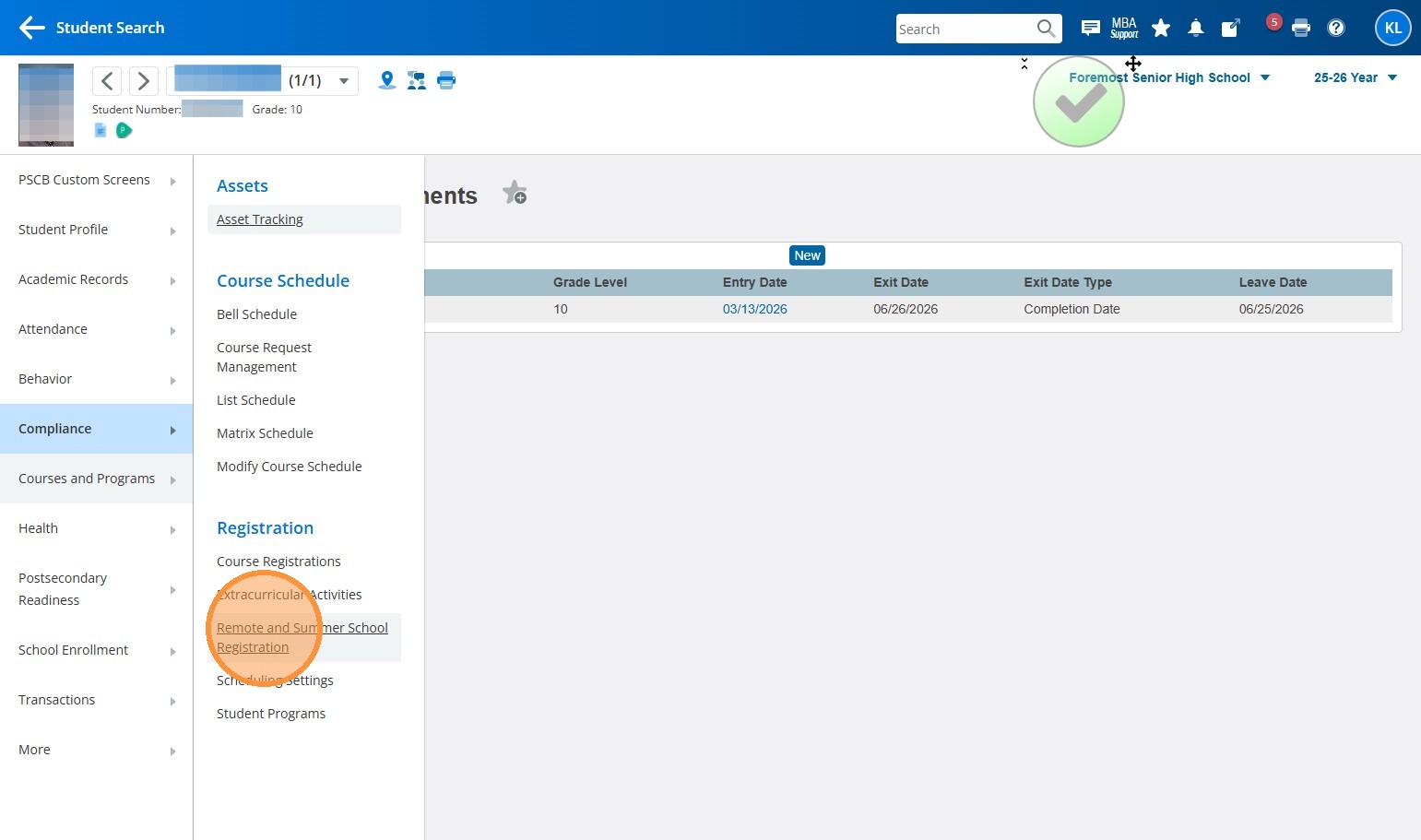
5. Select the school that the student is taking courses at. Make sure you're choosing the school's SUMMER SCHOOL building, not their regular building. So for Coulee Collegiate's summer program, the school is Coulee Collegiate Summer.
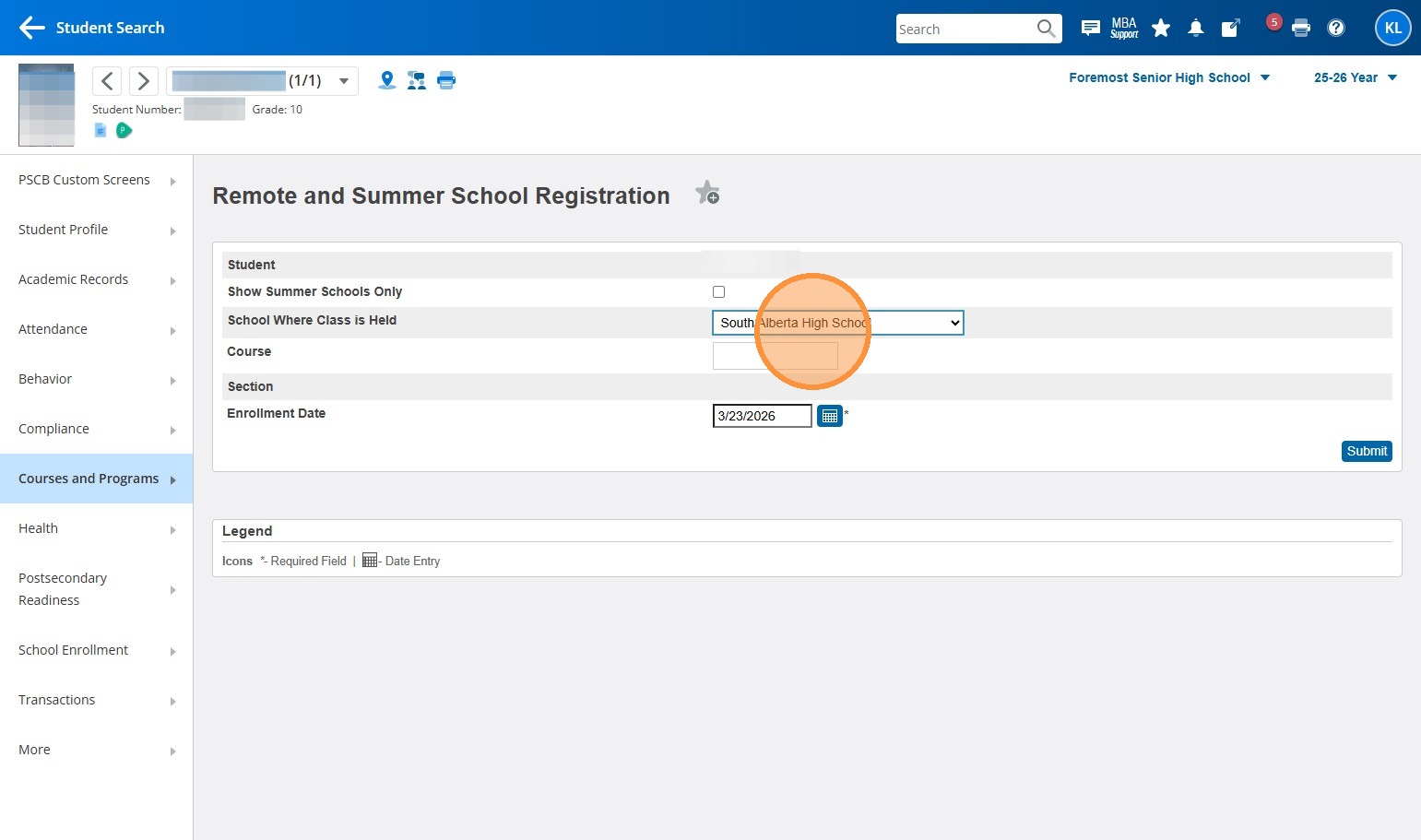
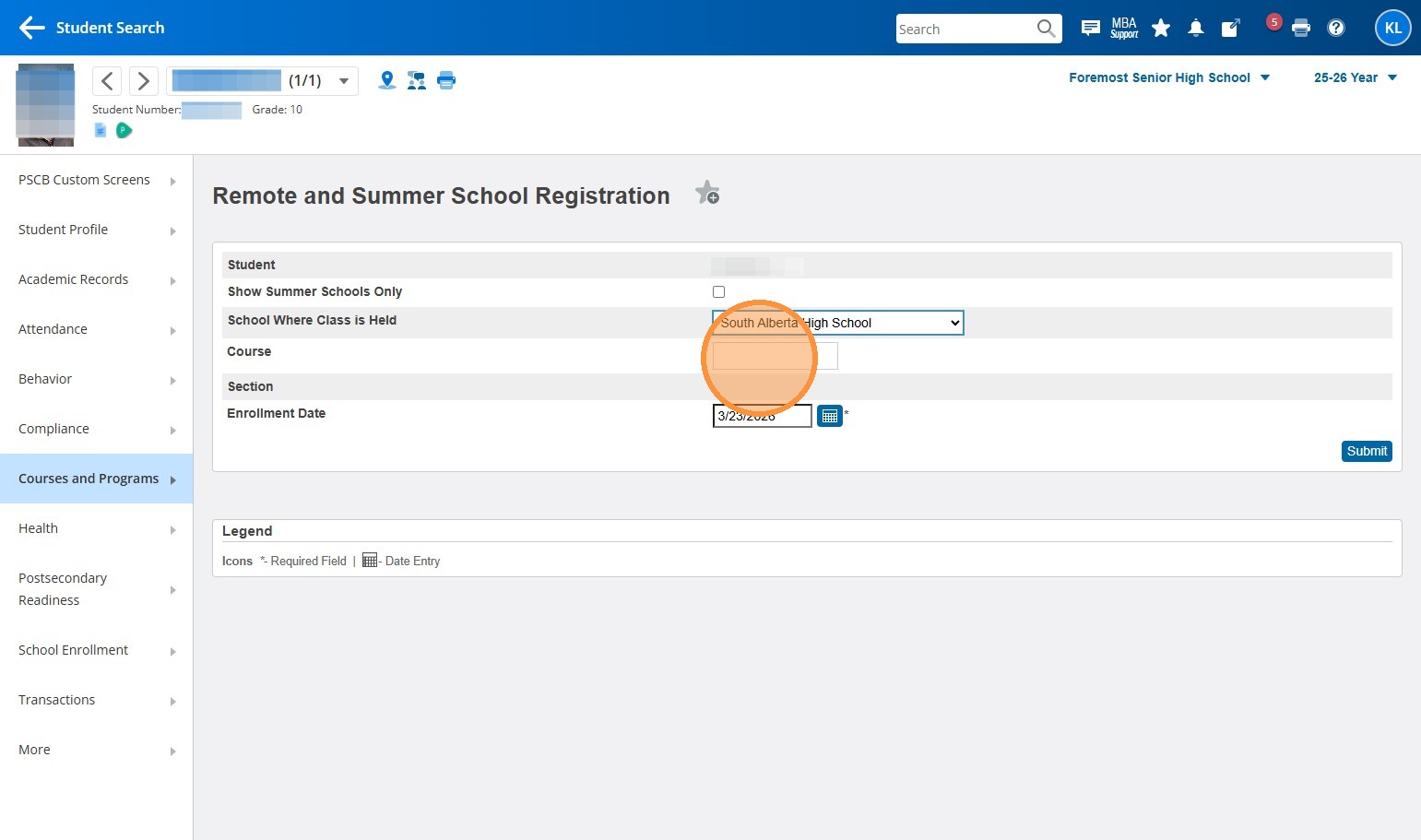
6. Click the "Course" text field
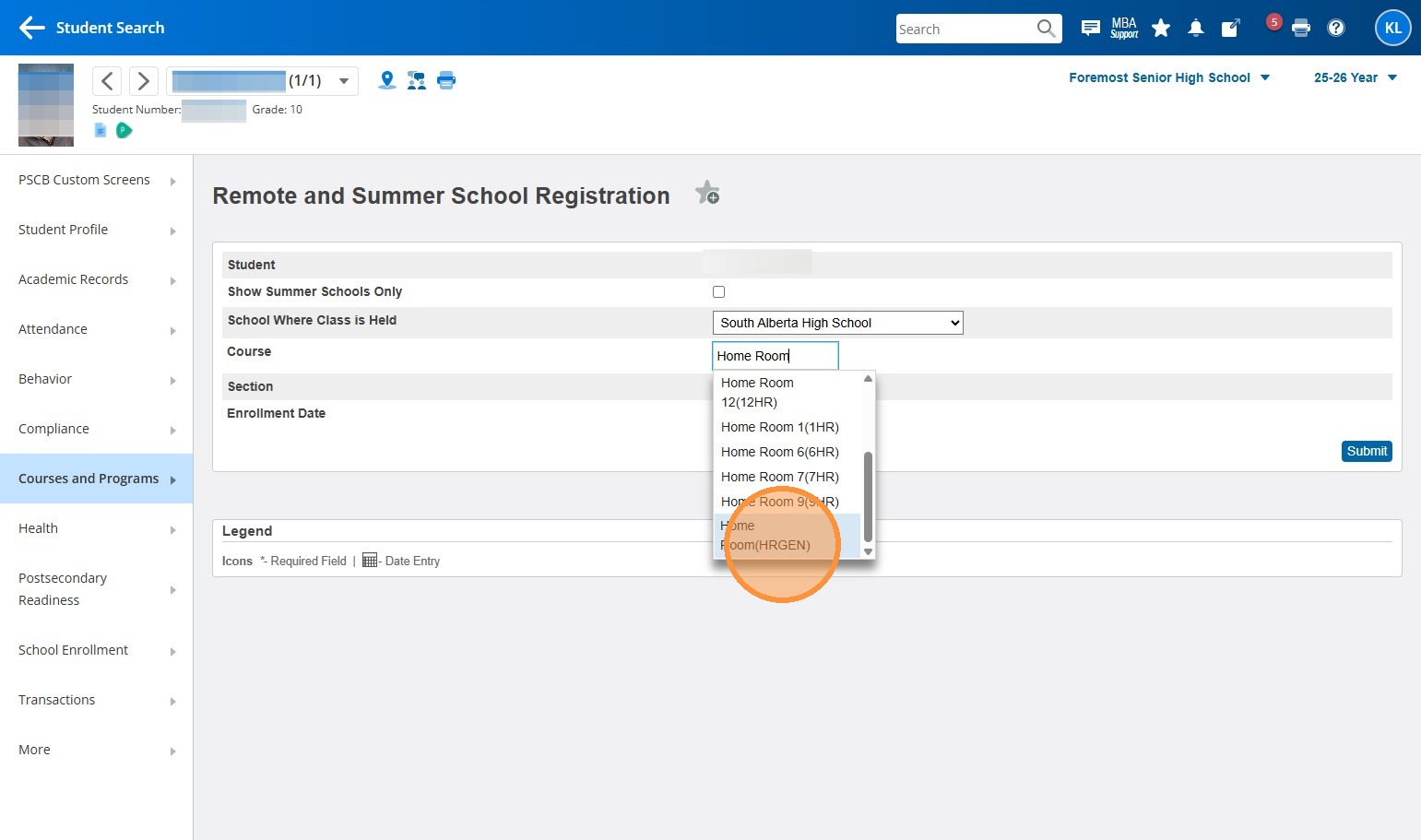
7. Start typing out the course name or number, and select it when it appears. In my example, I'm using "Home Room(HRGEN)"
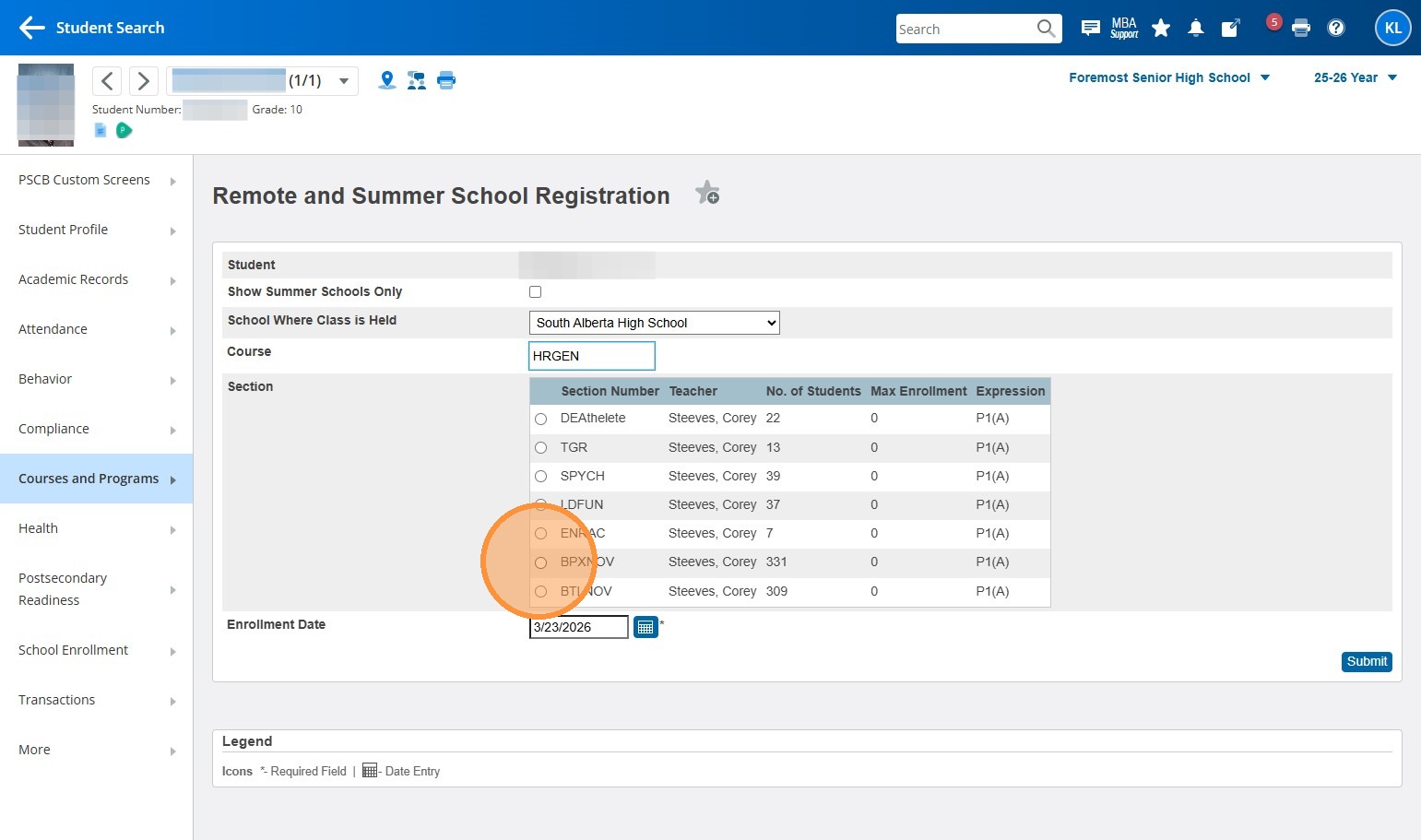
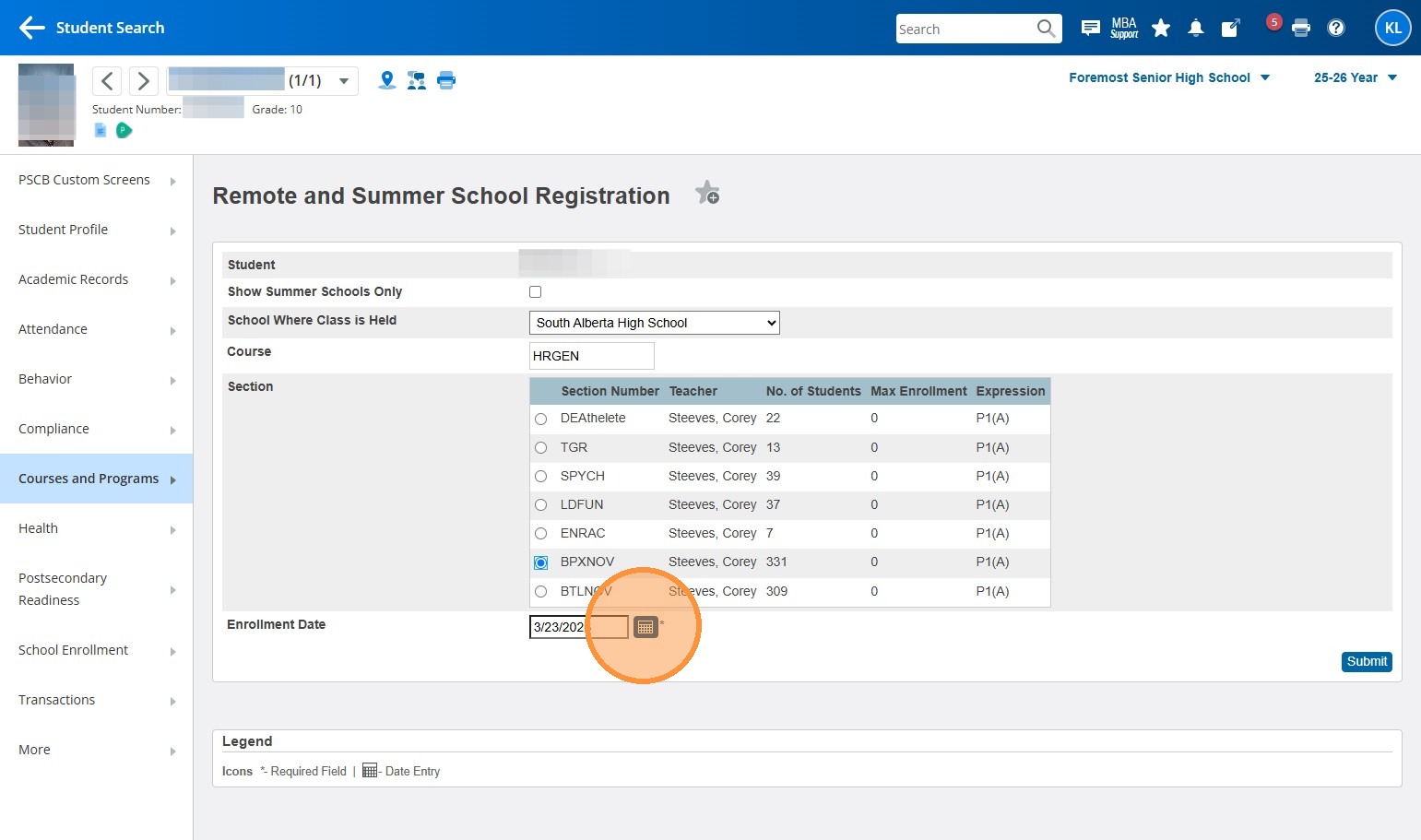
8. Once you select the course, a list of potential sections for that course will appear. Select the radio button next to the correct section.
9. Select the date button and enter the date the student is starting the course. For the 25-26 summer term, the start date will likely be July 2, 2026.
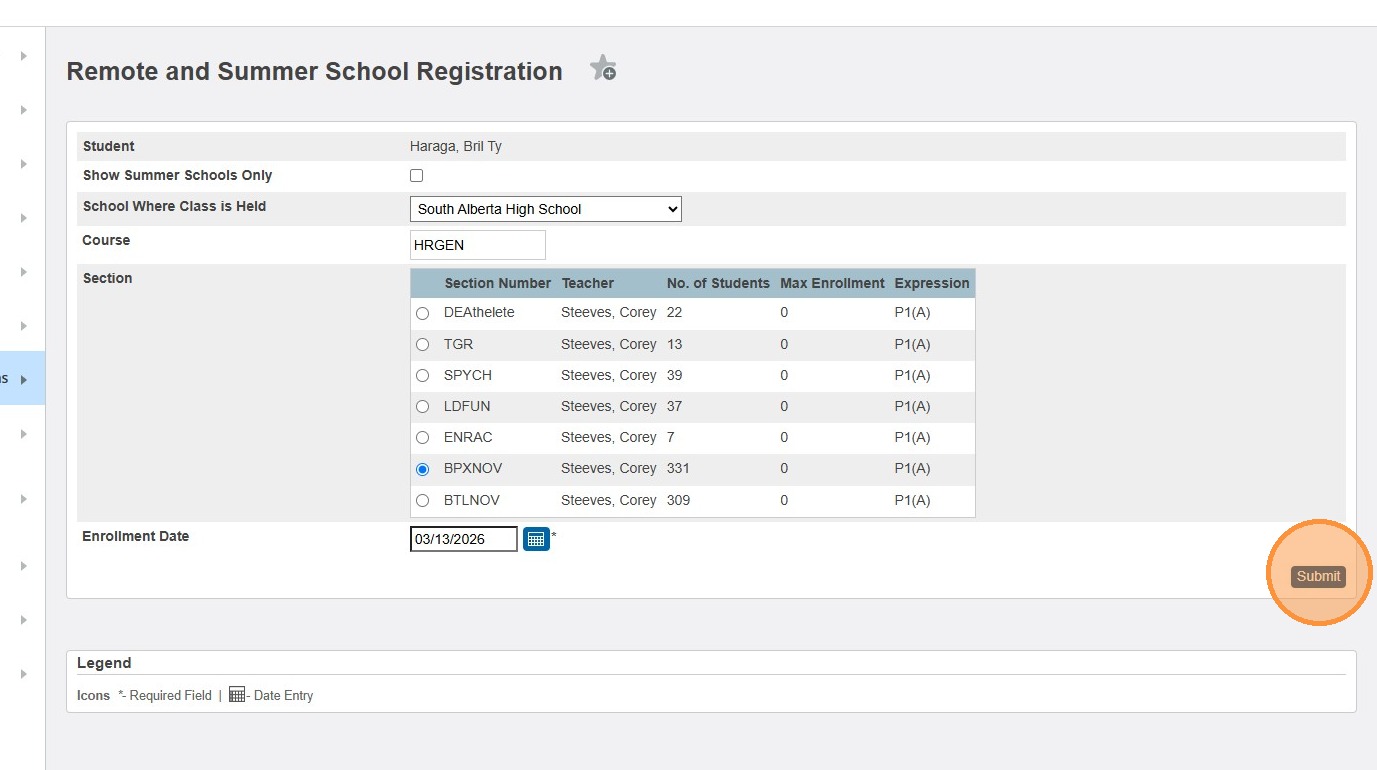
10. Click "Submit"
11. If you have more courses to add for the same student, you can repeat these steps for subsequent courses.