Update a Chromebook
Creation date: 2026-05-07 1:29 p.m.
Updated: 2026-05-07 1:29 p.m.
How to update a Chromebook
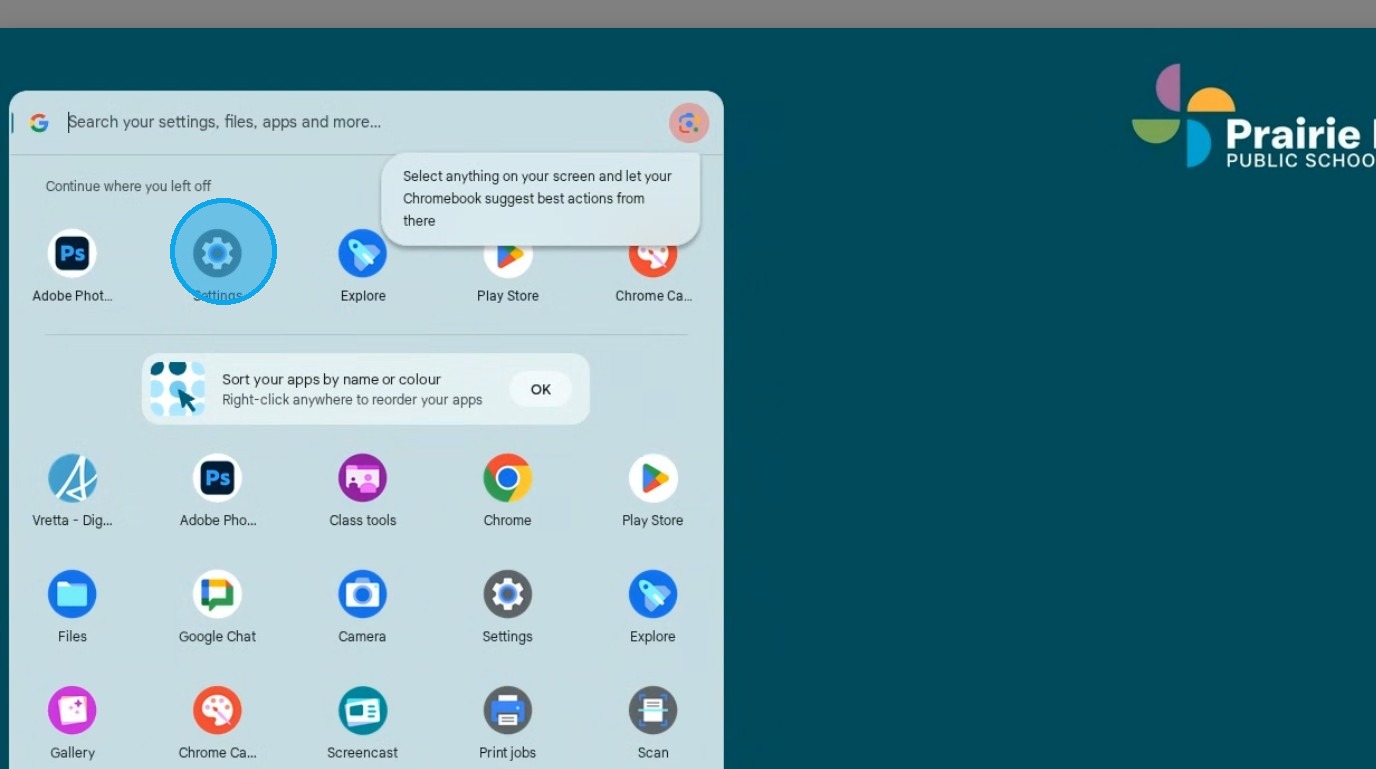
1. Open the launcher click "Settings"
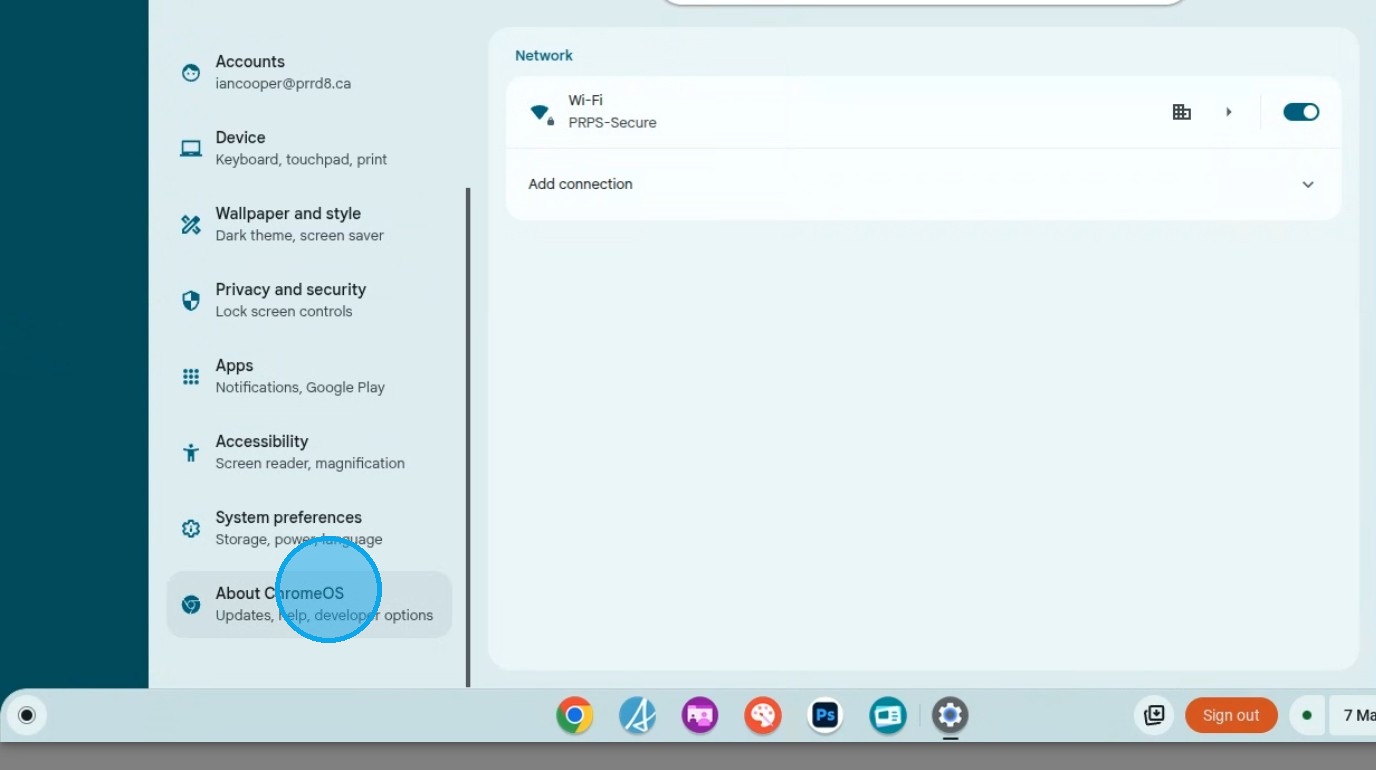
2. Click "About ChromeOS"
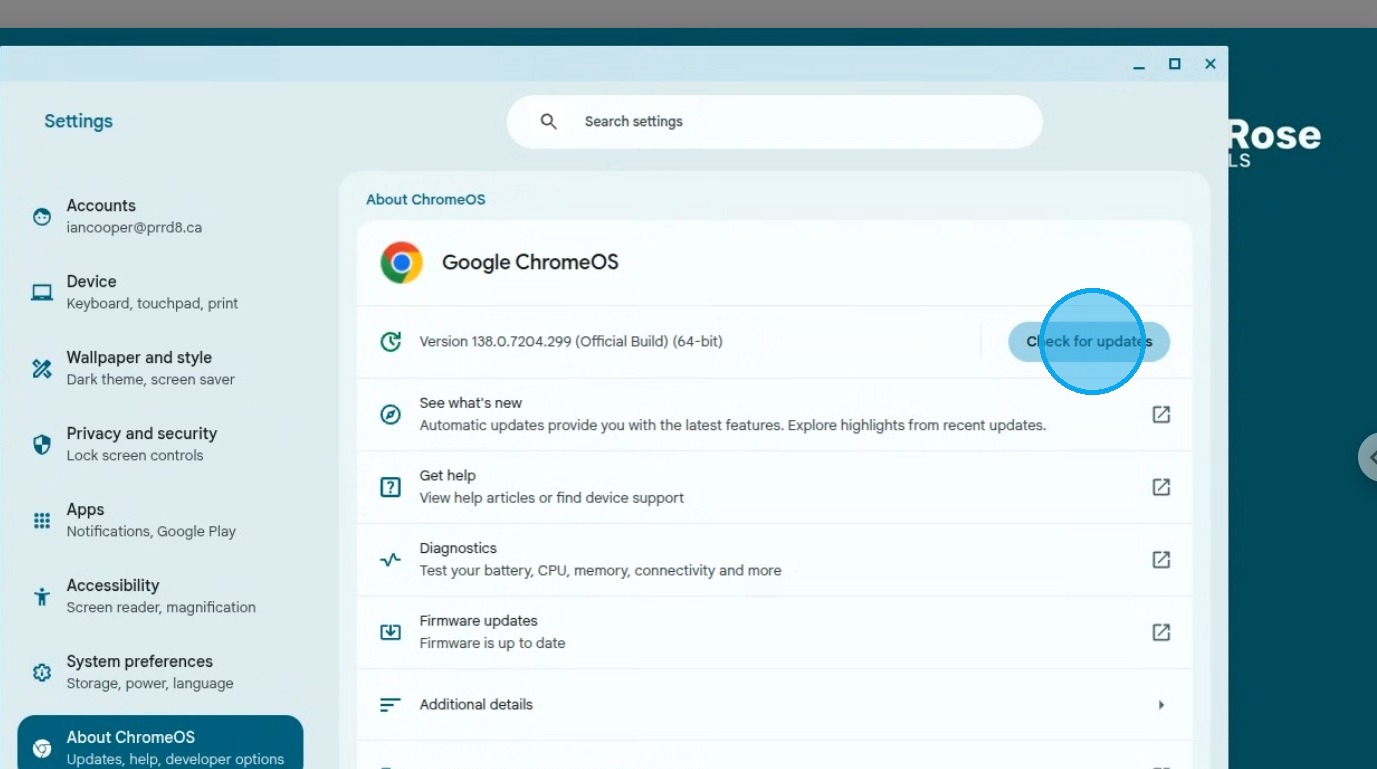
3. Click "Check for updates"
4. Wait for the Update to download and install, usually takes 5 minutes or so
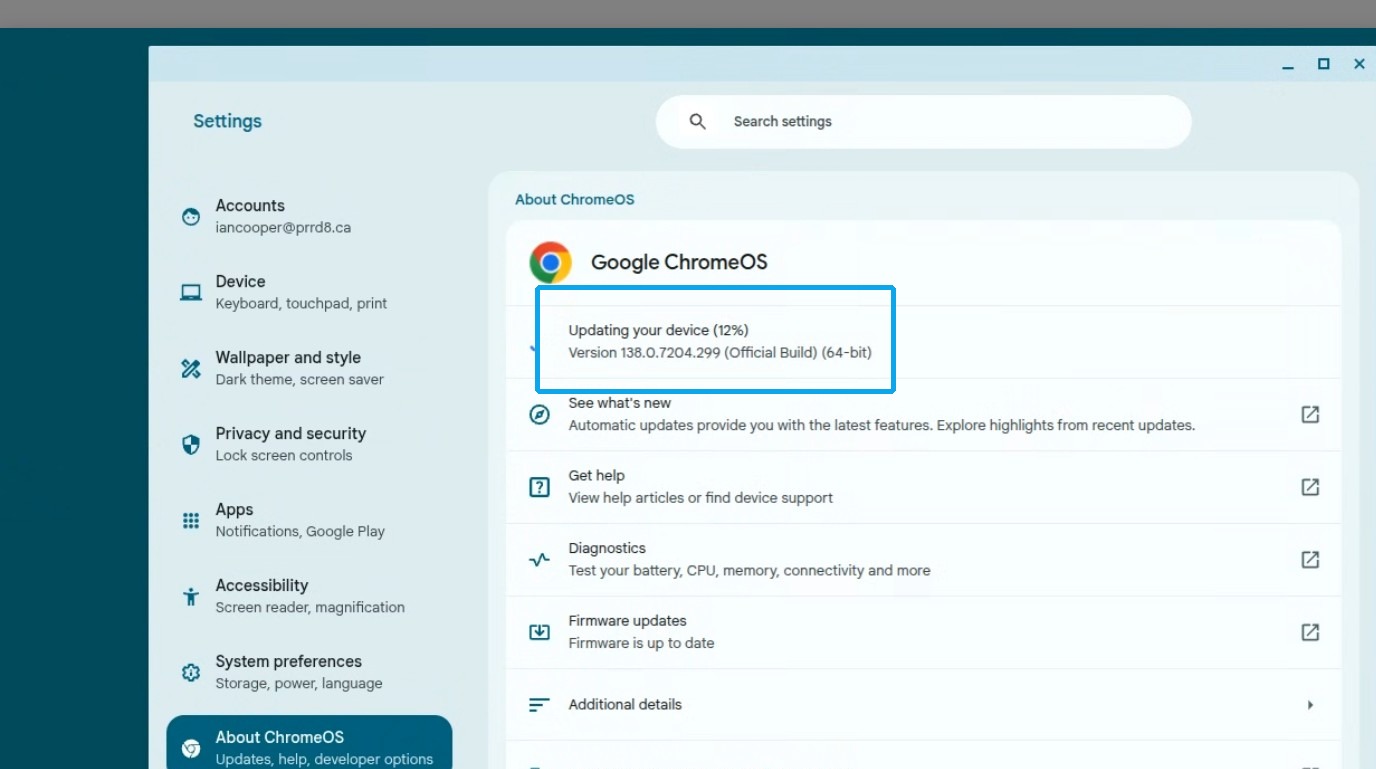
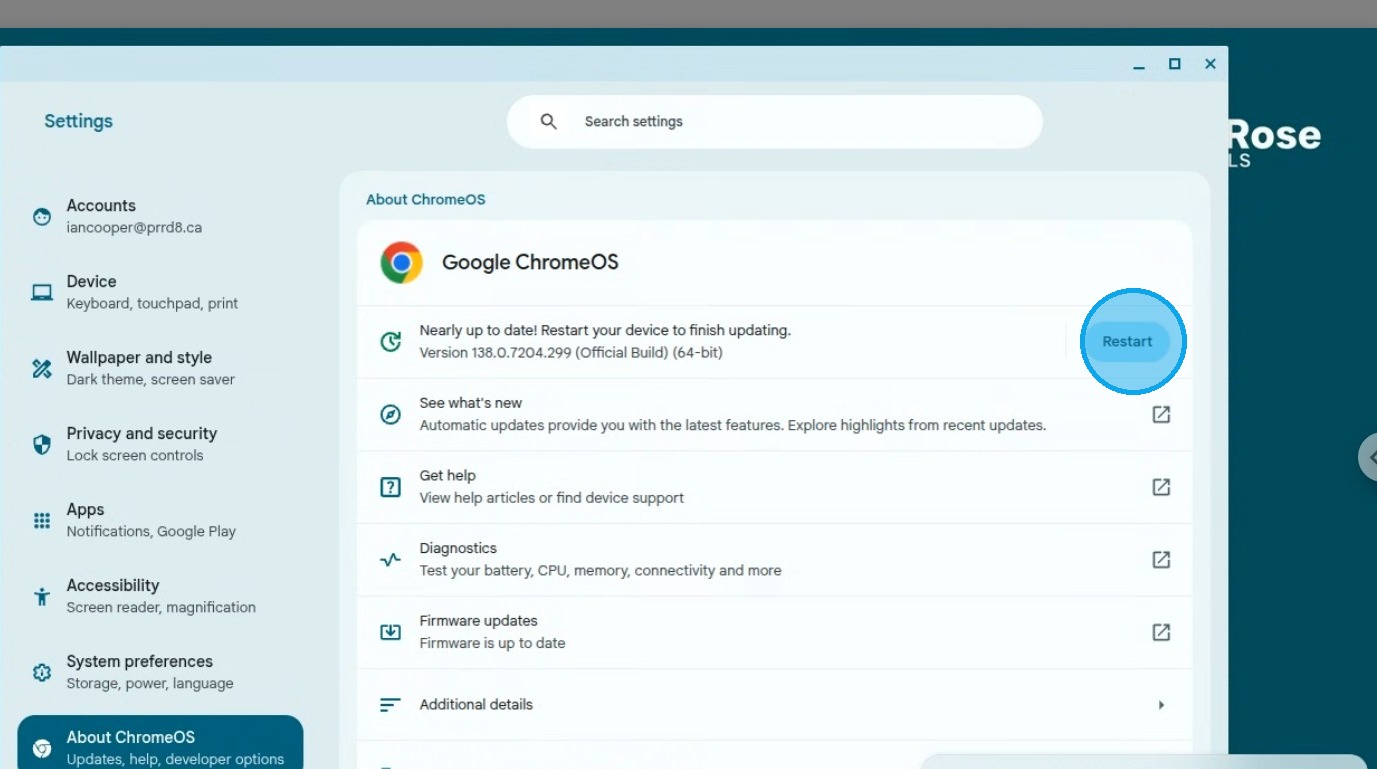
5. Click "Restart" to complete the update.