
How to Export a list of Student Logins
Export Student Login Information Using Templates
1. Navigate to PowerSchool SIS Admin https://prsd8.ca/admin/home.html
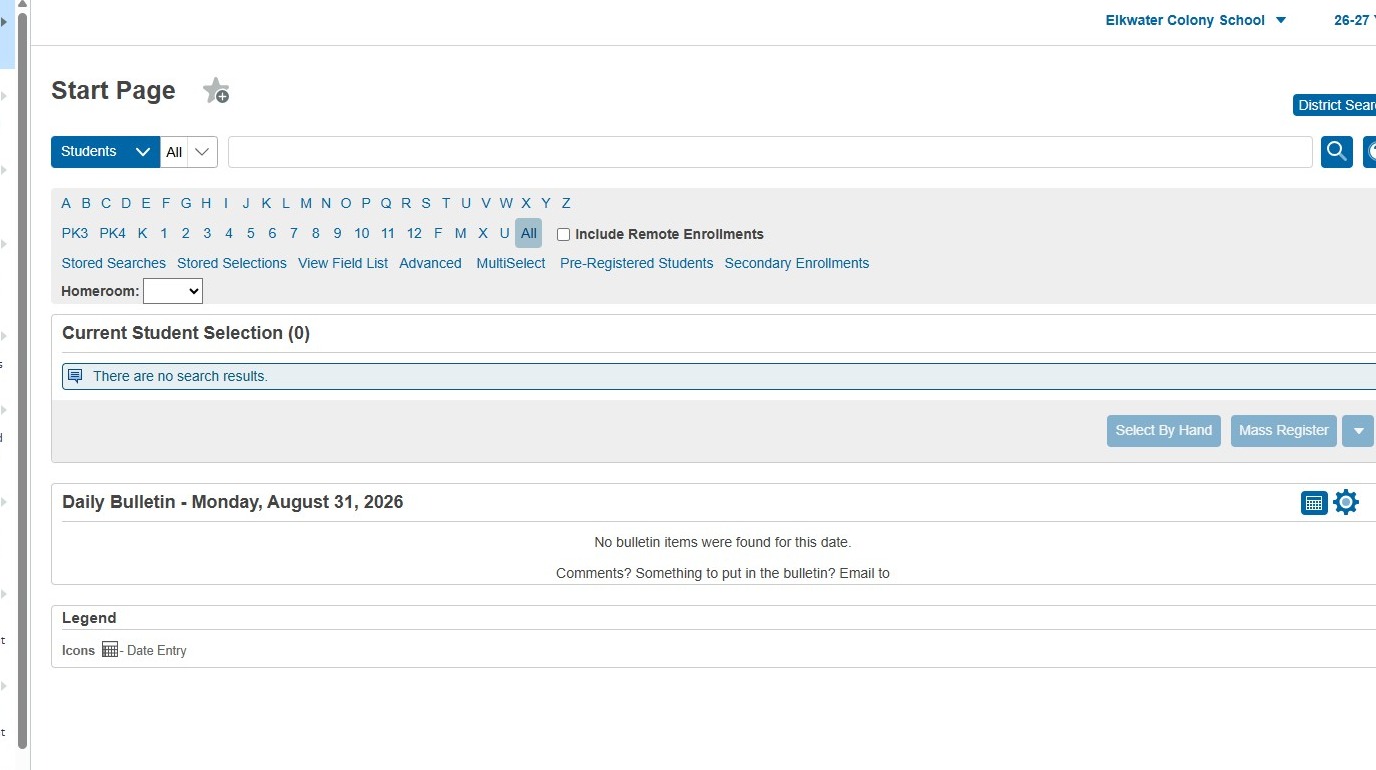
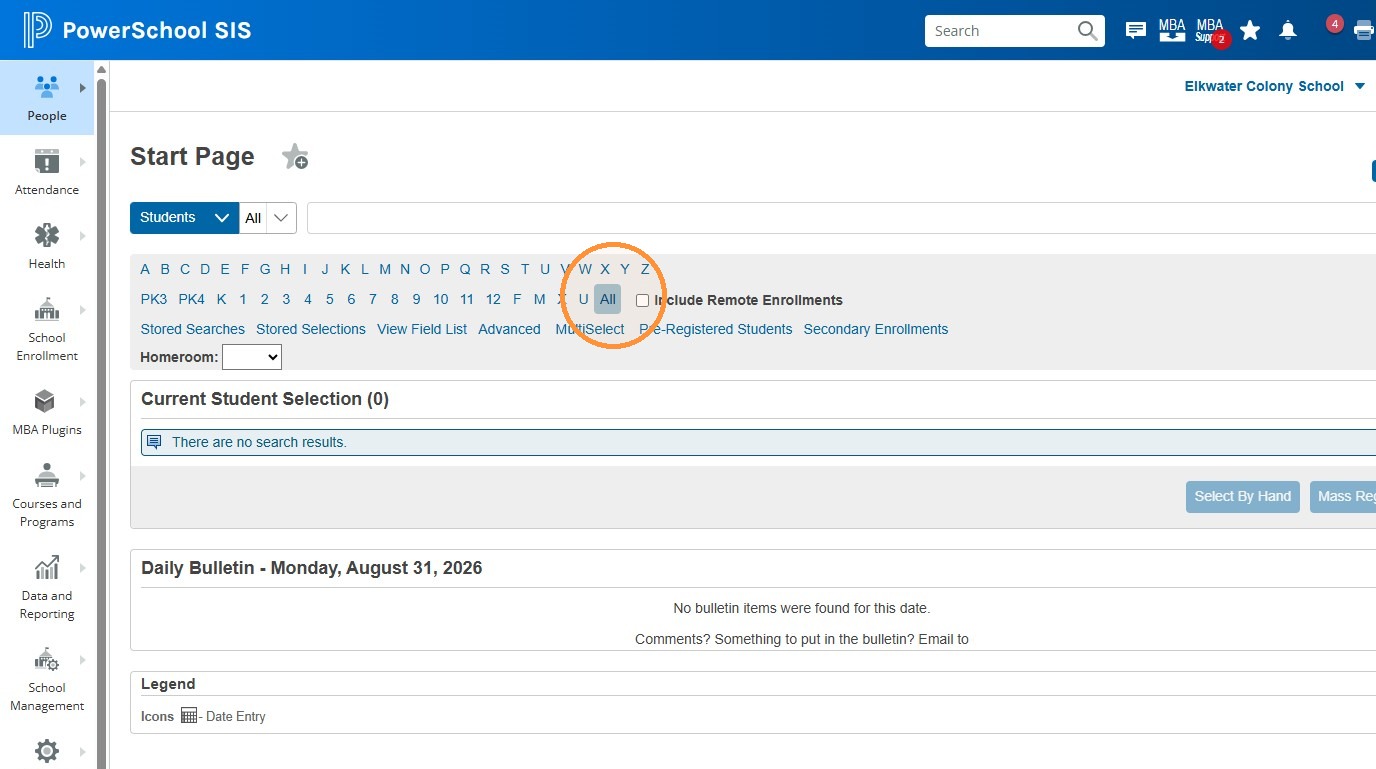
2. Click "All"
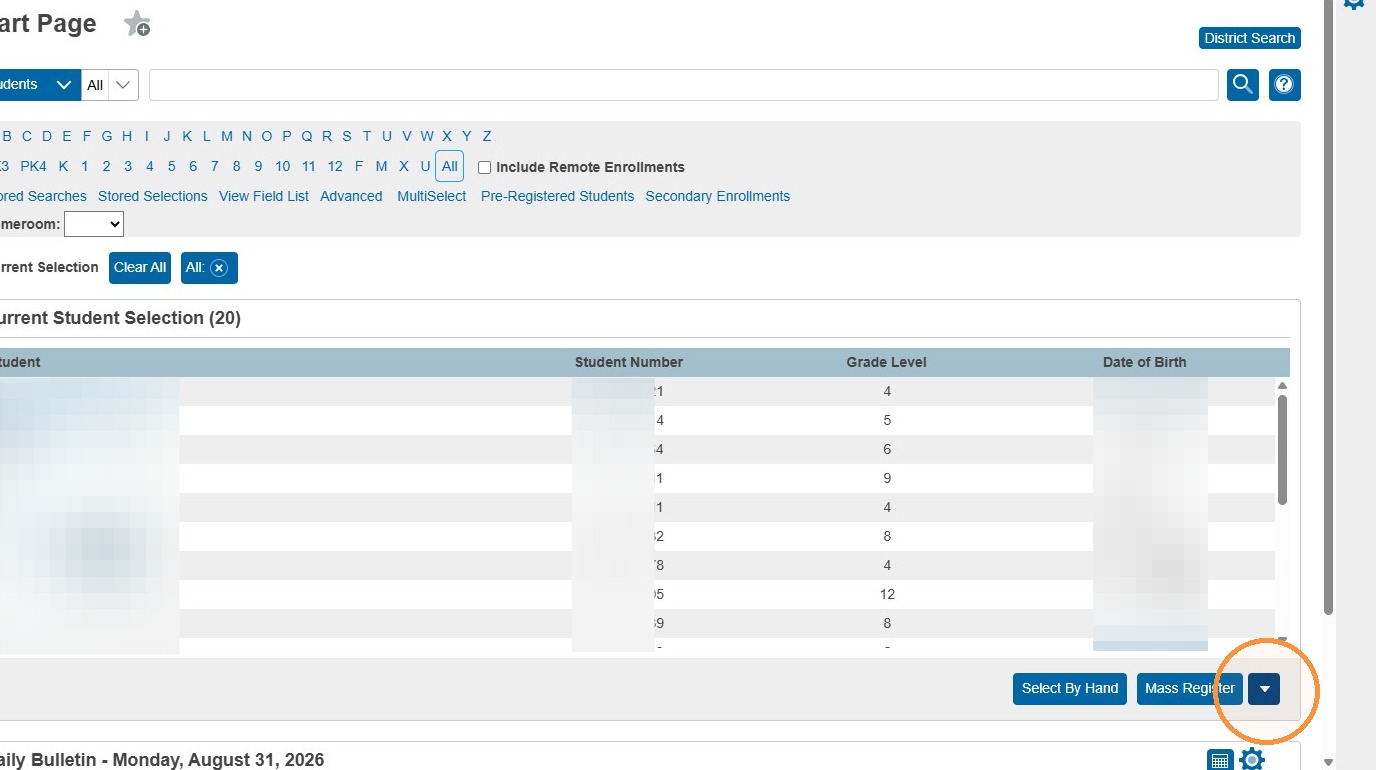
3. Click the drop down arrow under the student selection displayed
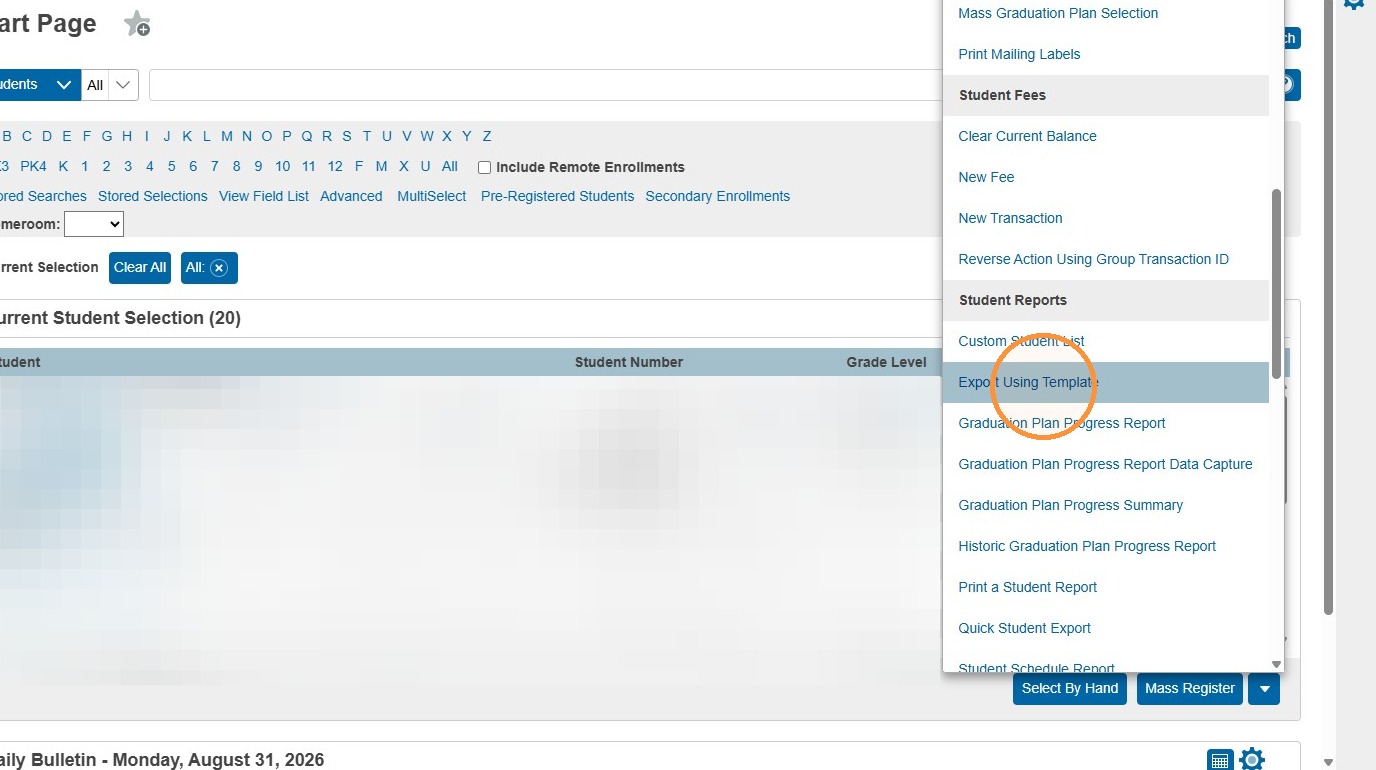
4. Click "Export Using Template"
5. Select the "Students" option.
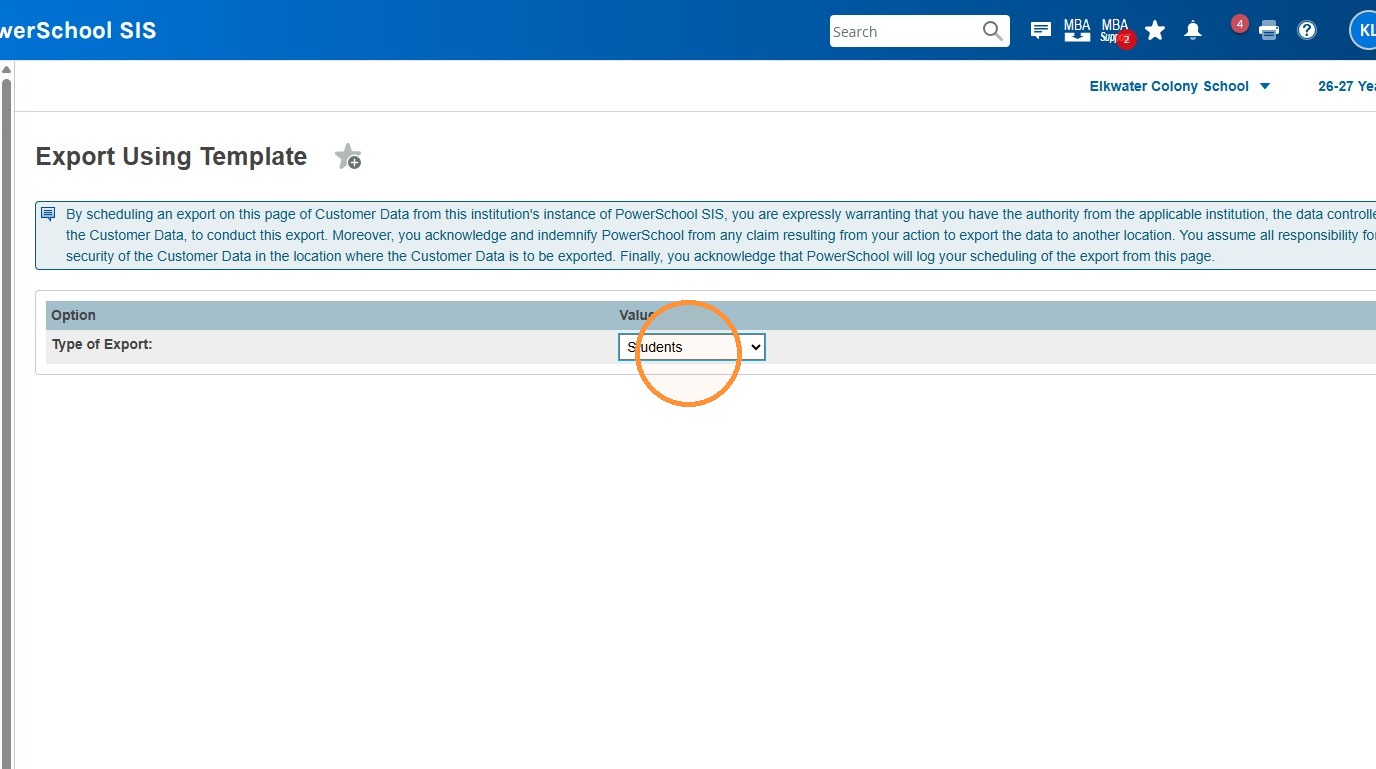
6. Select the "Student Login Information - Schools*" option.
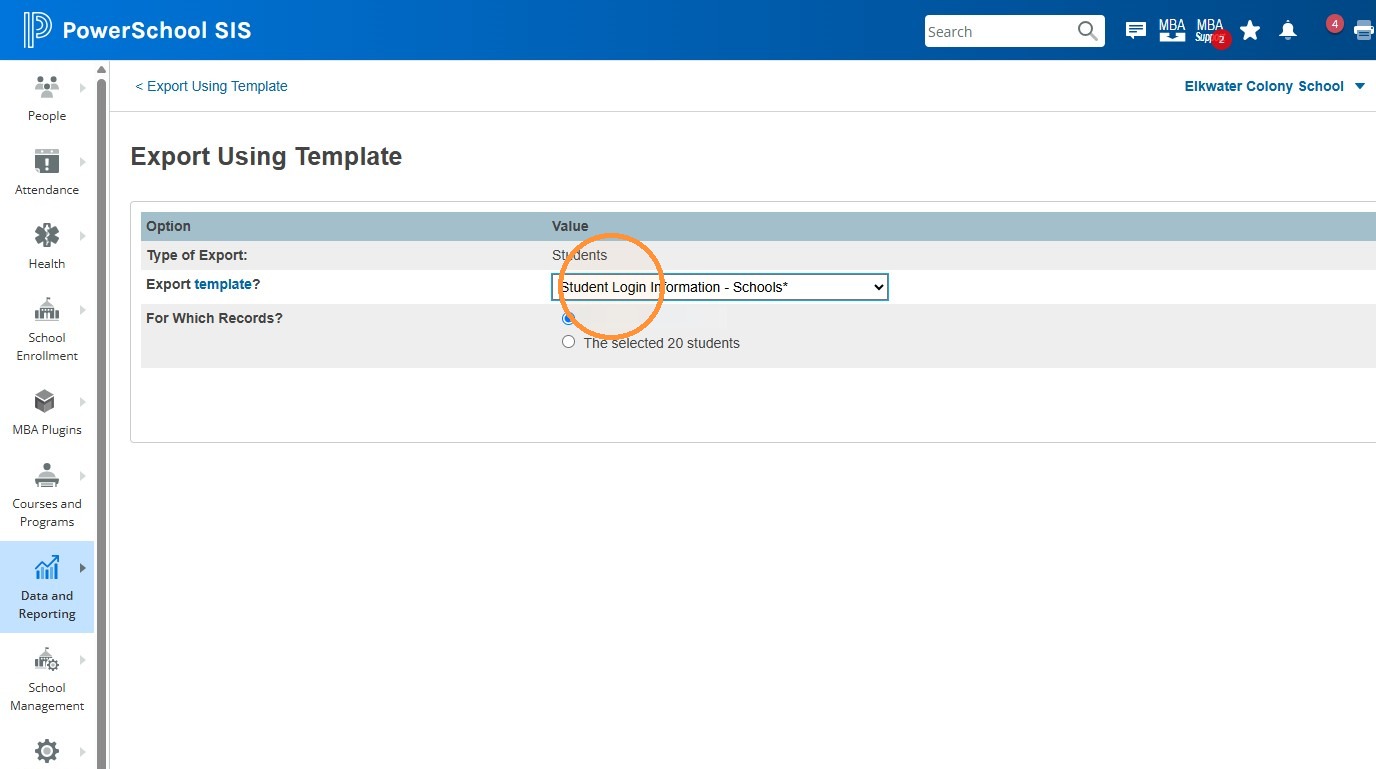
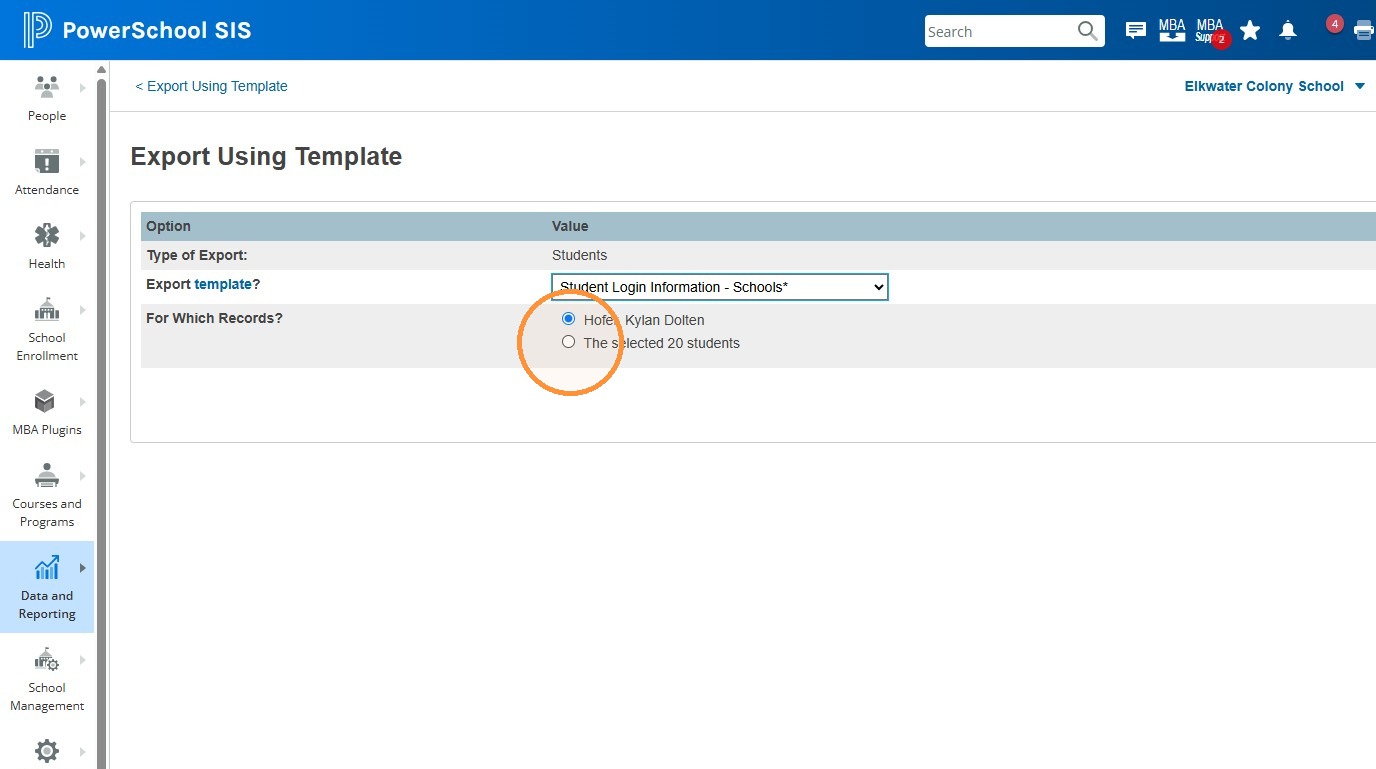
7. Click the "The selected ## students" option
8. Click "Submit"
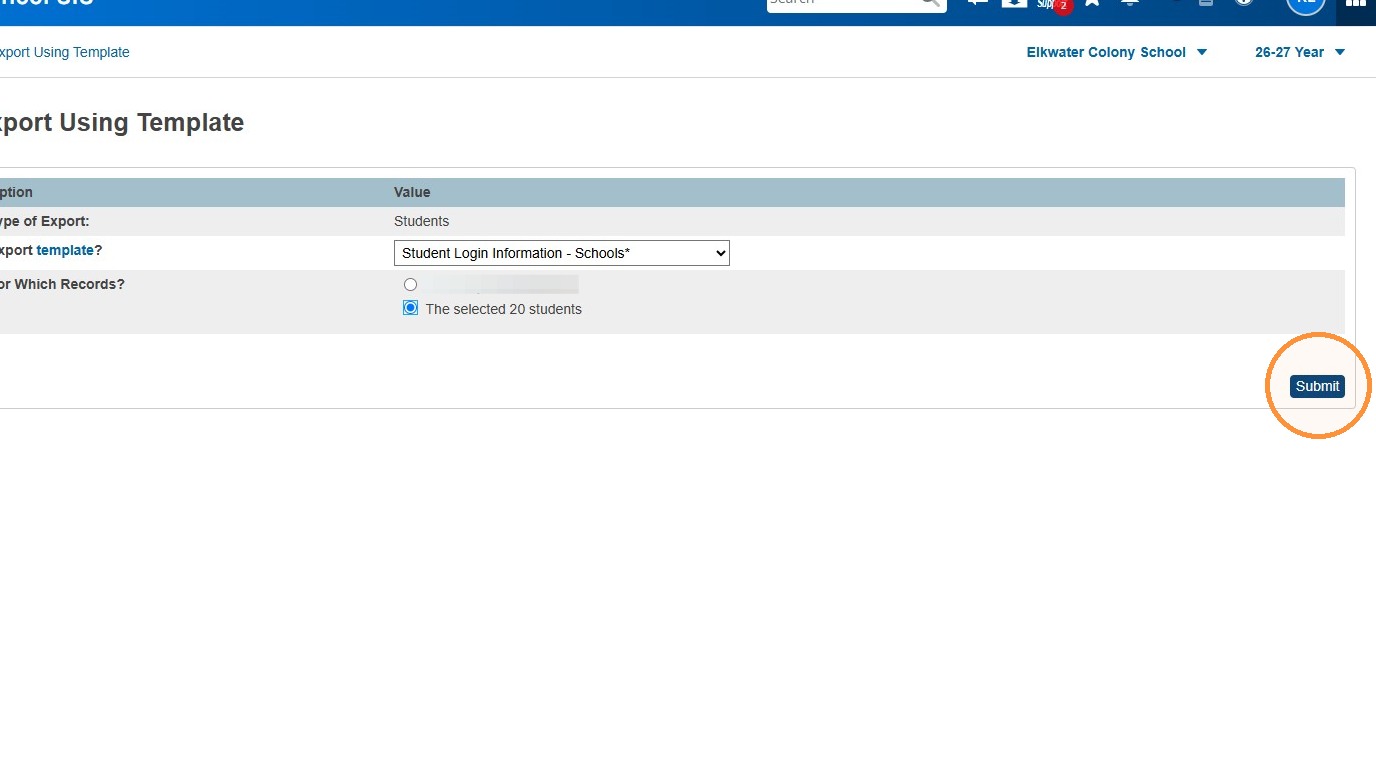
9. This will export the list of students along with their emails and temporary passwords to Excel. From there you can sort, view and/or print the list as needed.
Tip: Each year about a week or so before the start of the new school year, student passwords are reset for K-9. High School Students retain their previous year passwords, but get prompted at their next sign in to change their passwords / choose a new password.
Once a student has changed their password, the one listed in PowerSchool SIS is no longer relevant. It does not update if a student changes/updates their password.