
How To Disable Courses and Marks in Parent/Student Portal
Creation date: 2026-01-26 3:42 p.m.
Updated: 2026-04-21 12:27 p.m.
Disable Courses and Marks in the Parent/Student Portal
1. Navigate to https://prsd8.ca/admin/home.html
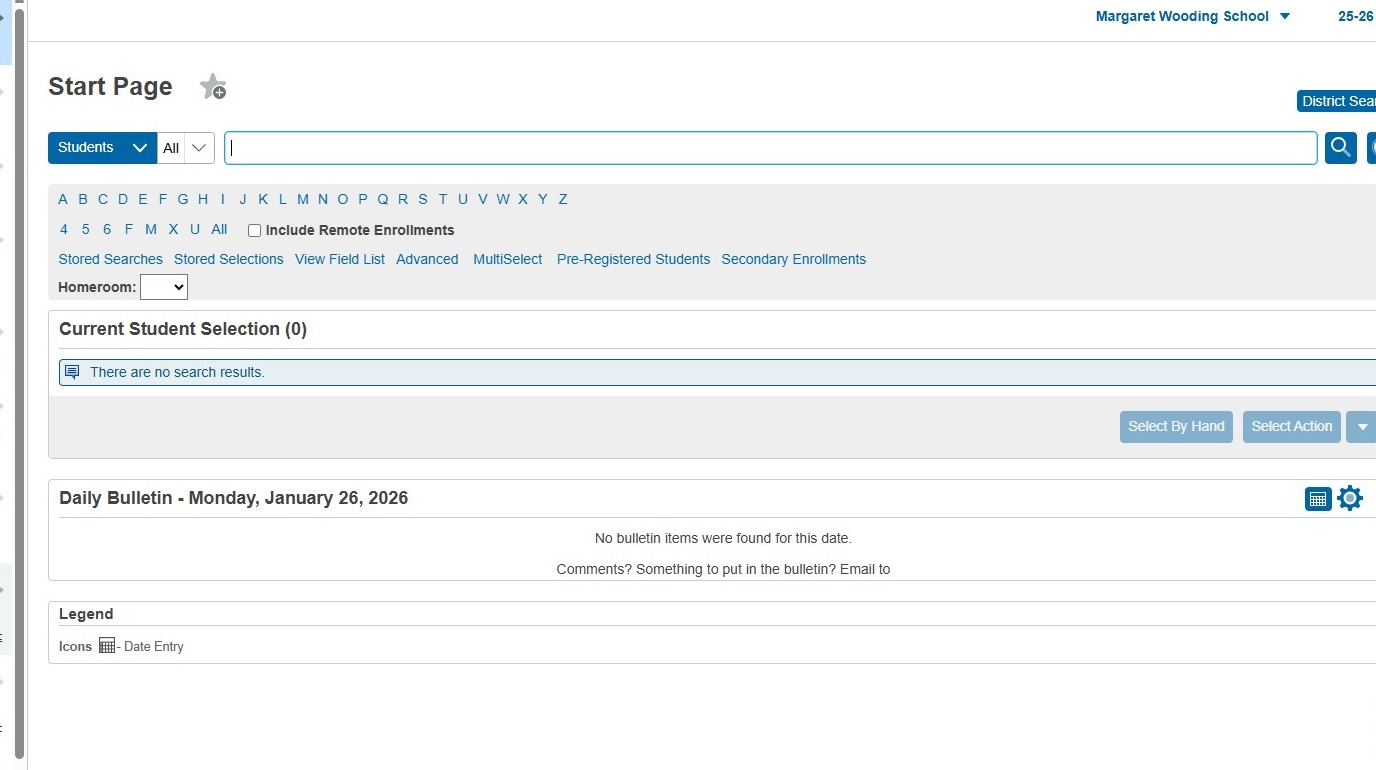
2. Click "School Management"
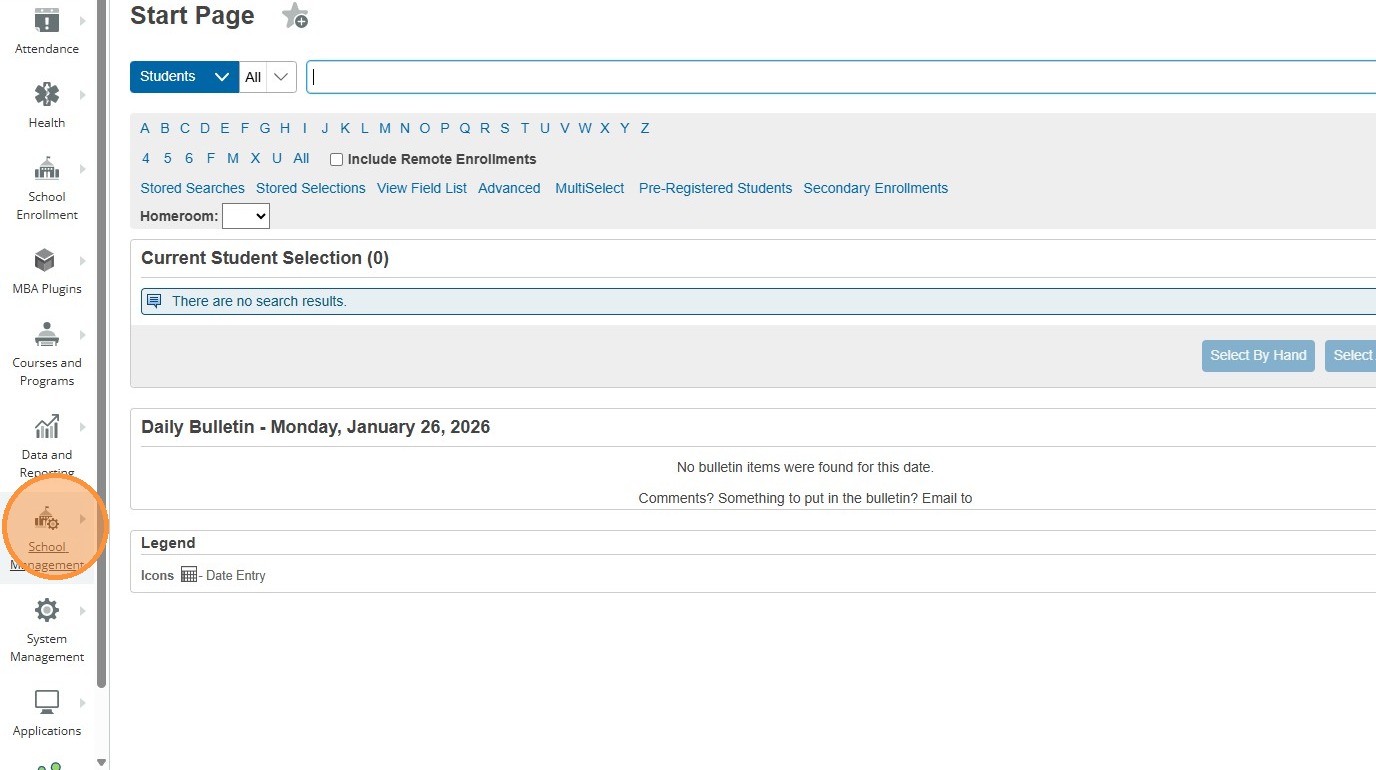
3. Click "Scheduling"
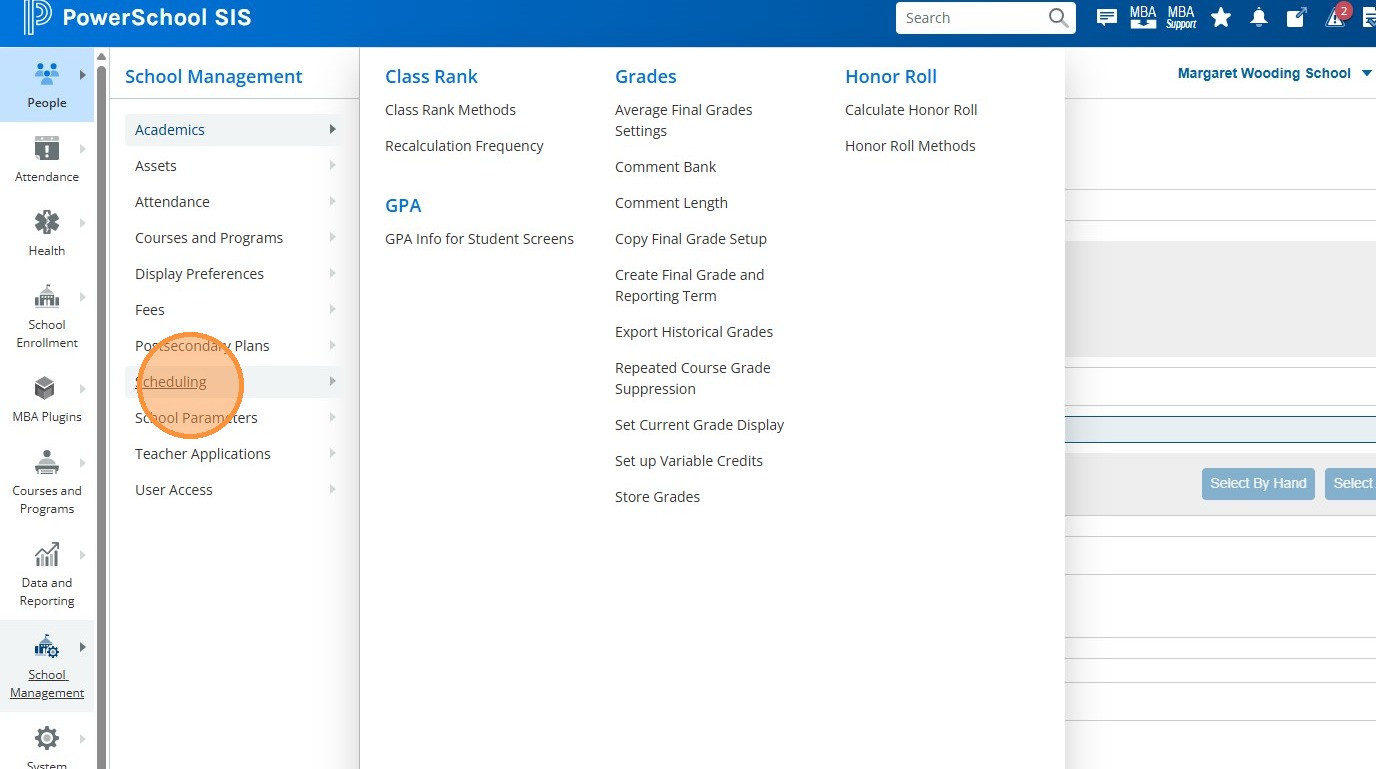
4. Click "Years and Terms"
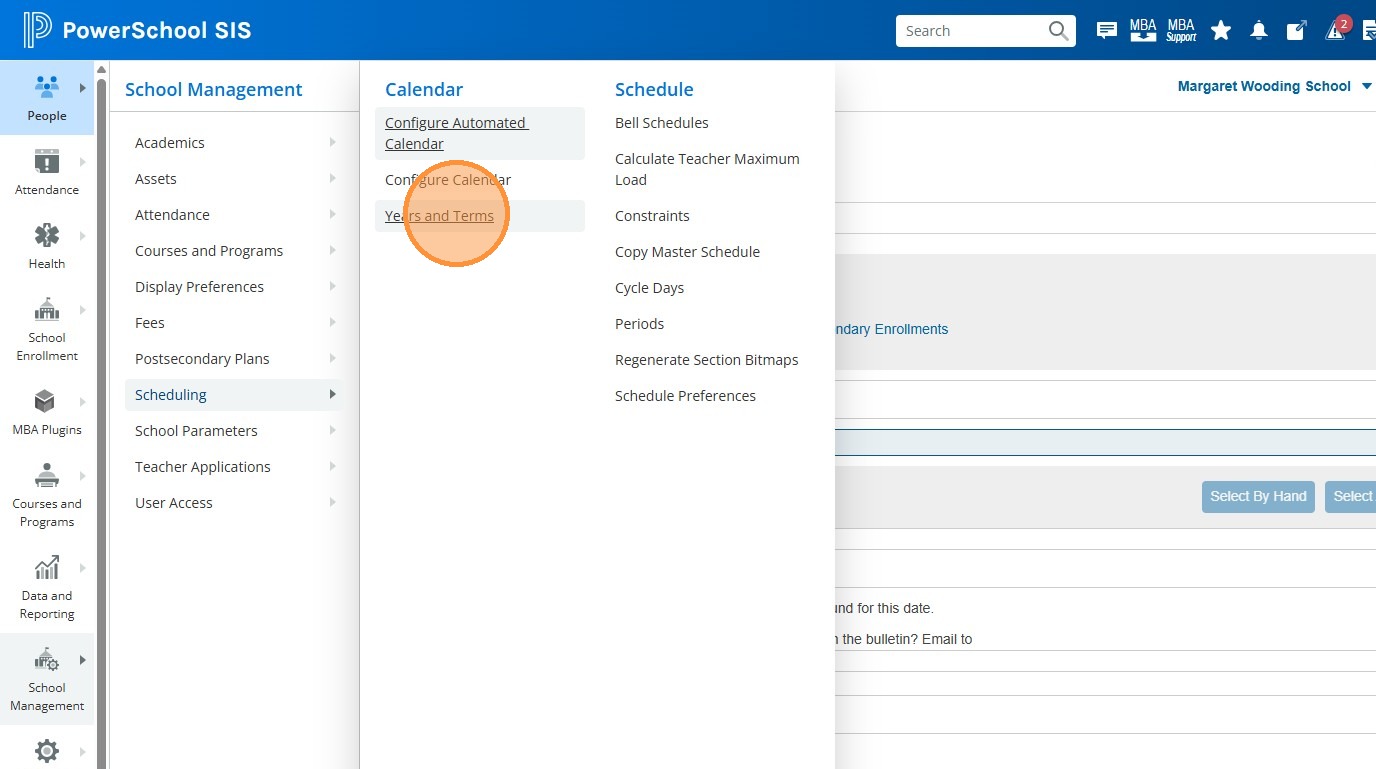
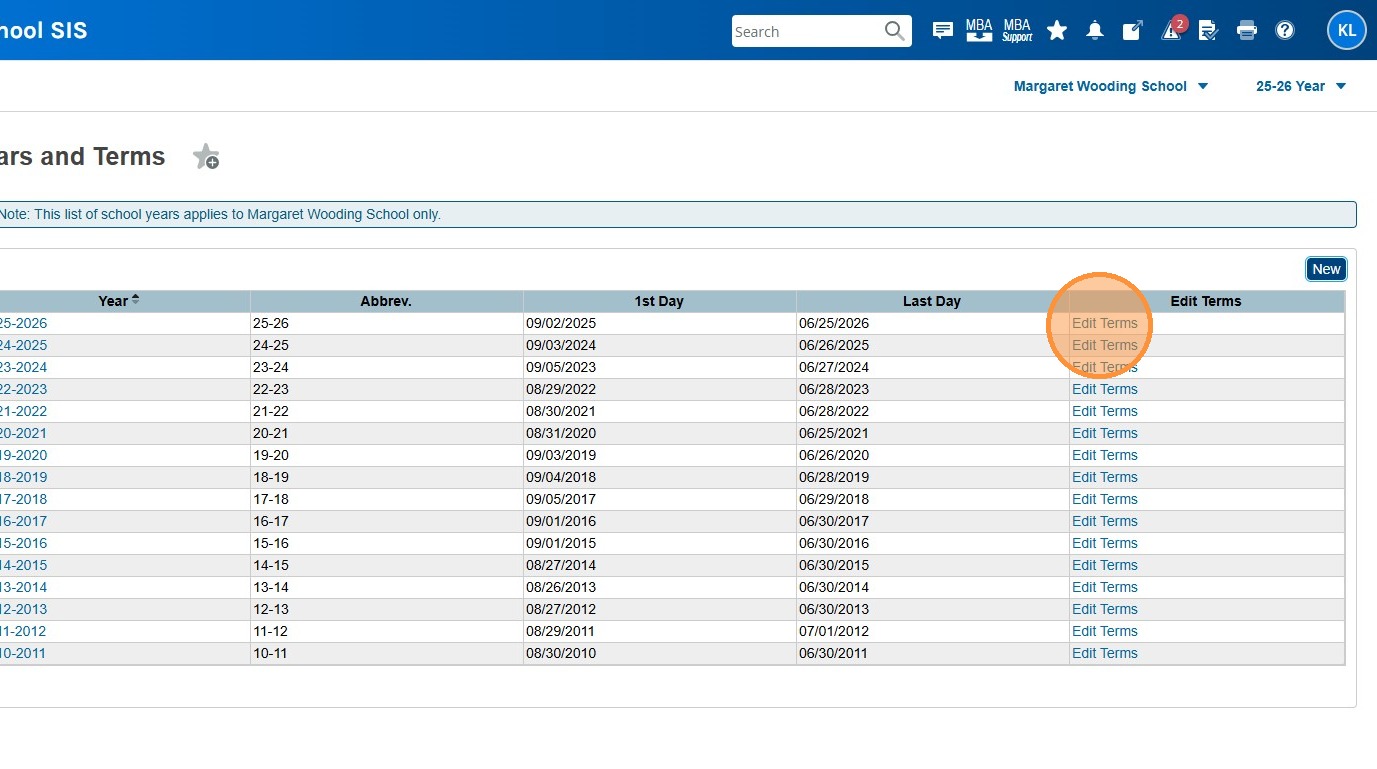
5. Click "Edit Terms" for the correct year
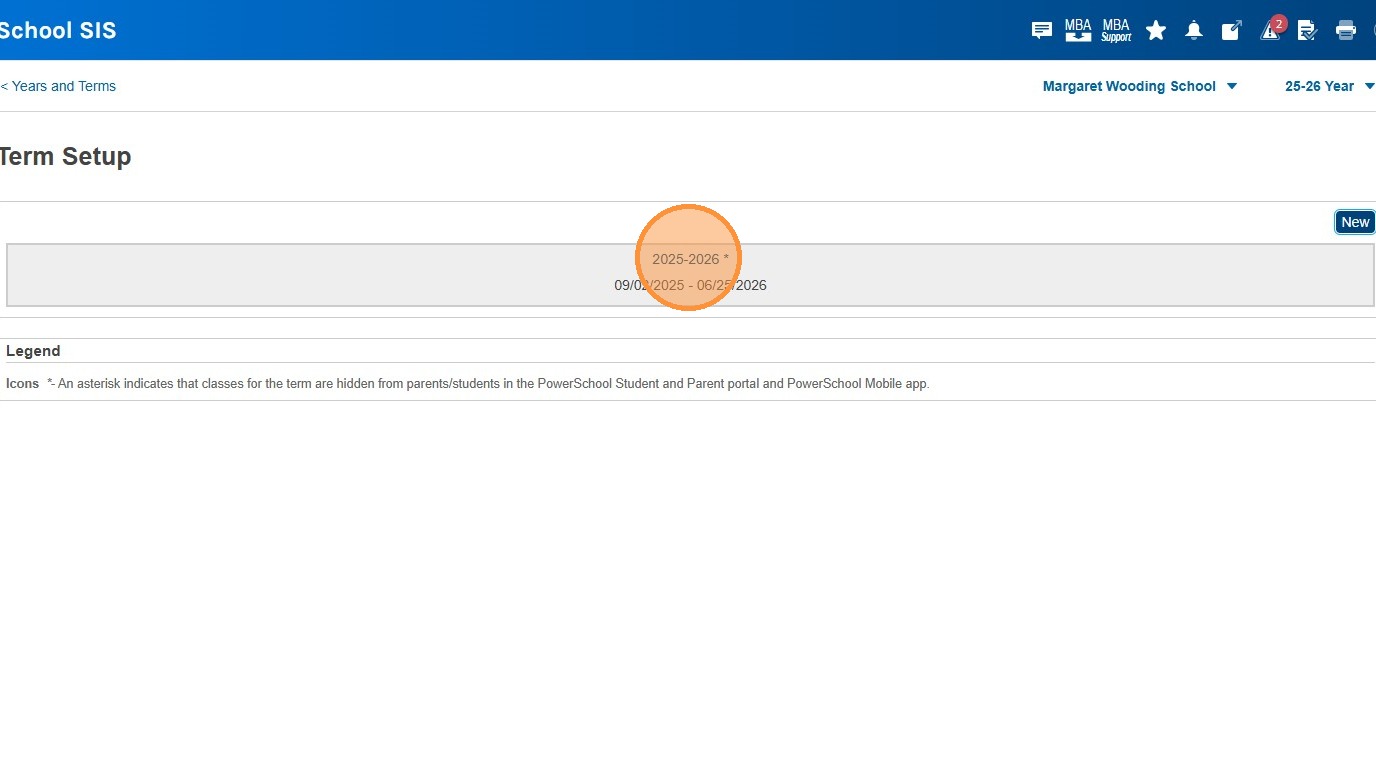
6. Click on the term (in this case, "2025-2026". Your school will have either just 2025-2026, or that plus Term 1 and Term 2. You'll have to repeat the next step for each term your school has.
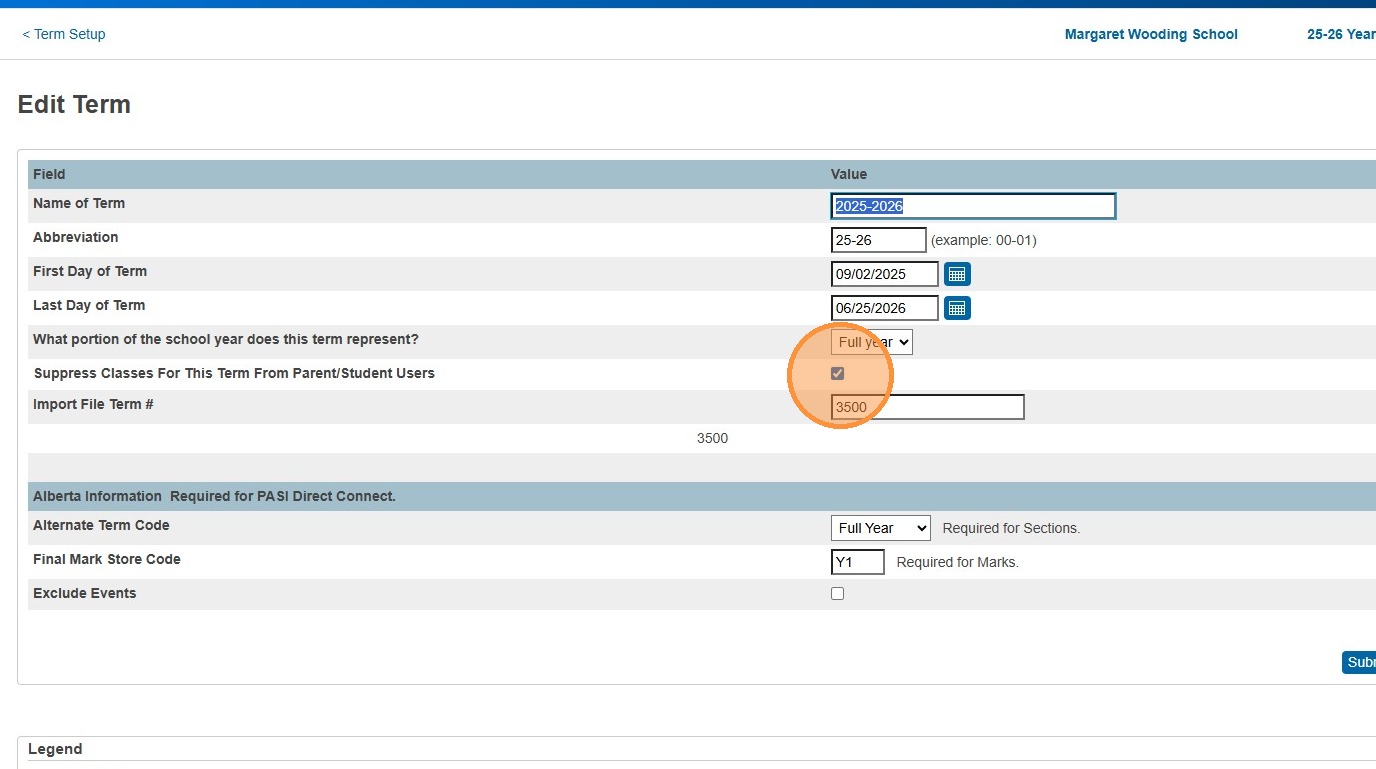
7. Check the box for "Supress Classes For This Term From Parent/Student Users"
8. Click "Submit"
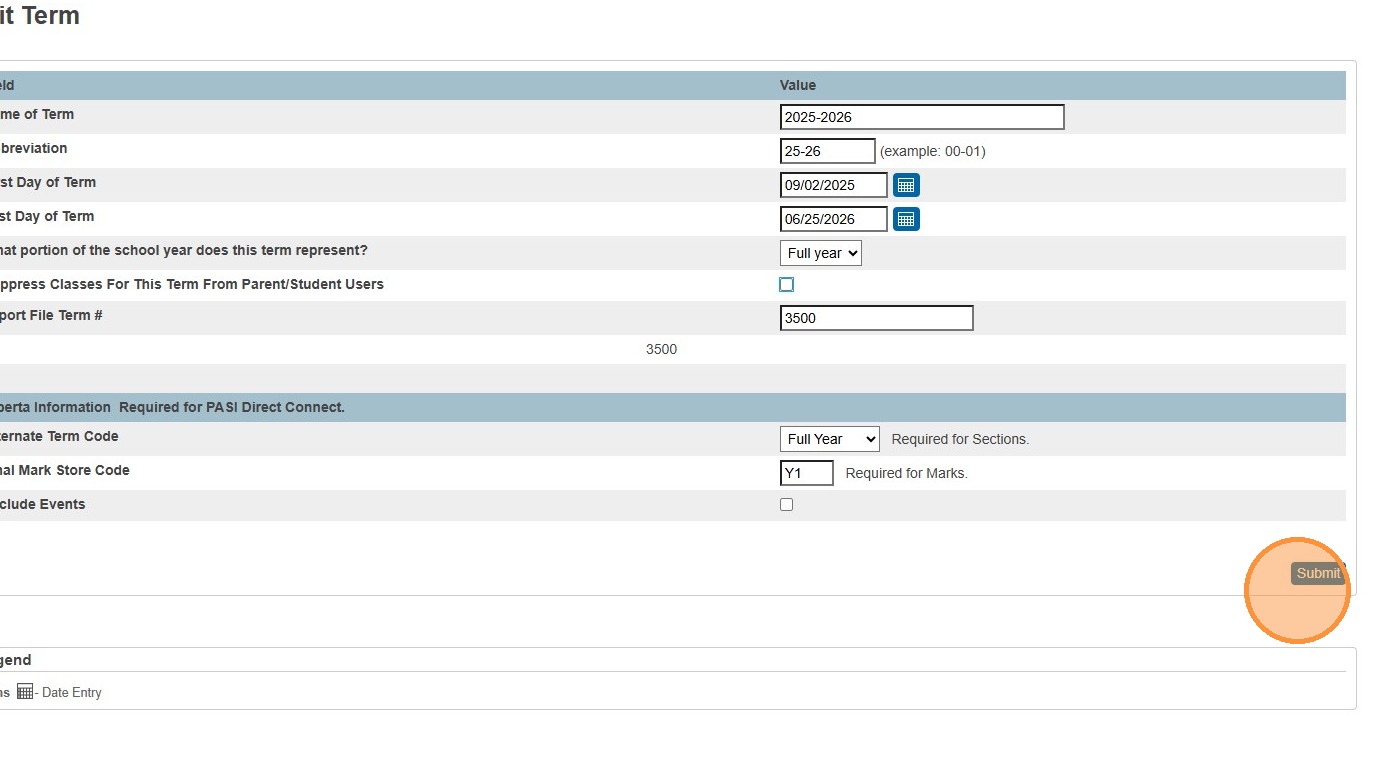
9. [[When you're ready to open up the classes and marks in the parent/student portal again, simply come back into this screen and uncheck the box.]]