Calculating the Honor Roll, and Running the Honor Roll Report
Calculating the Honor Roll, and Running the Honor Roll Report
1. Navigate to https://prsd8.ca/admin/home.html
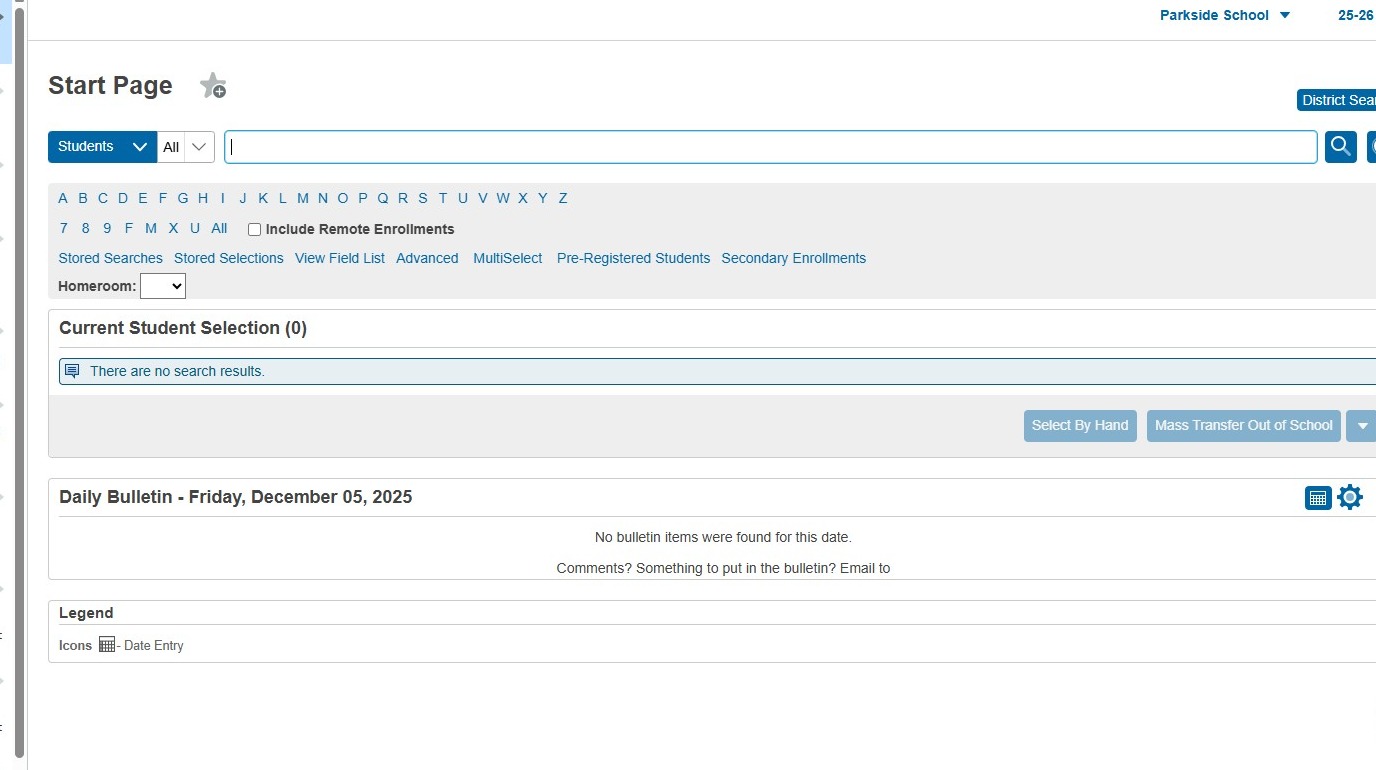
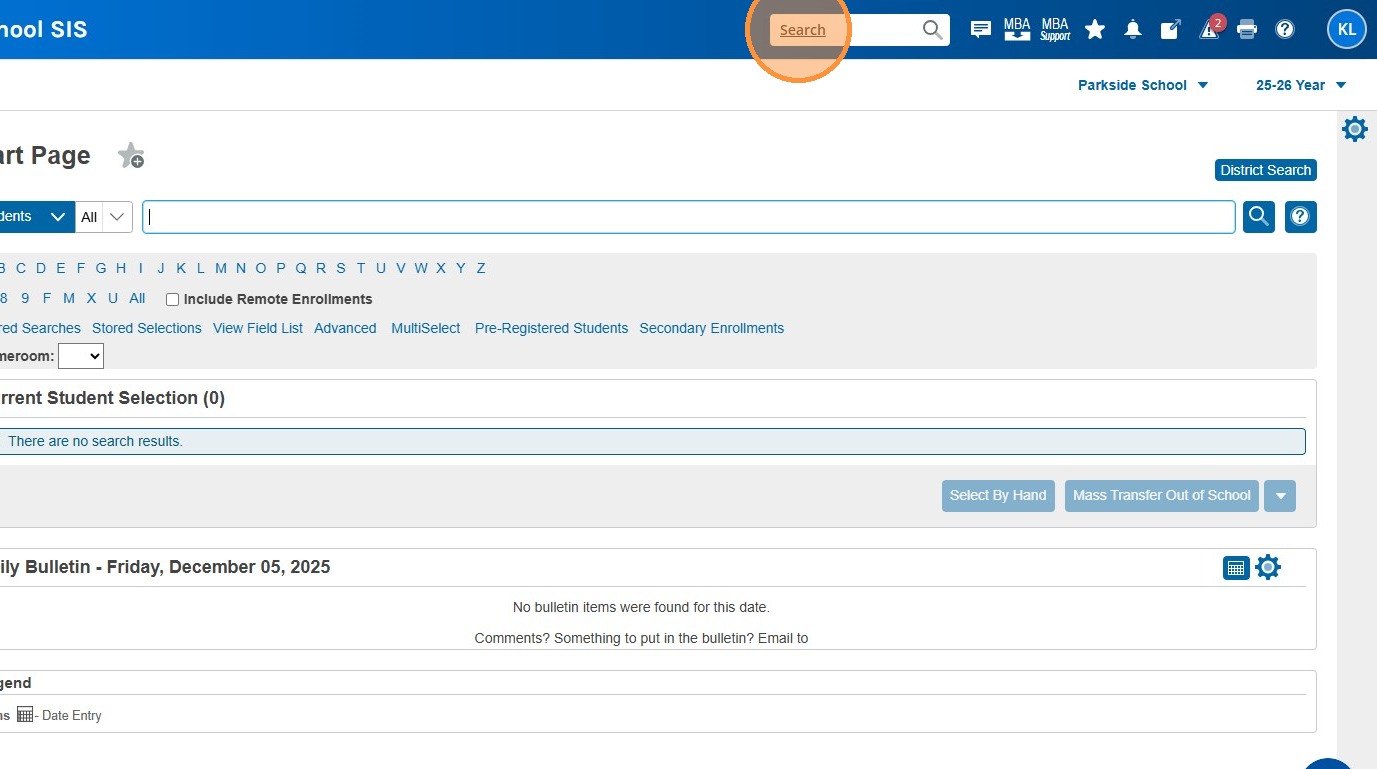
2. Click the "Search" field.
3. Type "Calculate"
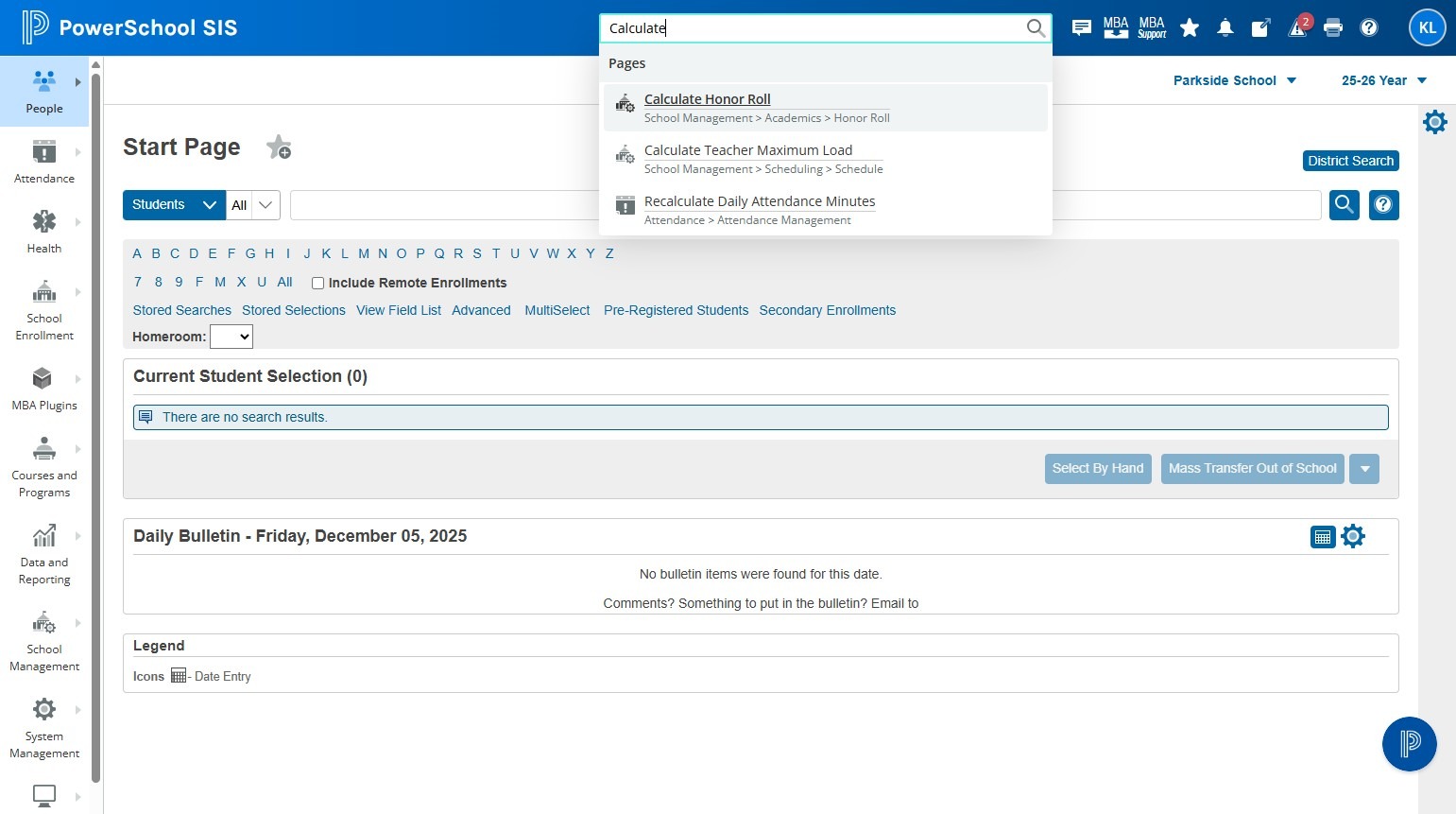
4. Click "Calculate Honor Roll"
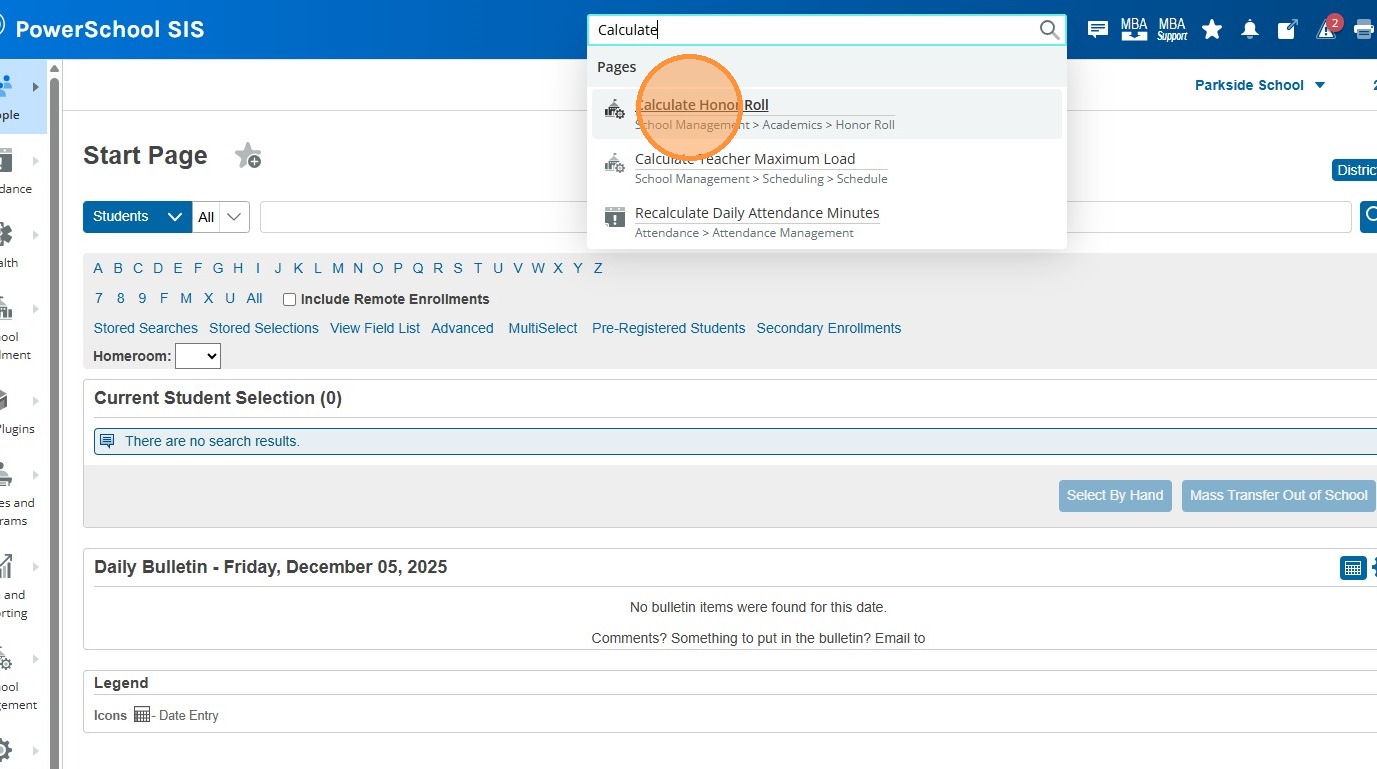
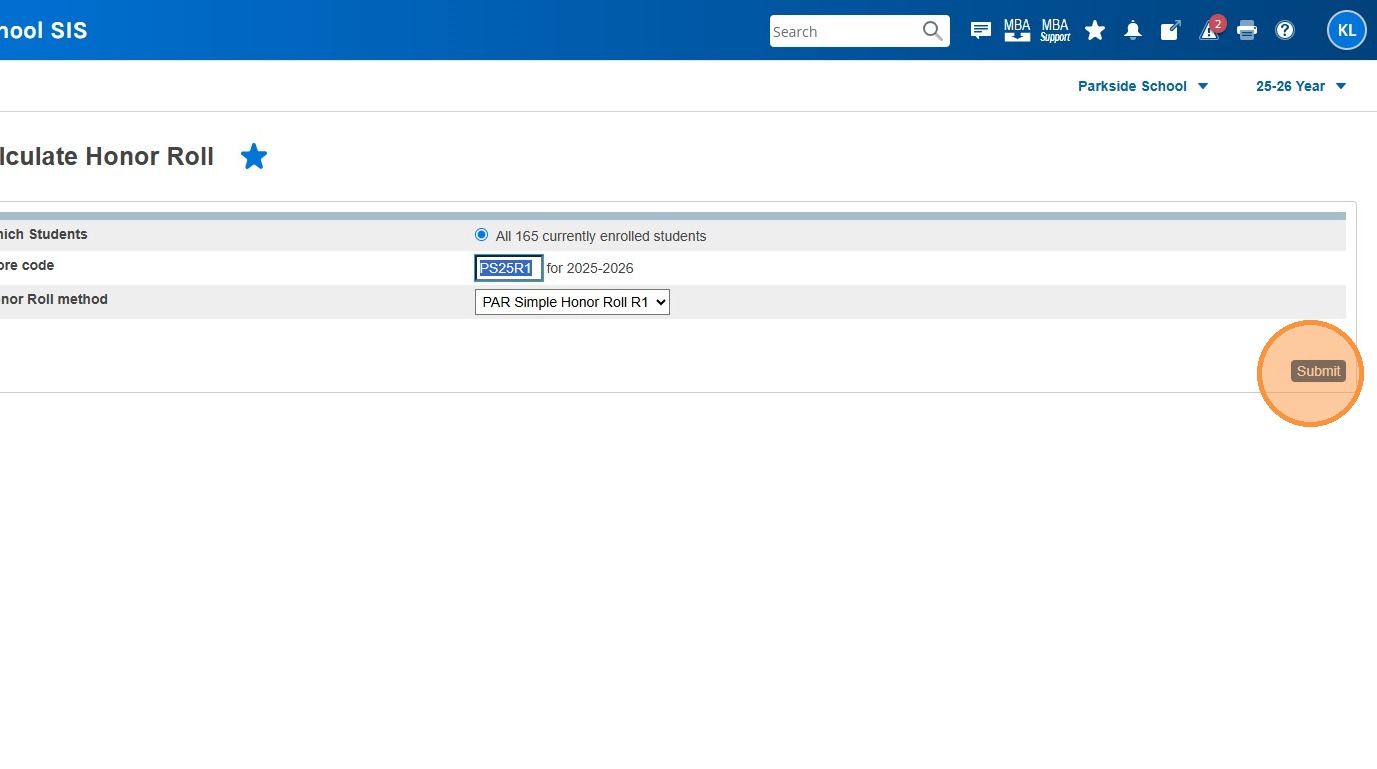
5. Click the Store Code field and give this Honor Roll Calculation a "Store Code". Keep it short and consistent. Recommendation is "PS##R#". Start with PS for ParkSide, the next 2 digits would be the start of the year we are in. Currently we are in 25-26, so it would be 25. Then use the reporting period you're in - this document us using R1. So my store code is PS25R1. **Make sure not to recycle or reuse these store codes. They should be different each time you run this process.
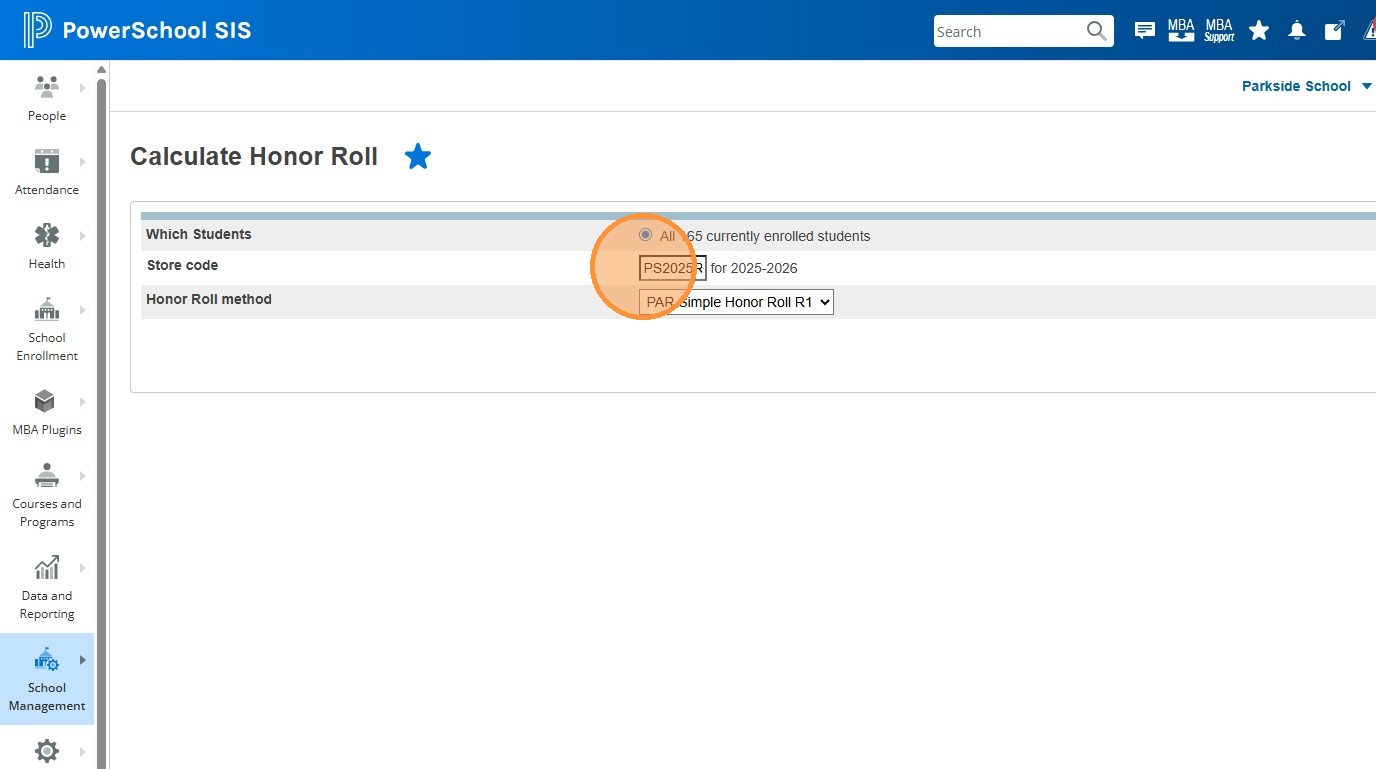
6. Highlight the store code you entered and press ctrl + C to copy it to the clipboard. You'll need it later.
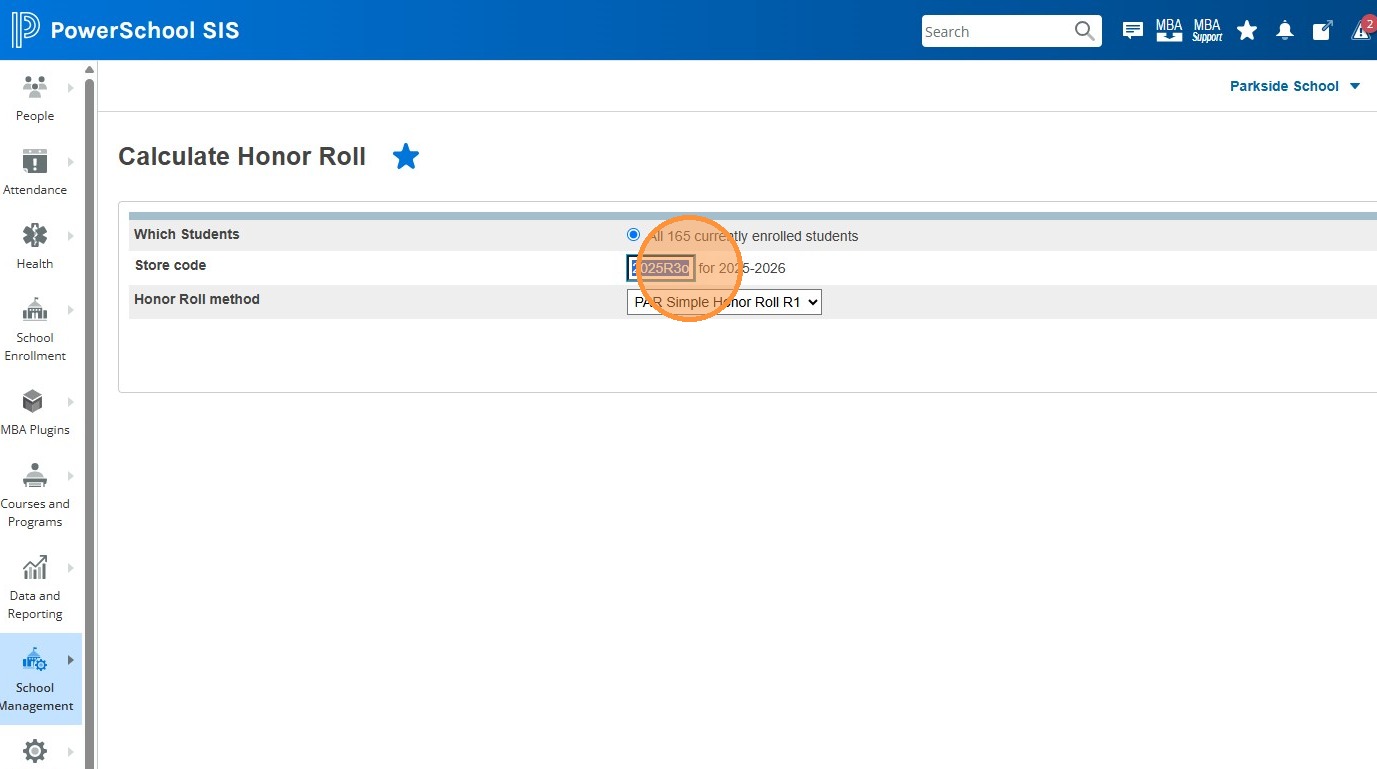
7. Click this dropdown for Honor Roll Method, and choose the correct method.
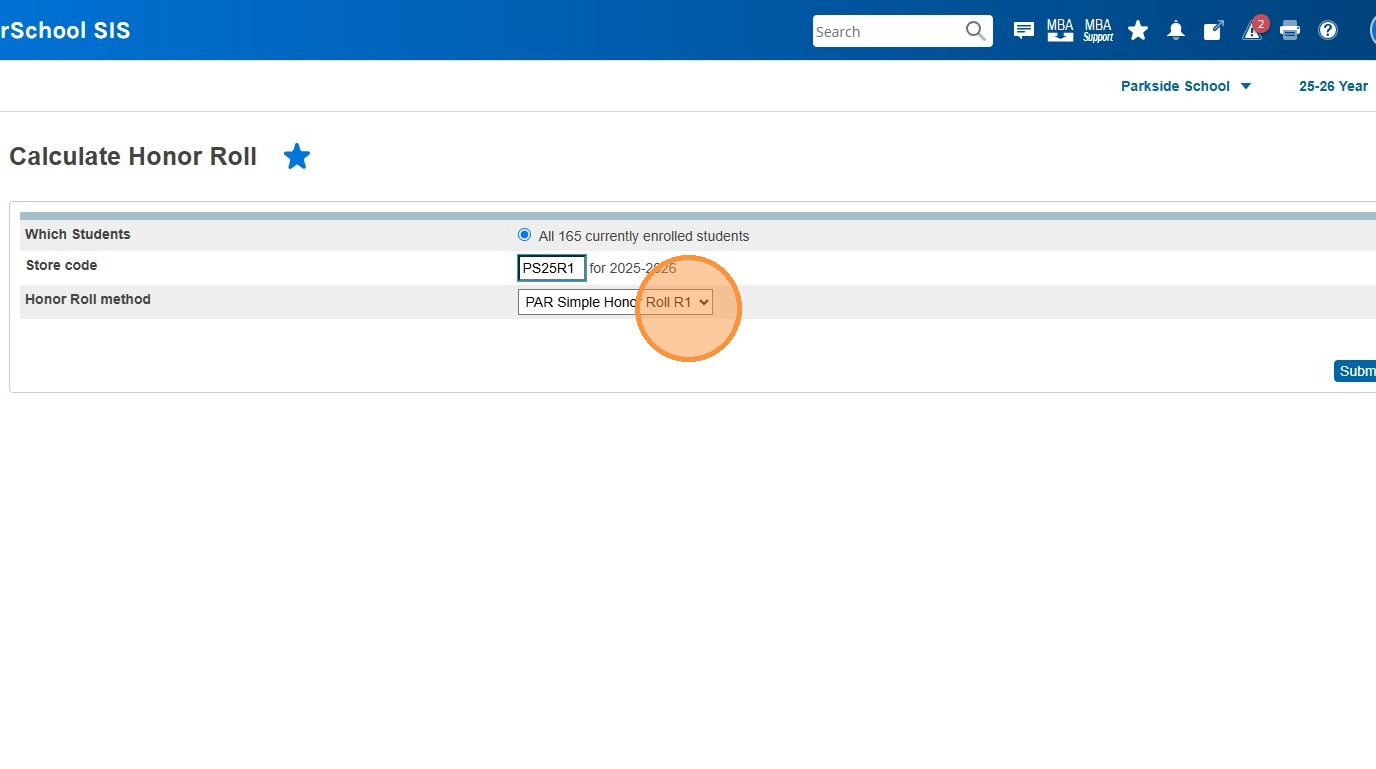
8. Click "Submit"
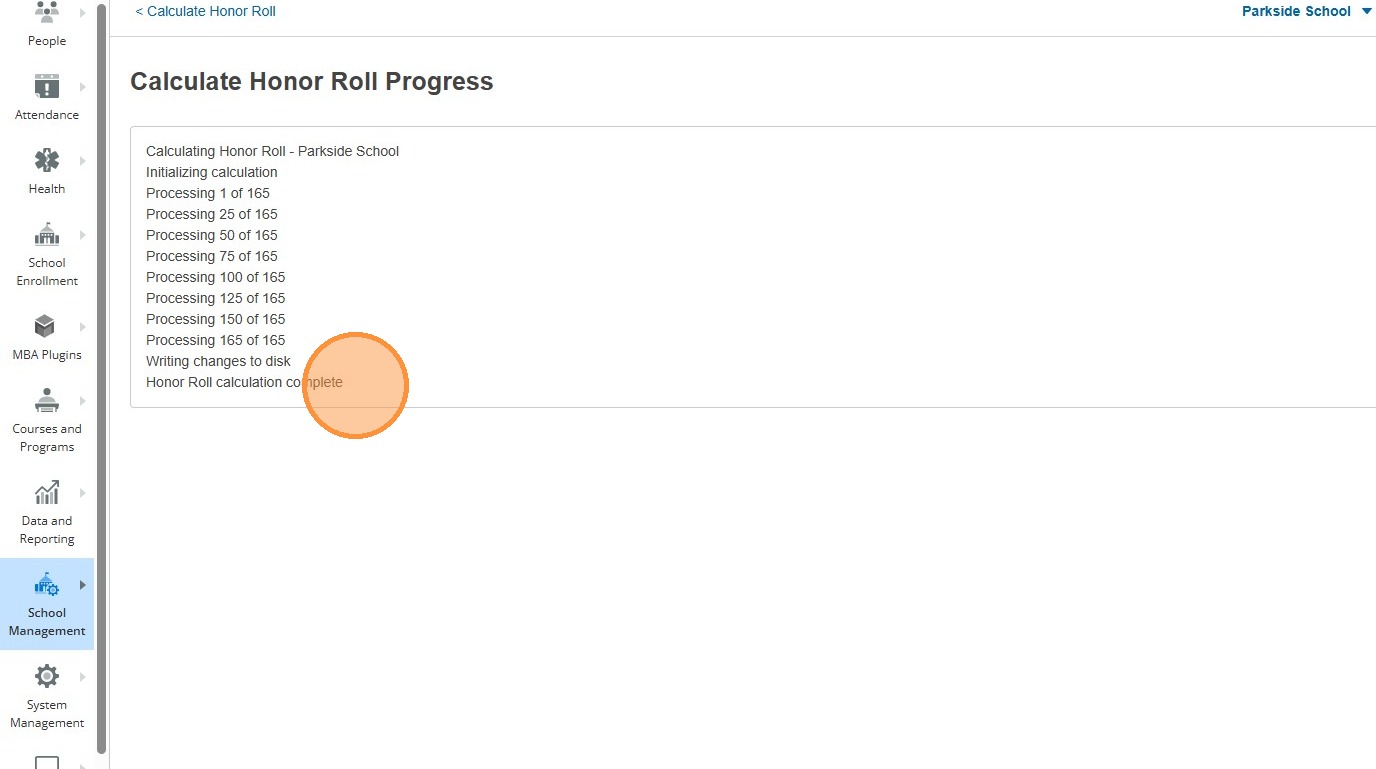
9. Make sure the process has completed
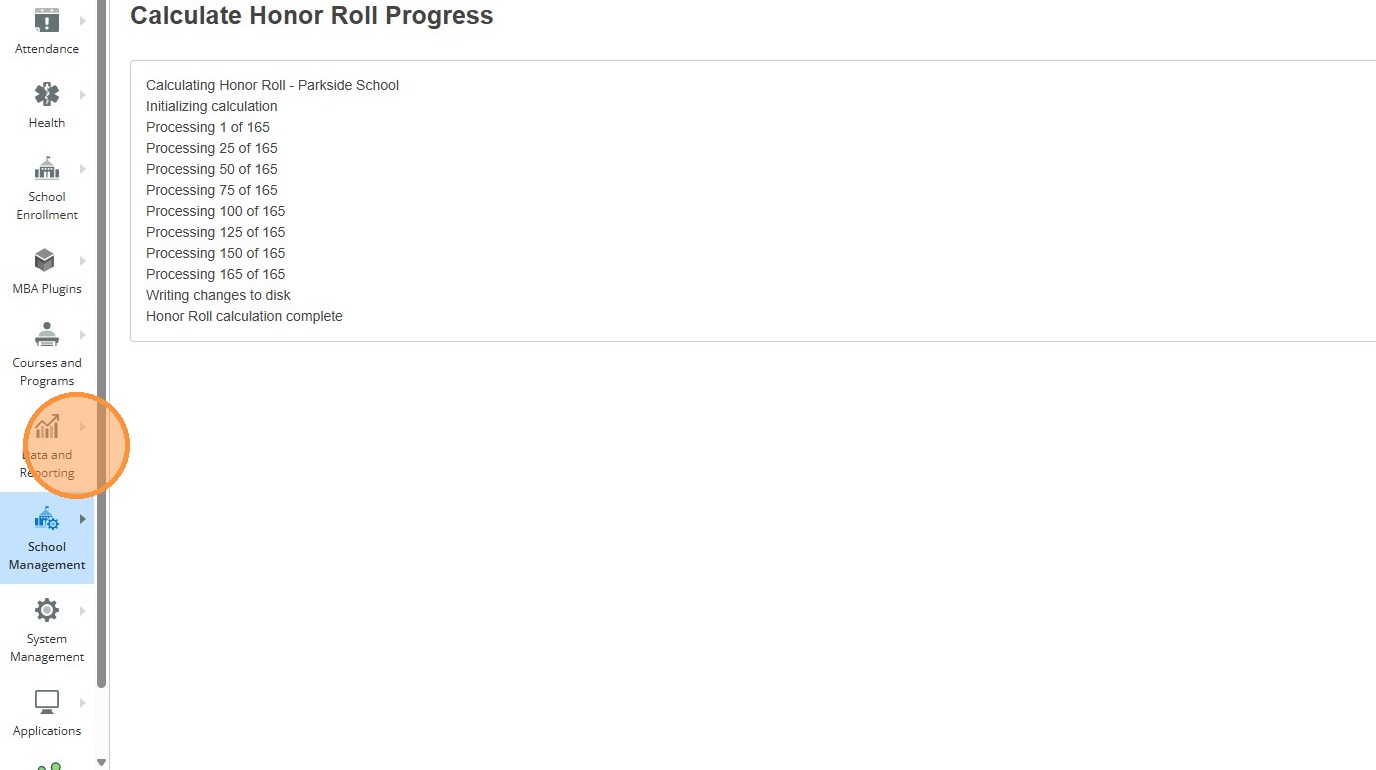
10. Click "Data and Reporting"
11. Click "Reports"
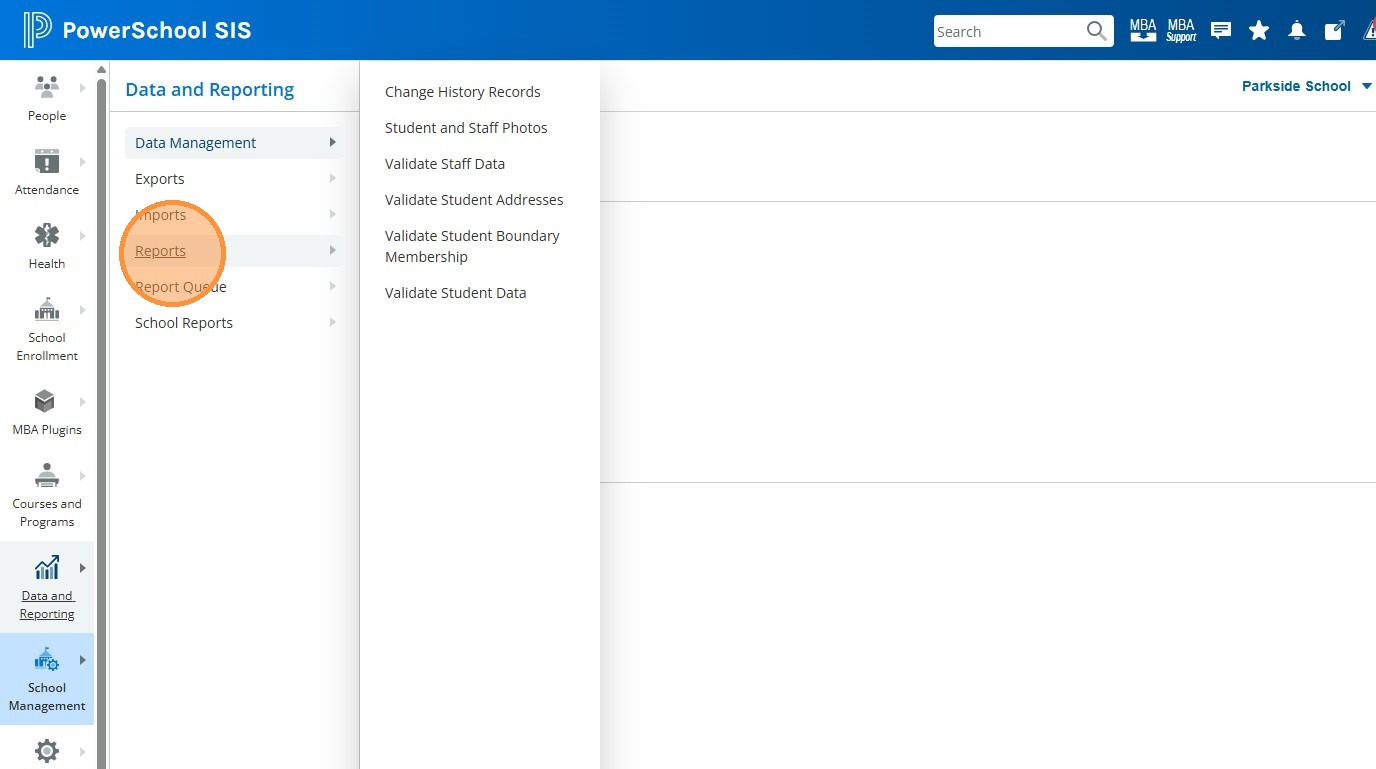
12. Click "System Reports"
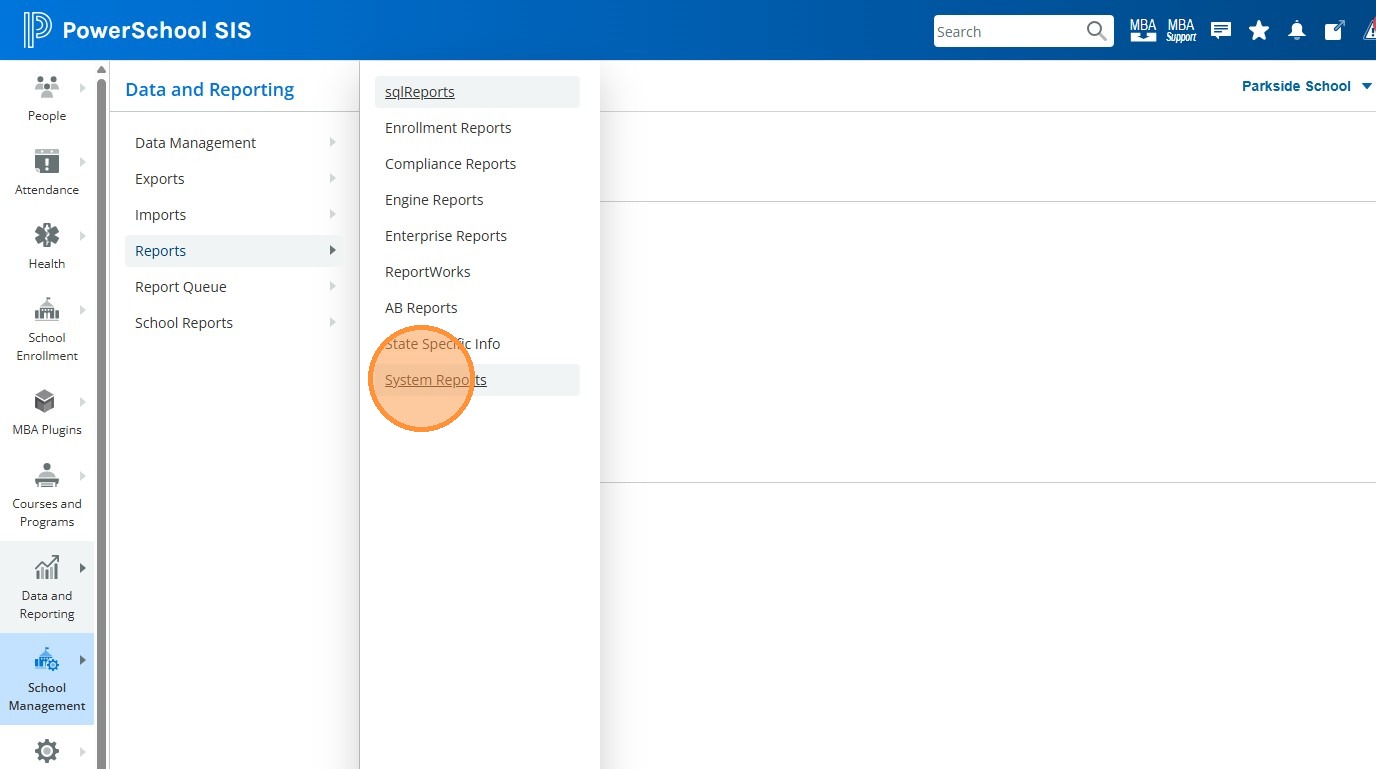
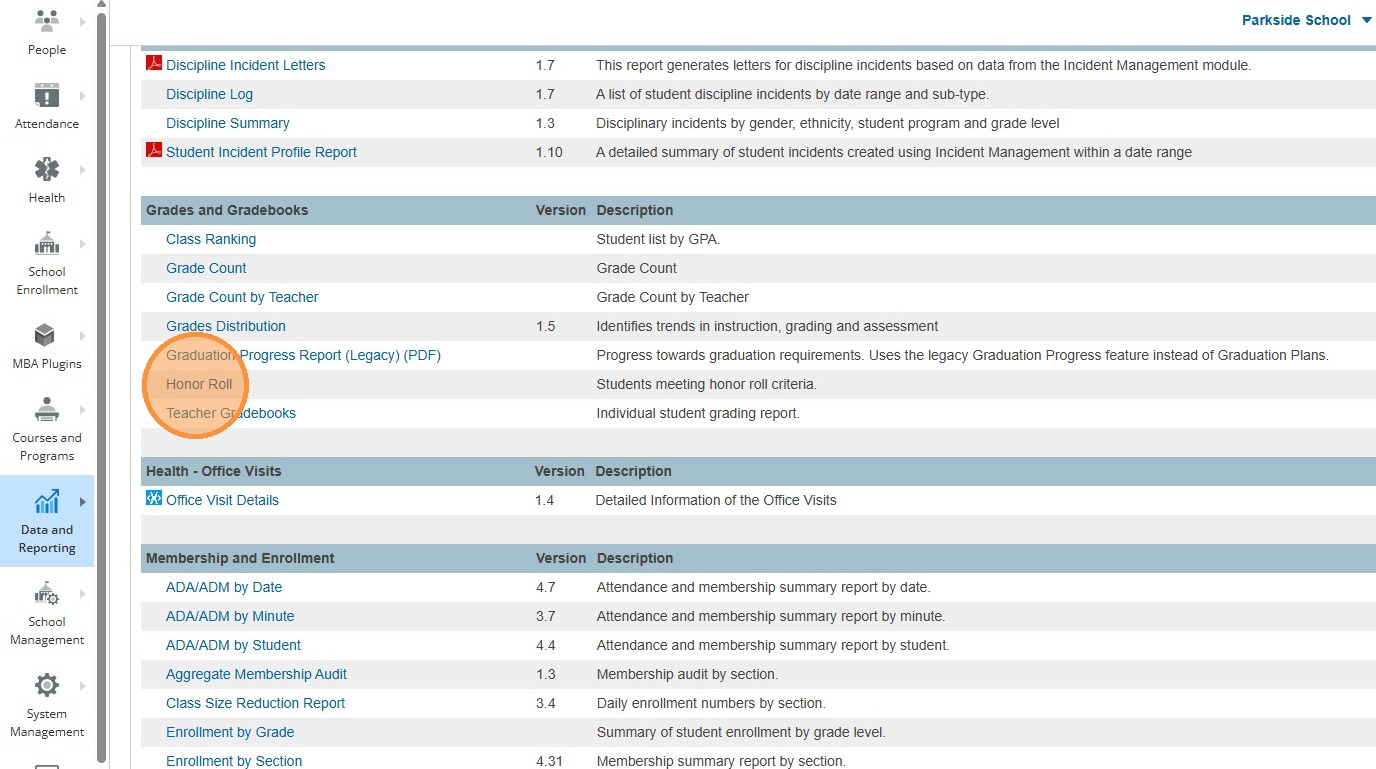
13. Click "Honor Roll"
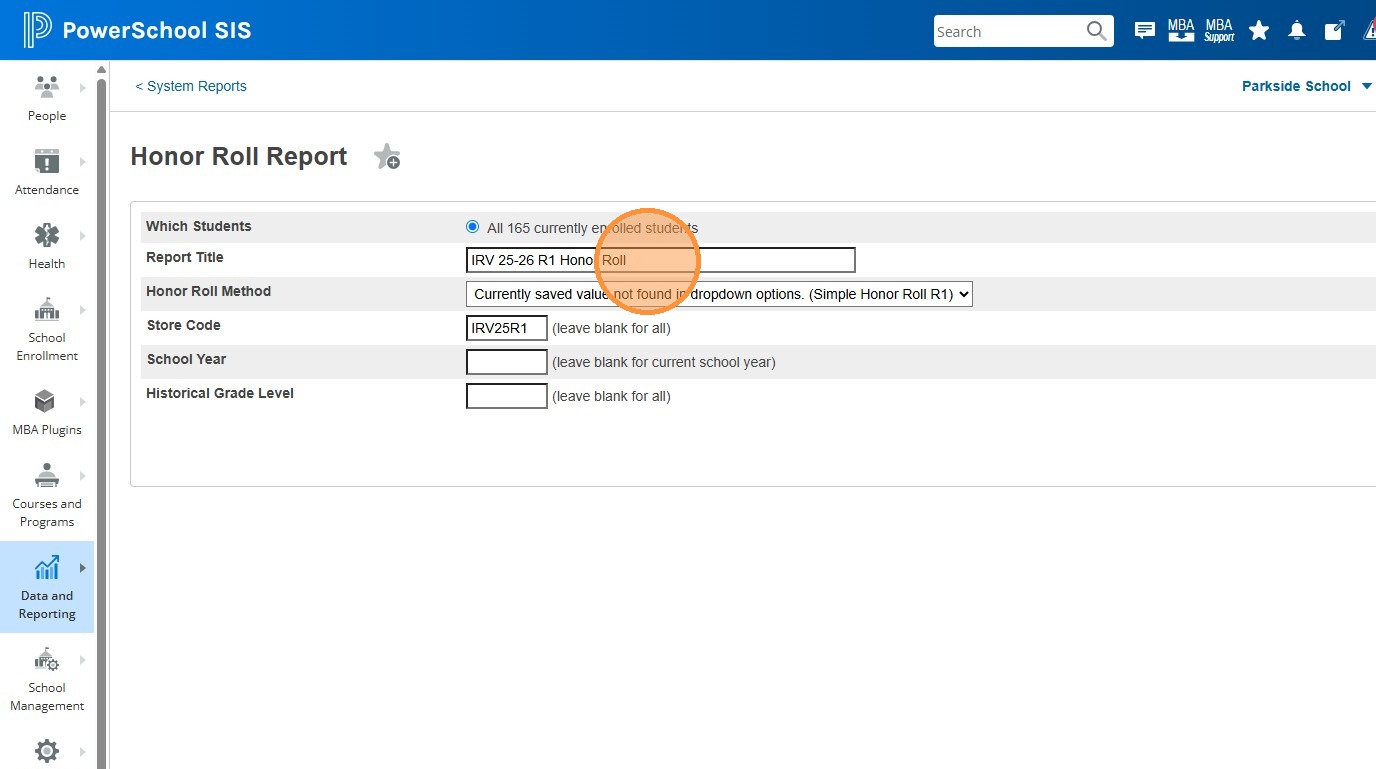
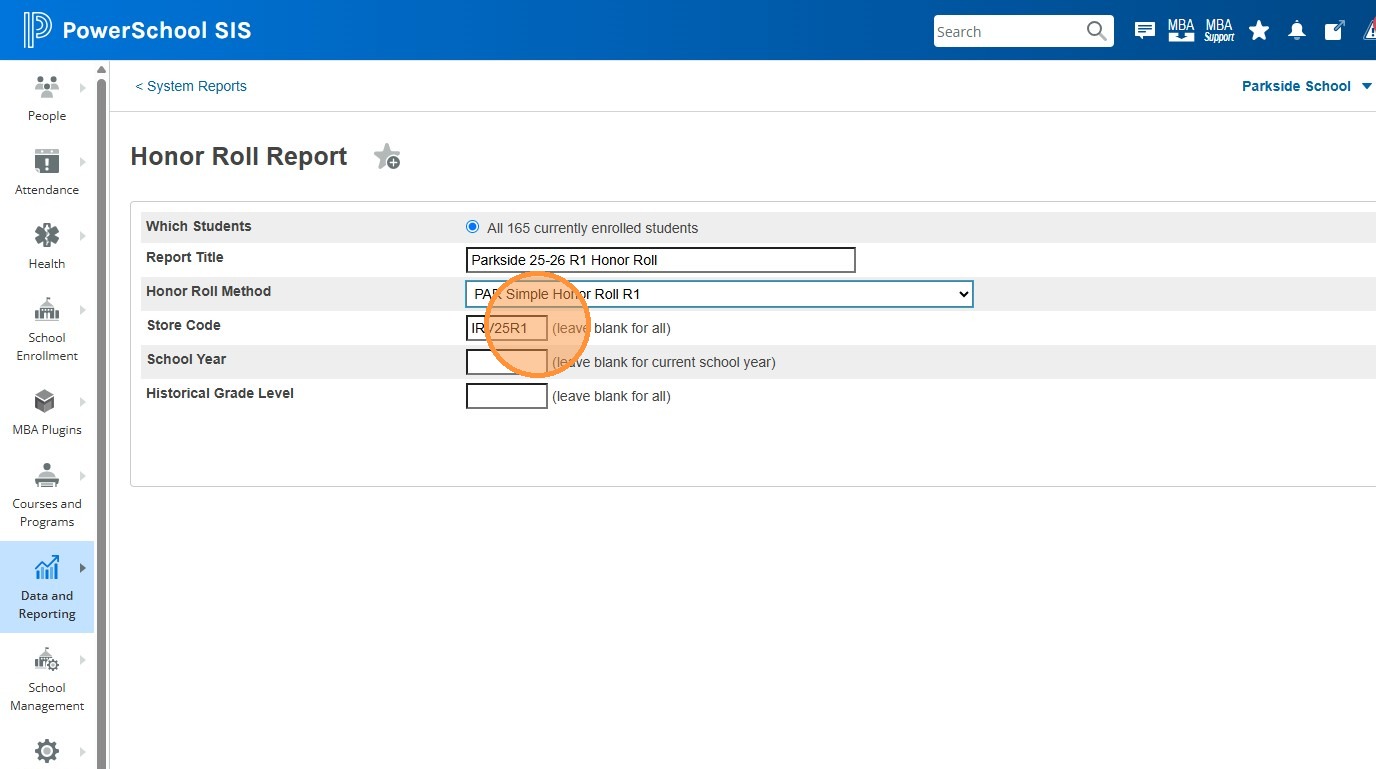
14. Click the Report Title field and give the report a title. Recommended: "Parkside 25-26 R1 Honor Roll". Replace the year and reporting period as needed.
15. Click the Honor Roll Method drop down and select the honor roll method you used in the Calculate step. In our case, it's "PAR Simple Honor Roll R1".
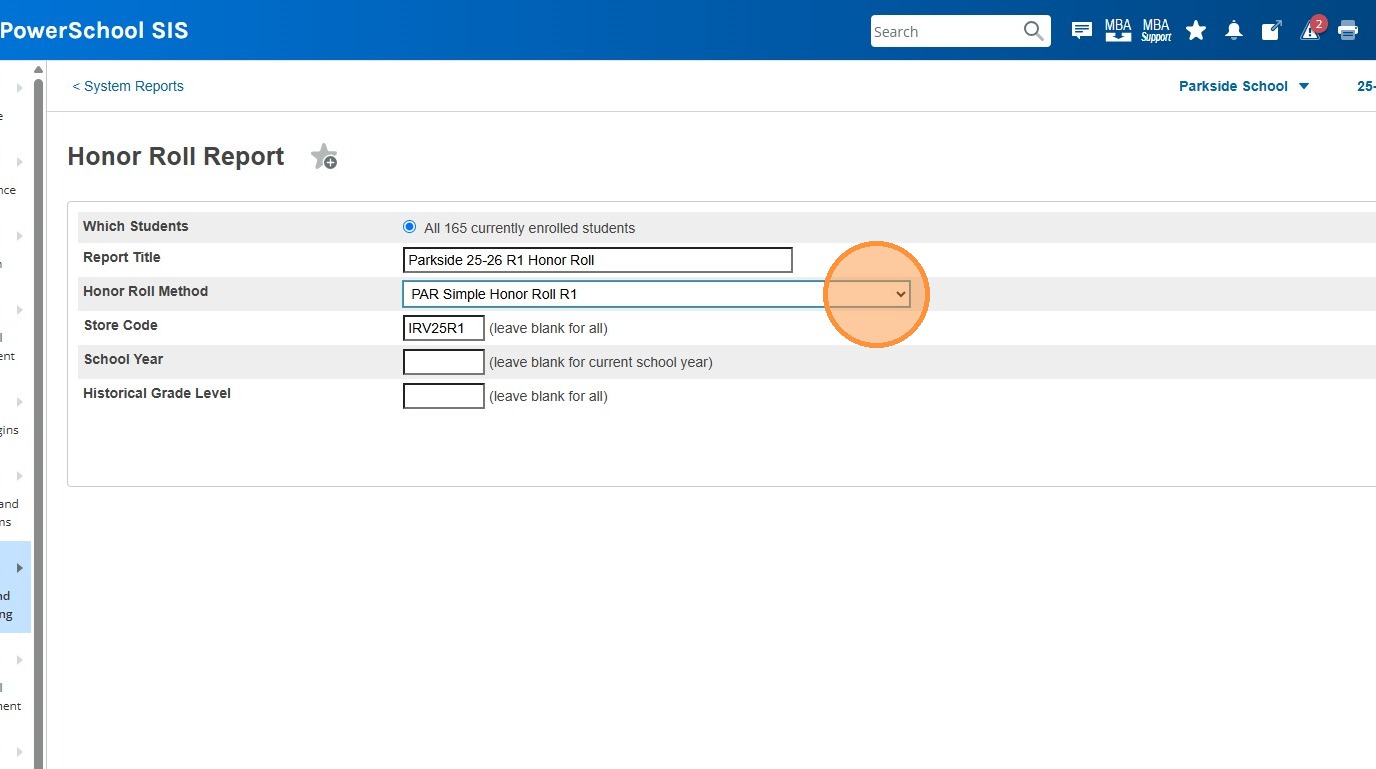
16. Click the text field for Store Code. Delete any value that's currently there, and press ctrl + v to paste the store code you copied in the Calculate process.
17. Click "Submit"
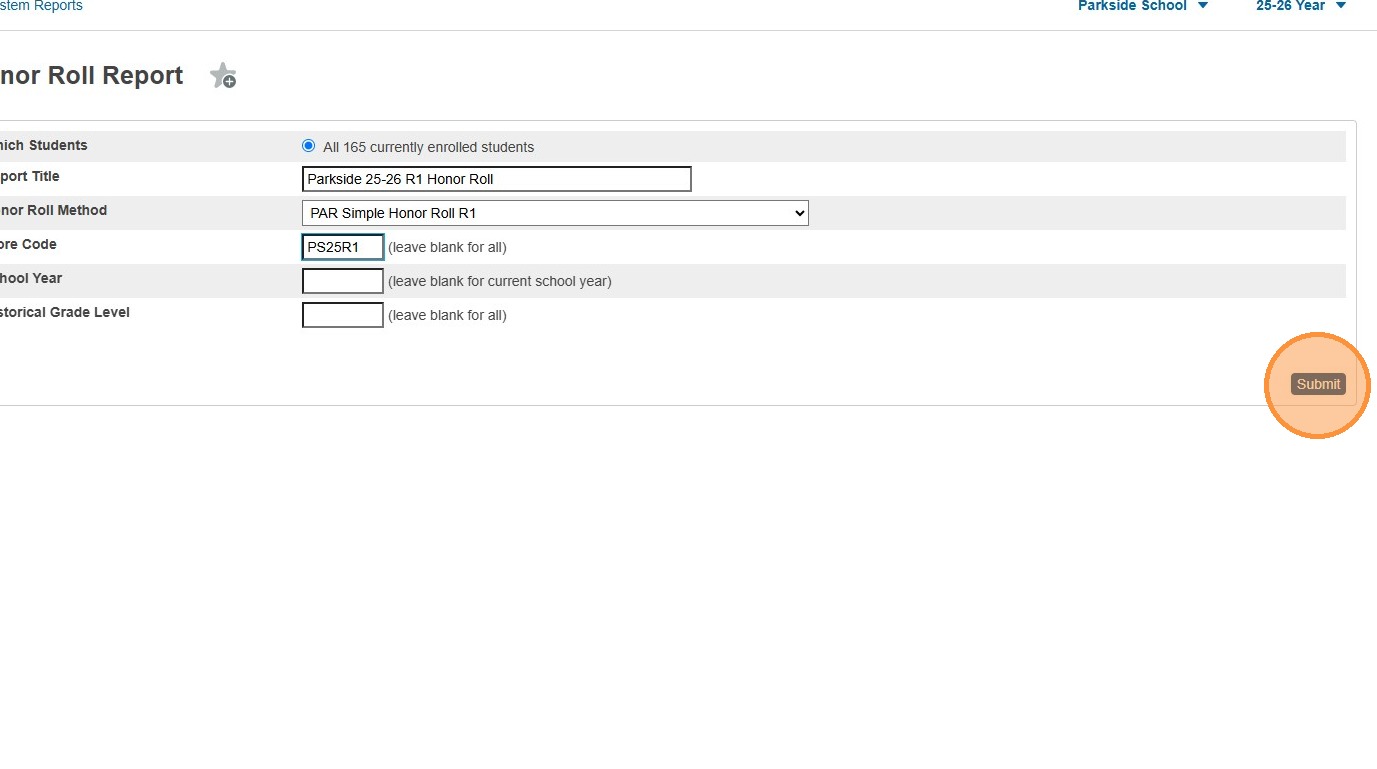
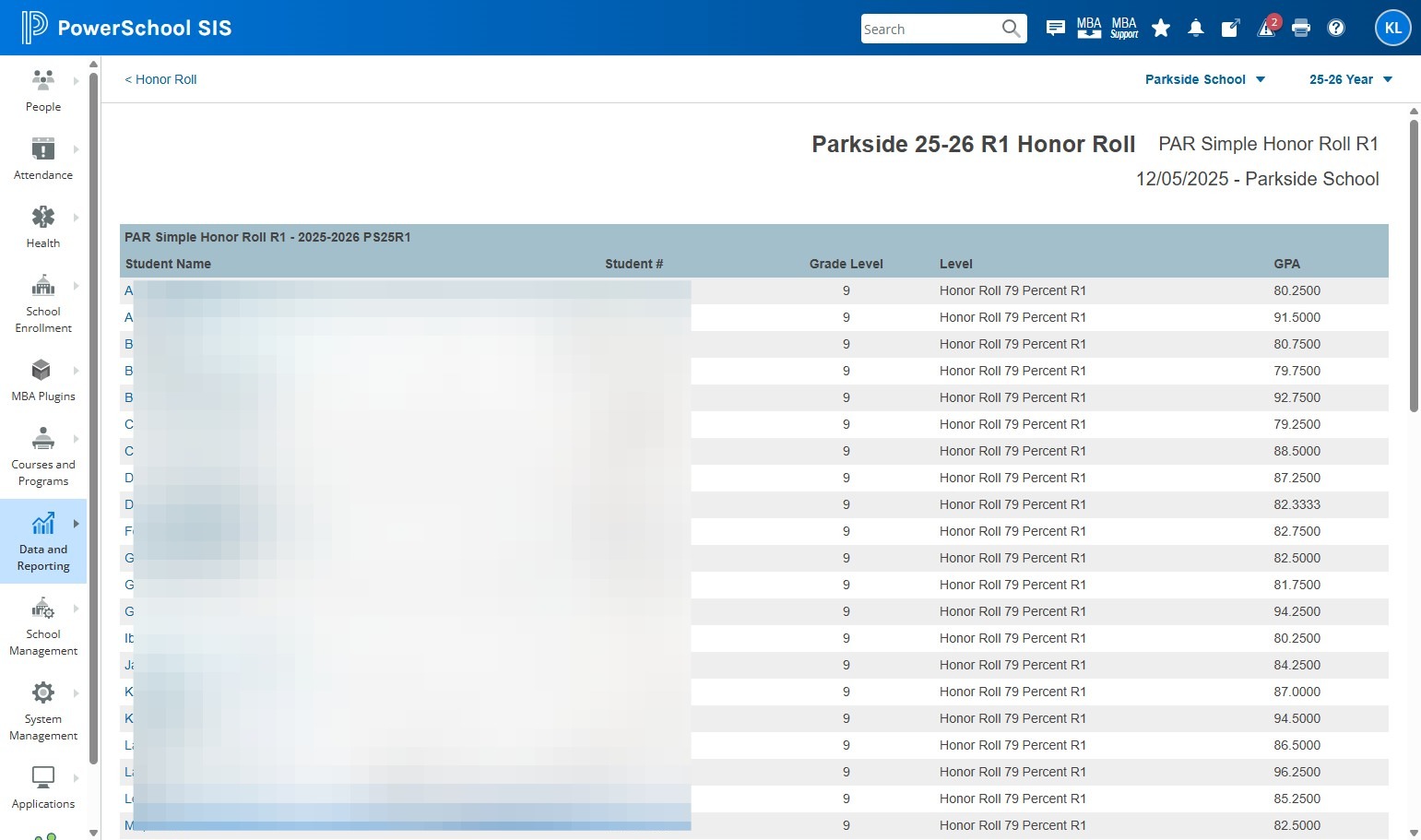
18. The Honor Roll report will display on the screen. You can choose to print this screen, or highlight the information and paste it into Excel for filtering etc. Call Krista if you'd like help working with this data in Excel.