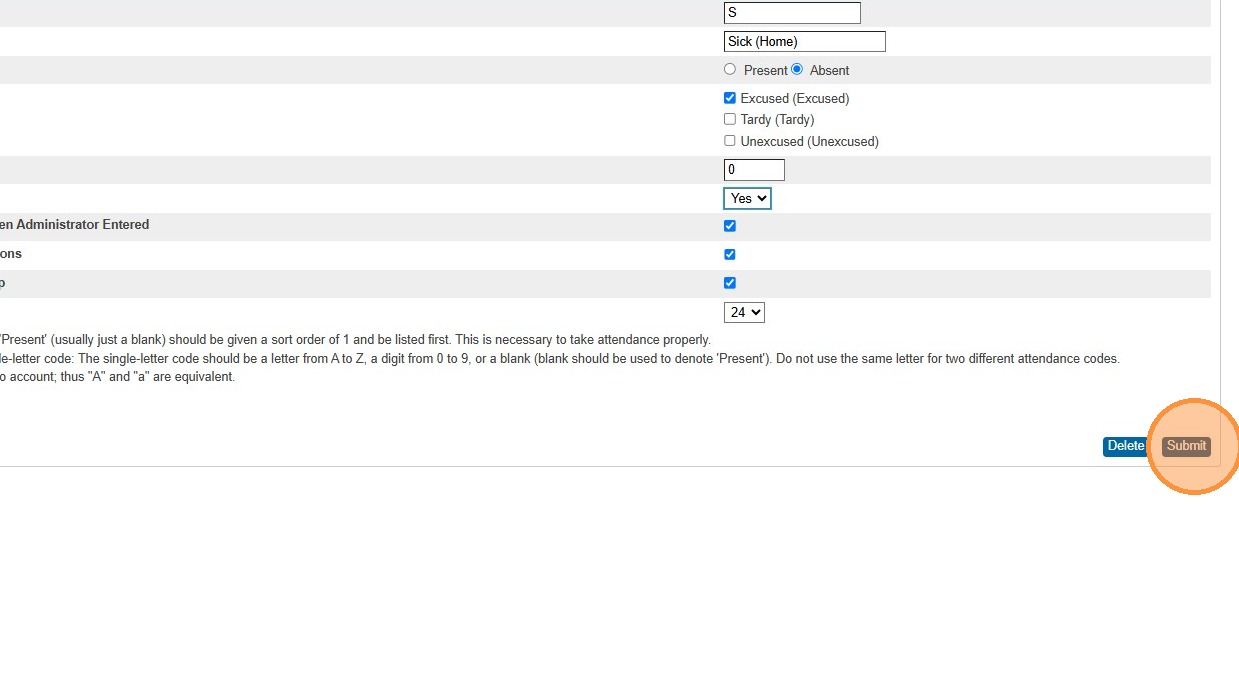
Manage which Attendance Codes Teachers can assign
Creation date: 2026-02-25 11:17 a.m.
Updated: 2026-02-25 11:17 a.m.
Manage which Attendance Codes Teachers can assign
1. Navigate to https://prsd8.ca/admin/home.html
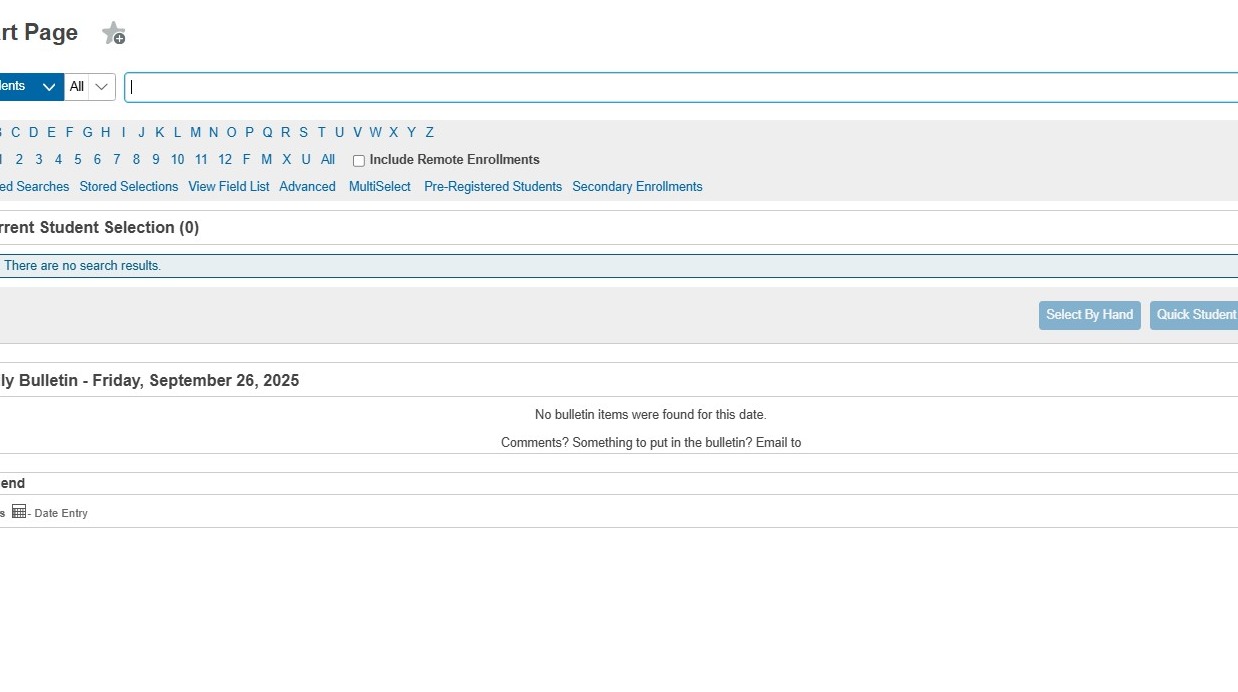
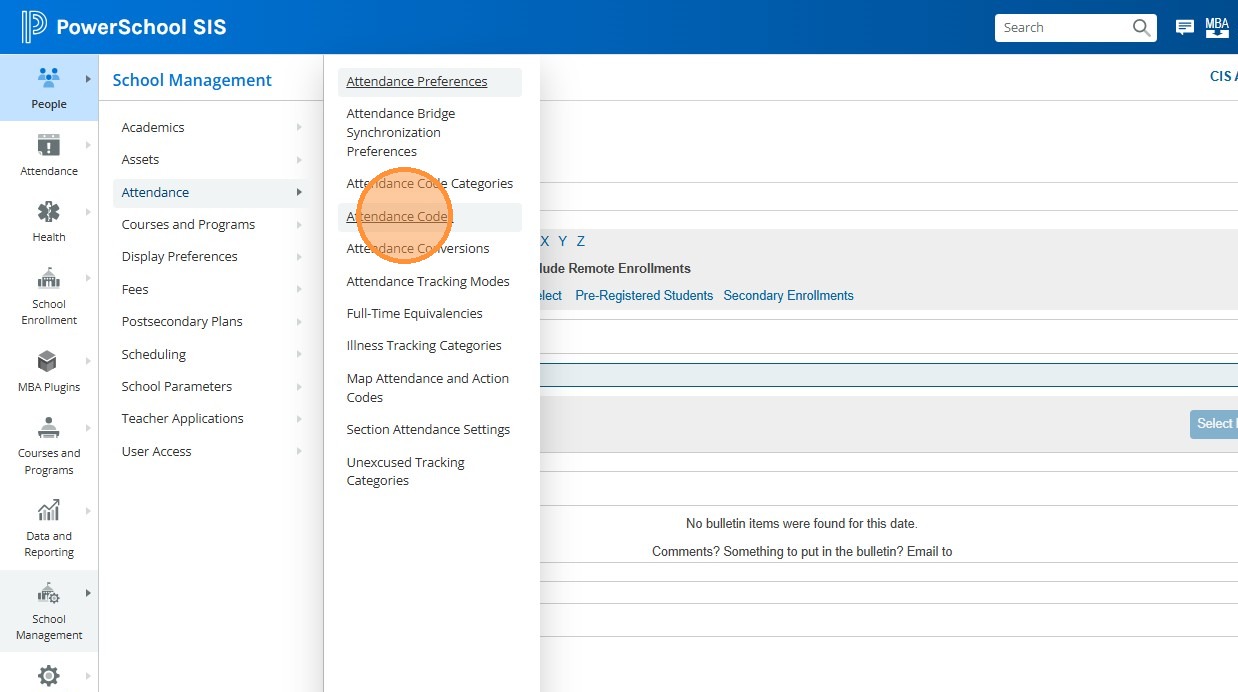
2. Click "School Management"
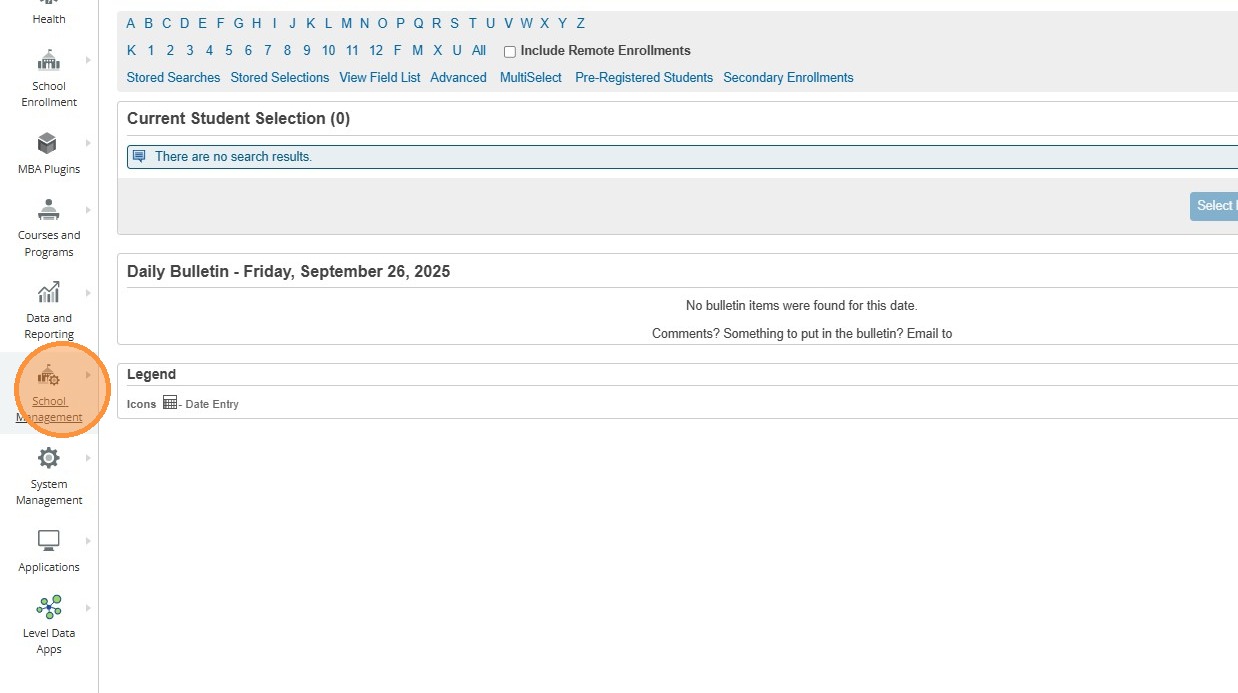
3. Click "Attendance"
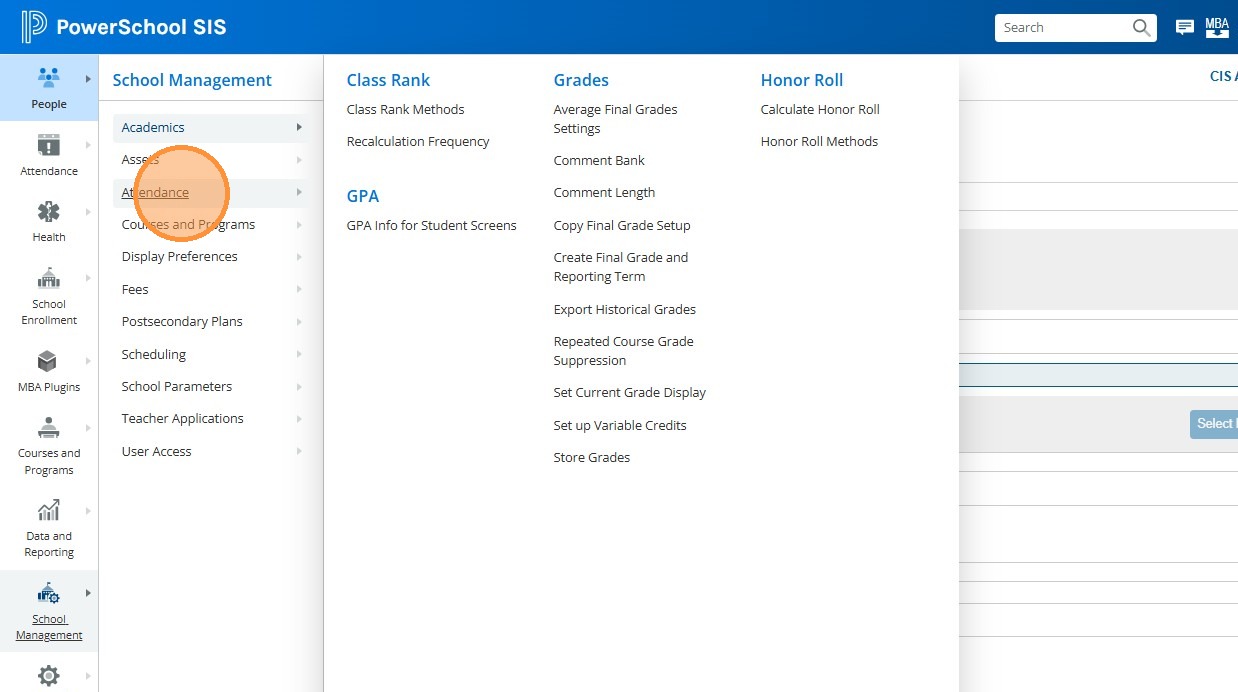
4. Click "Attendance Codes"
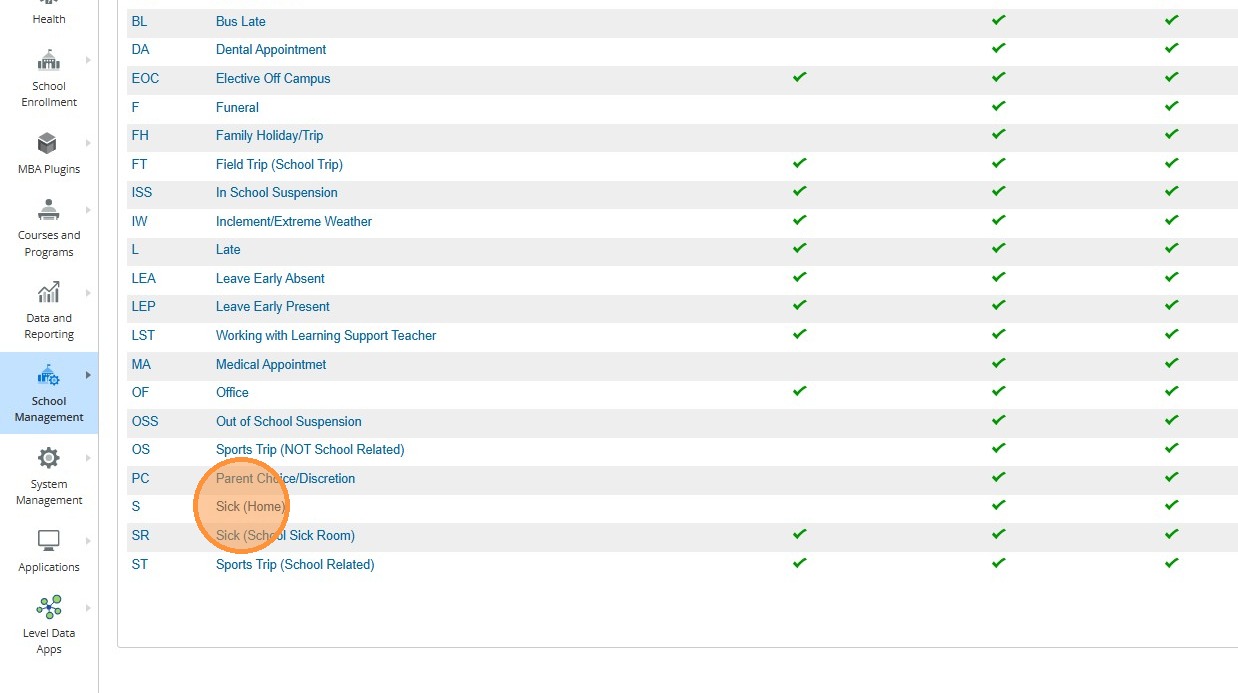
5. Click on the attendance code you wish to adjust permission for. In this example, we are clicking on "Sick (Home)"
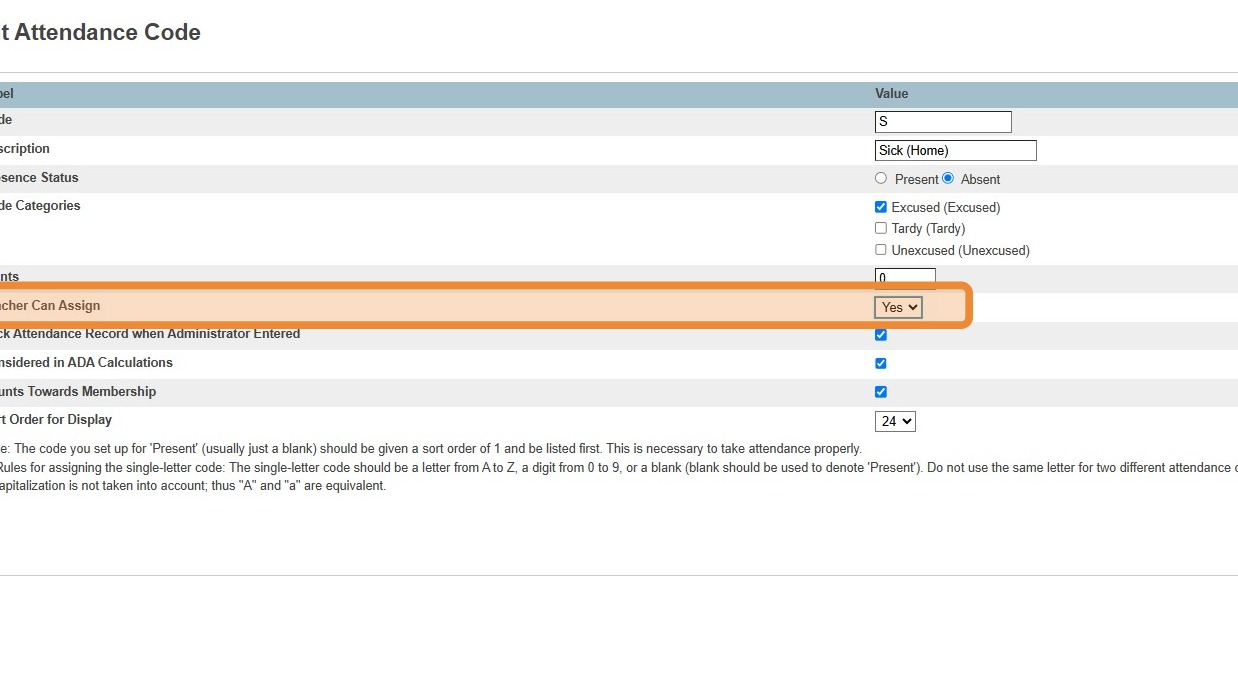
6. In the row for "Teacher Can Assign", you can adjust the dropdown to Yes or No, depending on if you wish this attendance code to be available for the Teachers to assign inside PowerTeacher
7. Click "Submit". Repeat for any other codes you wish to adjust. Please do not add or delete codes.